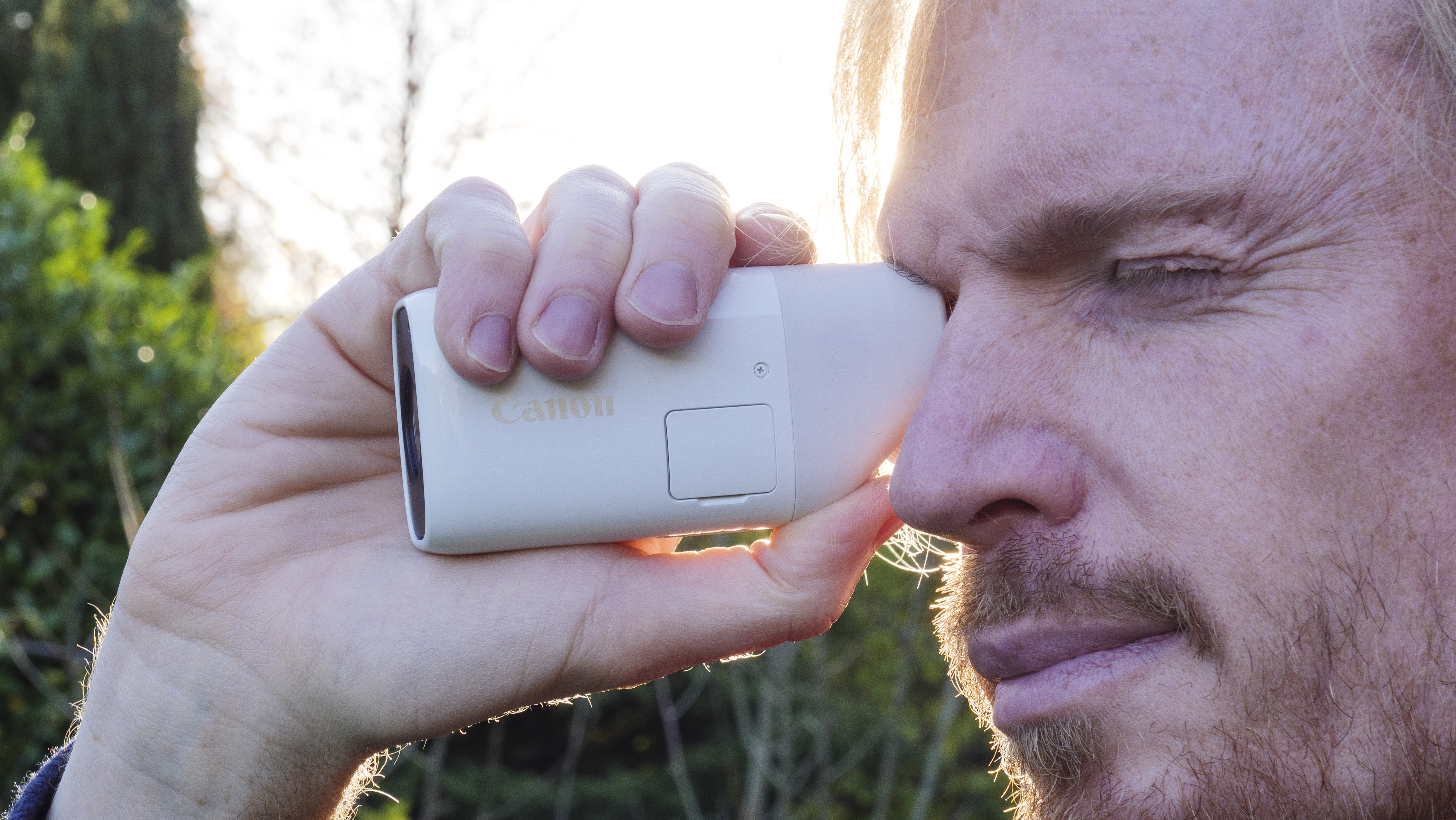
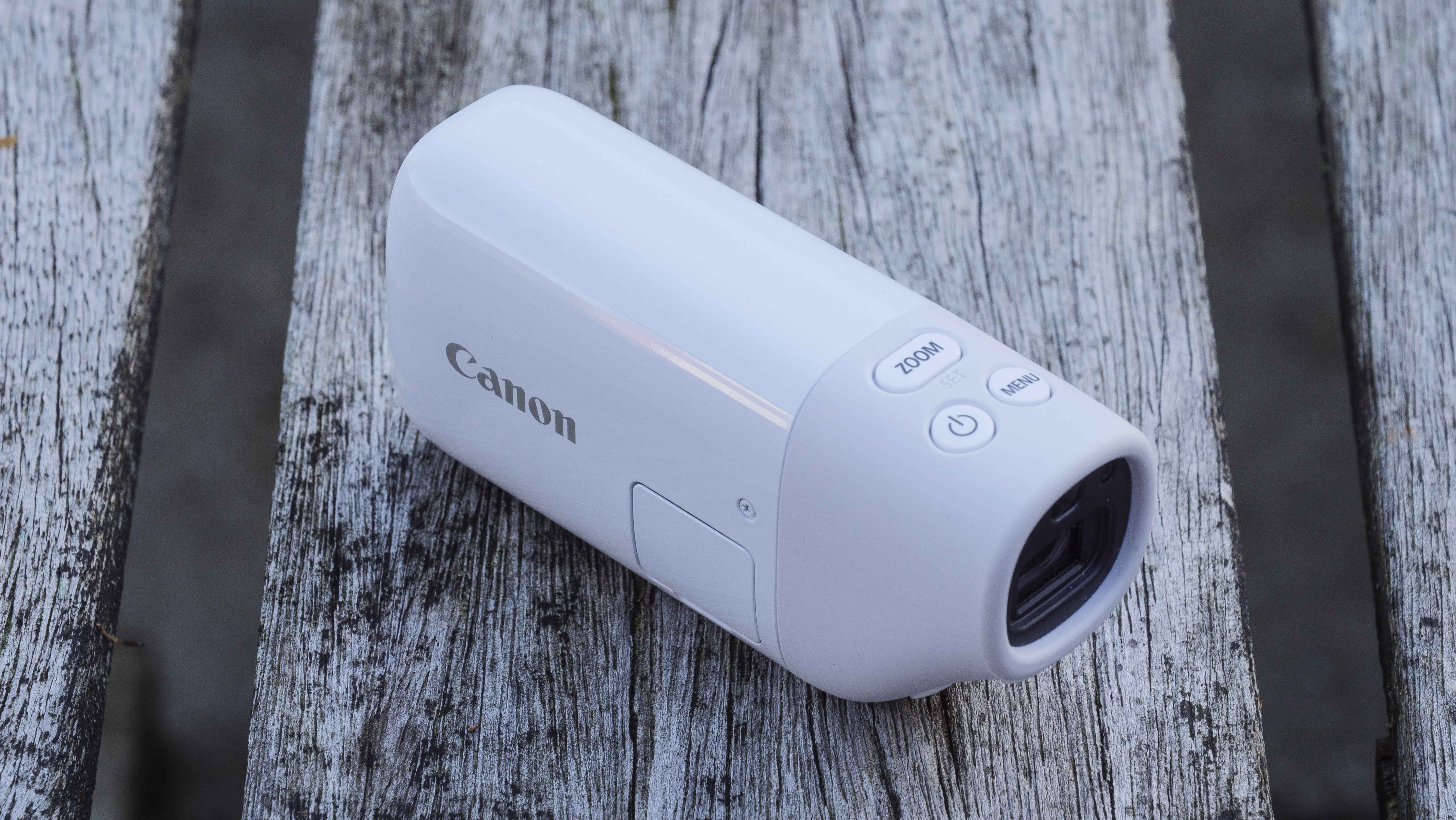
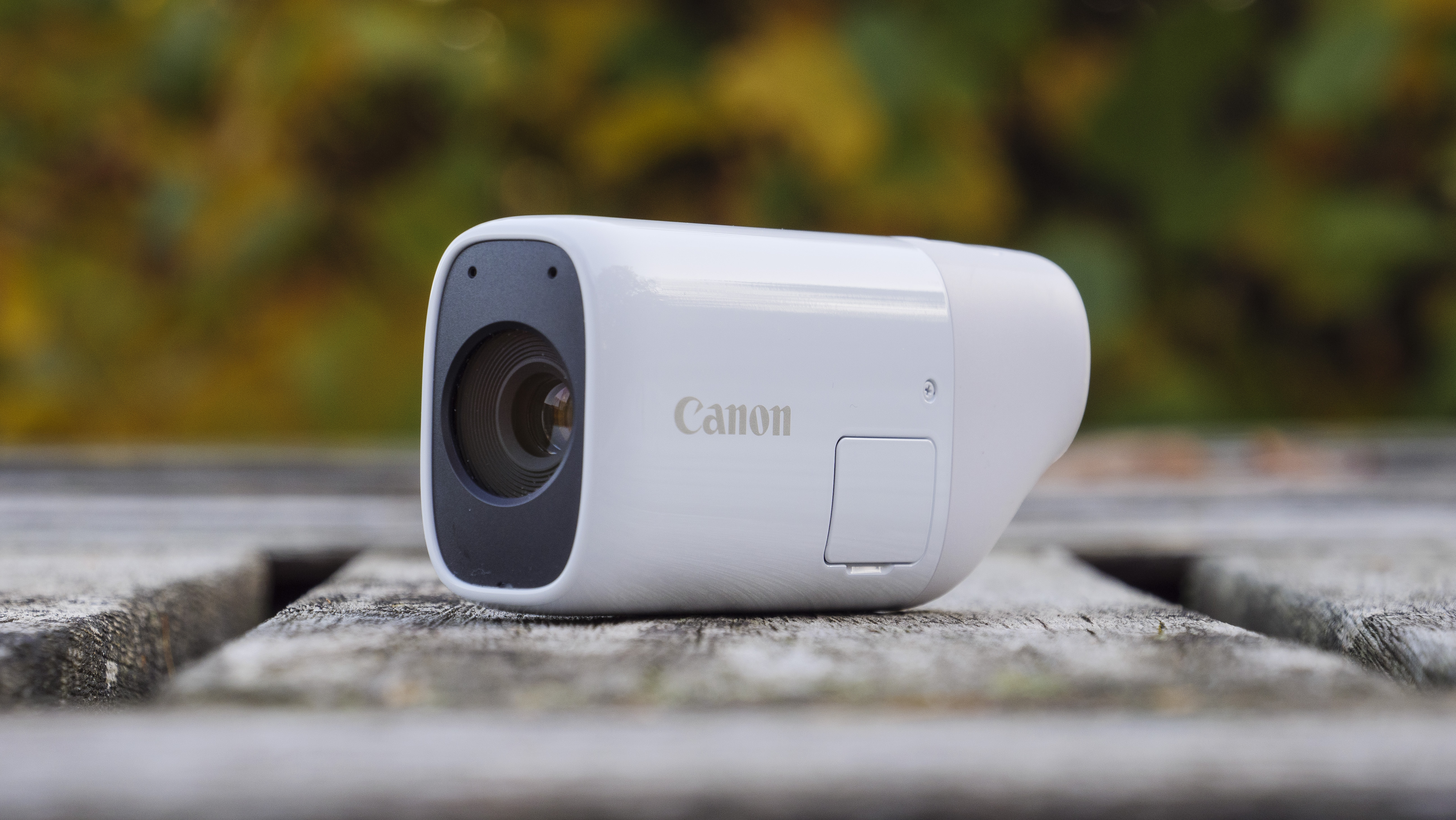
If you want to stand out from the camera crowd, you have to be a little different – and the Canon PowerShot Zoom certainly grabs the attention.
This tiny, pocketable monocular-style camera aims to find a niche place in the camera market, yet it may well end up being popular for reasons other than as a camera.
Set your expectations right and the PowerShot Zoom does make some sense. If you are approaching the ‘camera' with high hopes for great telephoto pictures, think again. However, if you’re after a tiny, stabilized telephoto optic, then most boxes are ticked.
Image 1 of 3
(Image credit: Future)
Image 2 of 3
(Image credit: Future)
Image 3 of 3
(Image credit: Future)
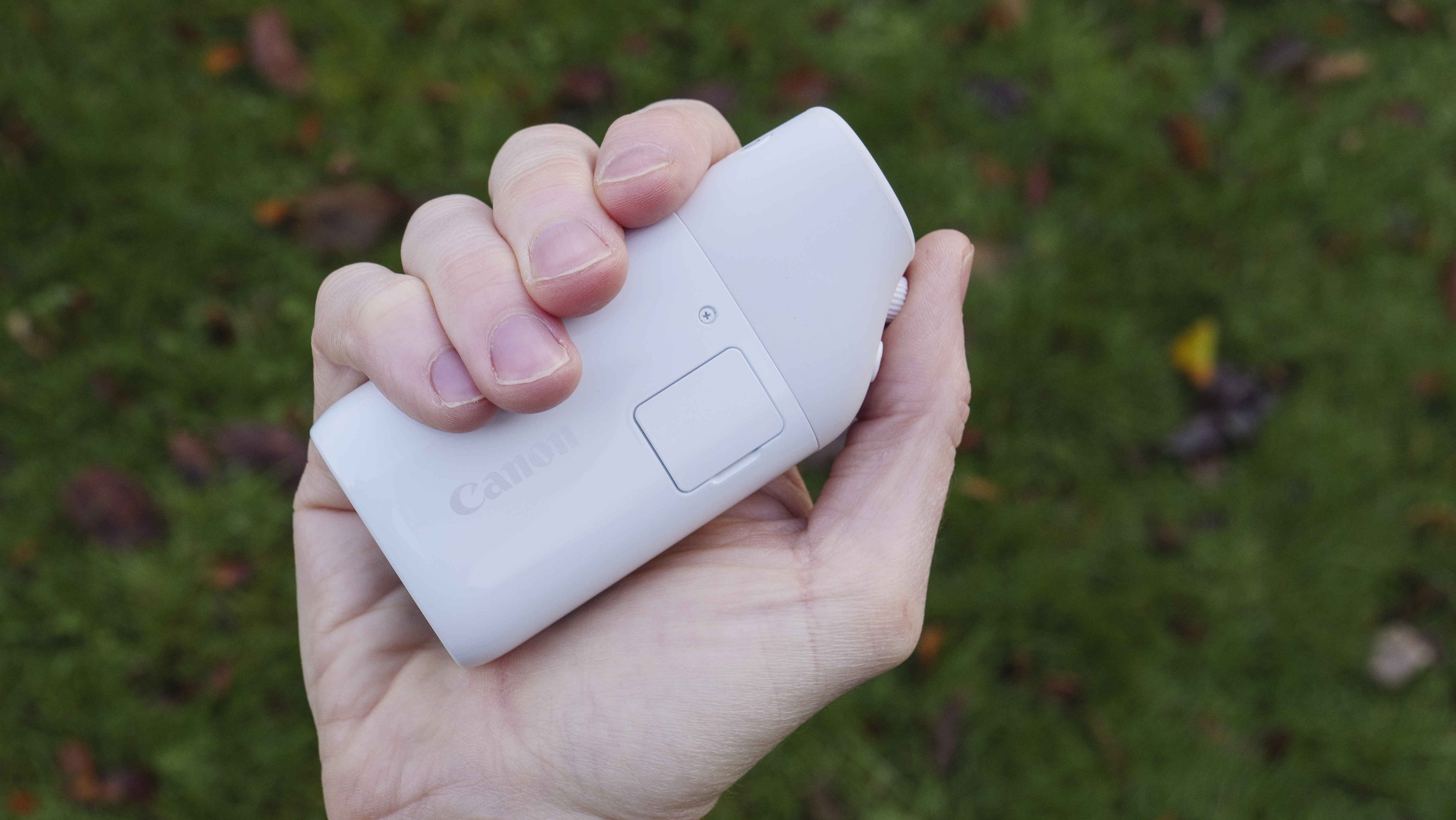
It’s perhaps better to think of the PowerShot Zoom as a digital monocular that can take 12.1MP pictures and full HD videos for reference, rather than a competent snapper with an unusual design.
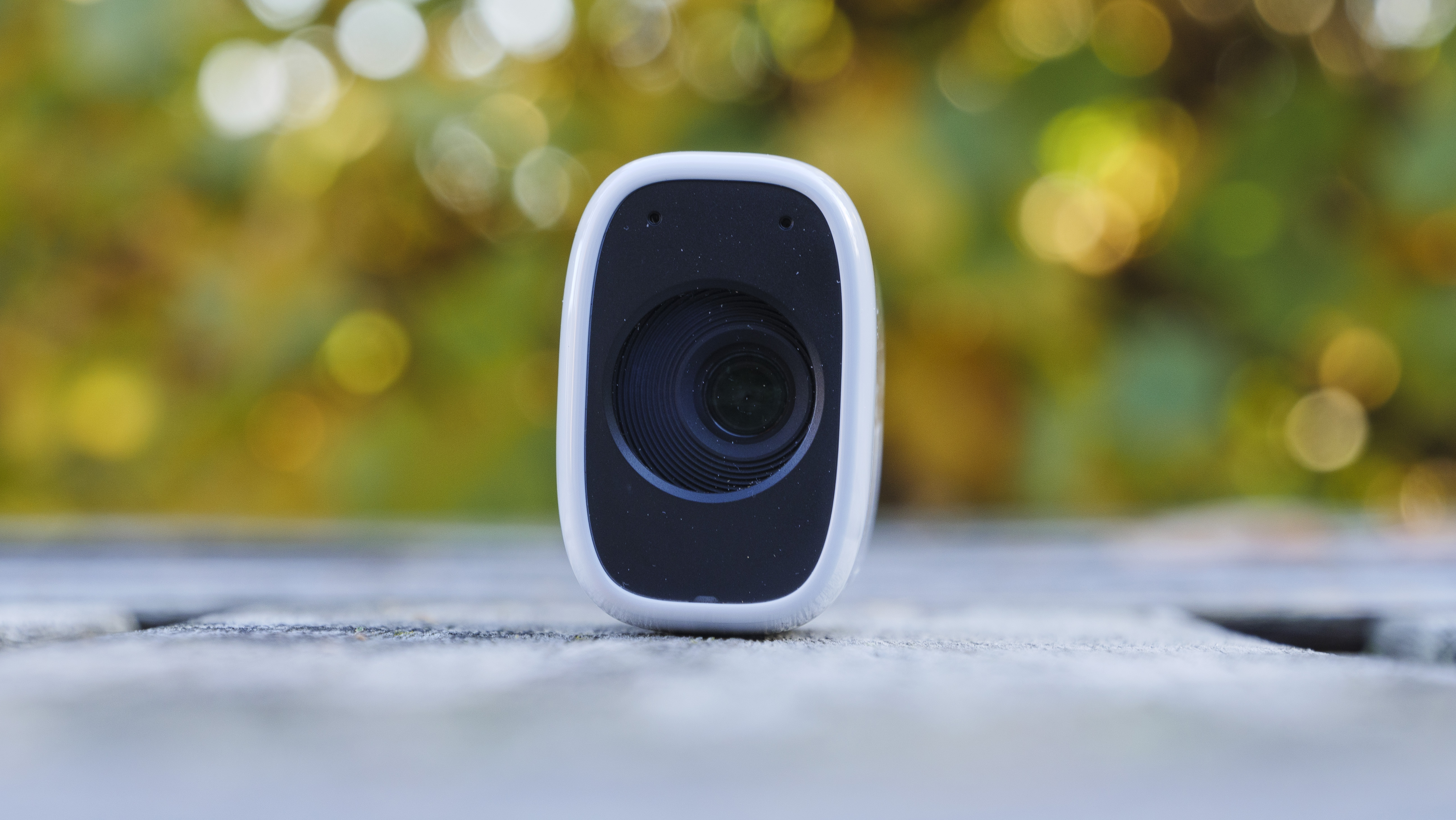
What you have is a 100mm-400mm optical zoom with a 2x digital extension, which takes the focal length to 800mm. It’s a three-stepped zoom, starting at 100mm. Press the zoom button and you’re instantly at 400mm, press it again for 800mm and a third time to recycle back to 100mm.
The lens offers 4-axis stabilization, which is effective even for video capture. However, it’s not perfect and we would have liked a tripod mount as an option. If your main goal is to get close to subjects for a more detailed look, then the PowerShot Zoom works.
Image 1 of 3
(Image credit: Future)
Image 2 of 3
(Image credit: Future)
Image 3 of 3
(Image credit: Future)
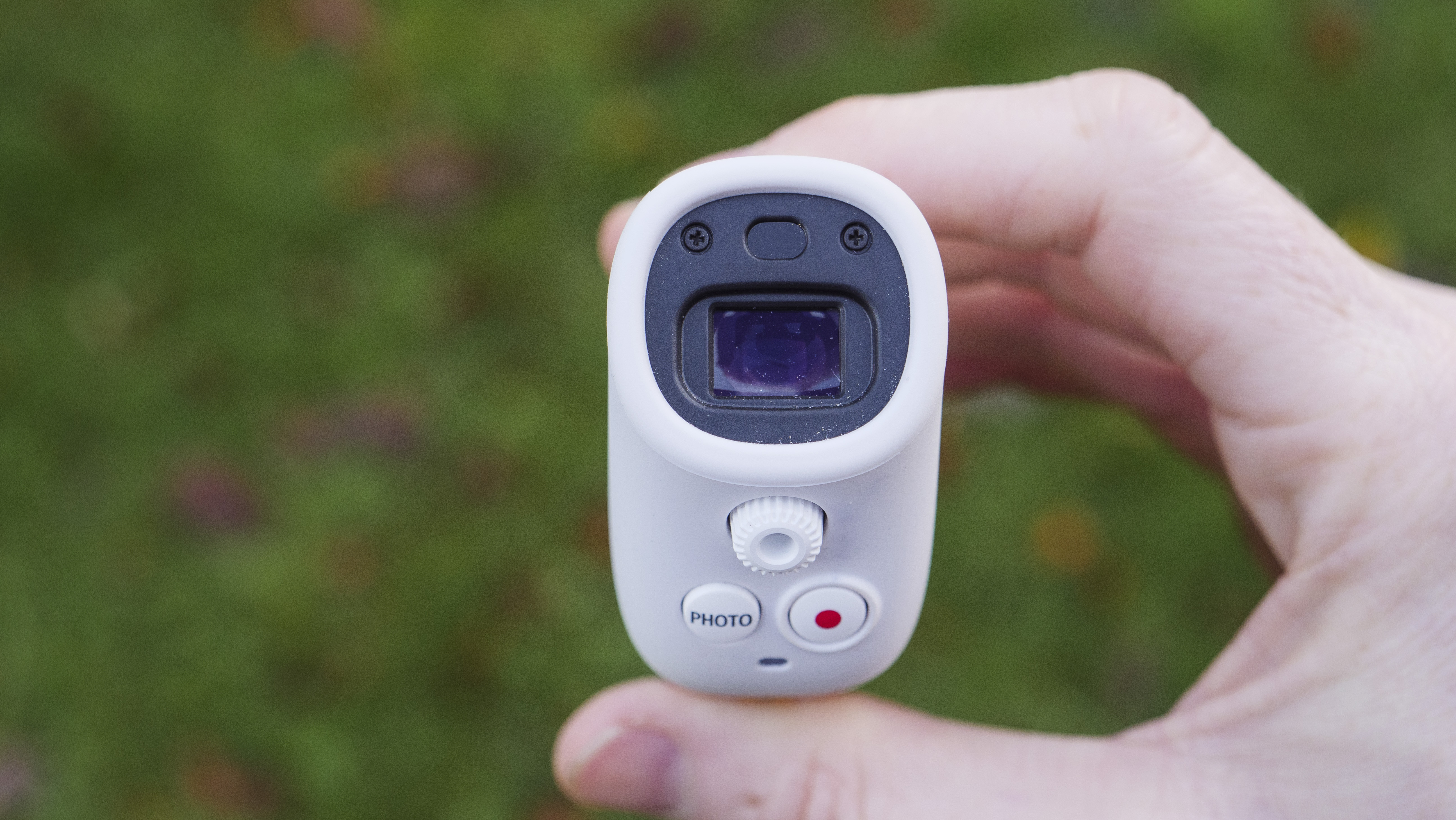
Scenes and menus are viewed through the 2.36MP EVF. The display has a 60fps refresh rate and a diopter adjustment – whatever the state of your eyes, you can adjust the display for sharp viewing. For a camera of this size, the EVF is bright and crisp, but being digital it is affected by noise in anything but bright light.
Perhaps the single most frustrating experience about the PowerShot Zoom is autofocus performance, with no option for manual focus. There’s a choice between face detection tracking or single point AF and all too easily the contrast-detection based AF shifts to the background or fails to acquire a sharp focus at all.
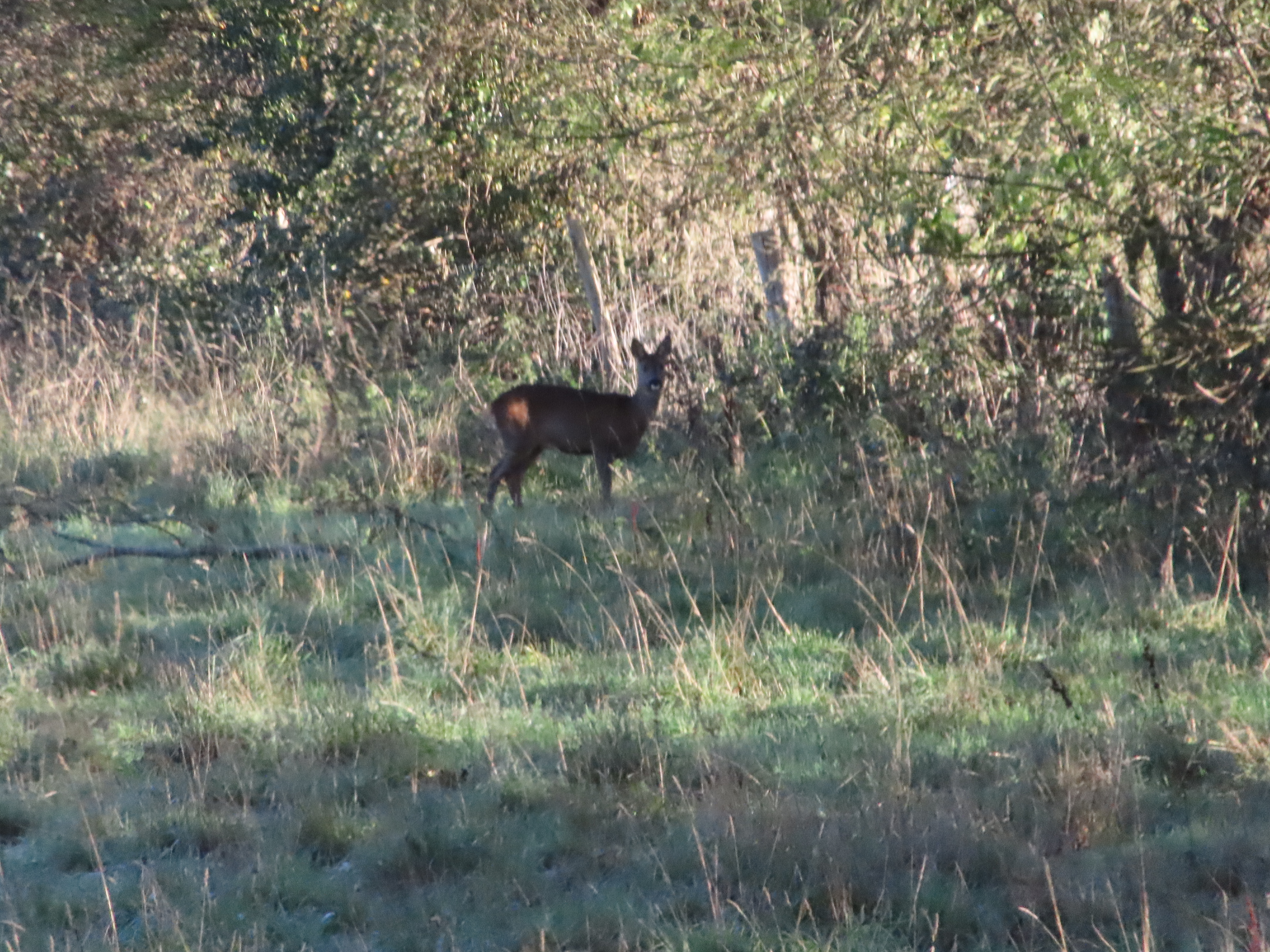
The main problem is when the scene is crowded or cluttered or the subject doesn’t fill the picture – this happens especially at 400mm given the limited minimum focus distance of 4.5m. Poor focusing is not only a pain for making pictures, but for clear viewing too.
Image 1 of 4
Auto metering is usually too bright in sunny conditions, which can result in unrecoverable blown out highlights.(Image credit: Future)
Image 2 of 4
In the same scenario, we opted for negative exposure compensation or took exposure from the sky and recomposed the shot.(Image credit: Future)
Image 3 of 4
This shaded scene required ISO 1000, where detail is very mushy.(Image credit: Future)
Image 4 of 4
When using the 400mm focal length, the minimum focus distance of 4.5m prohibits filling the picture with diminutive subjects like small birds.(Image credit: Future)
An additional sour note is auto exposure. In sunny conditions the camera errs on the bright side that can result in blown out highlights. Exposure compensation can be found in the menu and for the best part we’d leave that set to -1EV in sunny conditions.
Another workaround to combat poor AF and auto exposure performance is to acquire focus and accurate exposure from elsewhere – a high contrast and clear subject – to then recompose the shot. Things shouldn’t be this complicated.
Otherwise, everything is downright simple. There is very little control over image making. Everything is automatic. You have one picture format – 12.1MP JPEG pictures and Full HD videos at 30fps, capped to ten minutes.
Image 1 of 3
(Image credit: Future)
Image 2 of 3
(Image credit: Future)
Image 3 of 3
(Image credit: Future)
For photos, there is single or 10fps continuous drive modes. Telephoto optics typically capture action, so we kept that drive mode set to continuous. You’ll be able to squeeze around 30 shots in a sequence before the camera slows up.
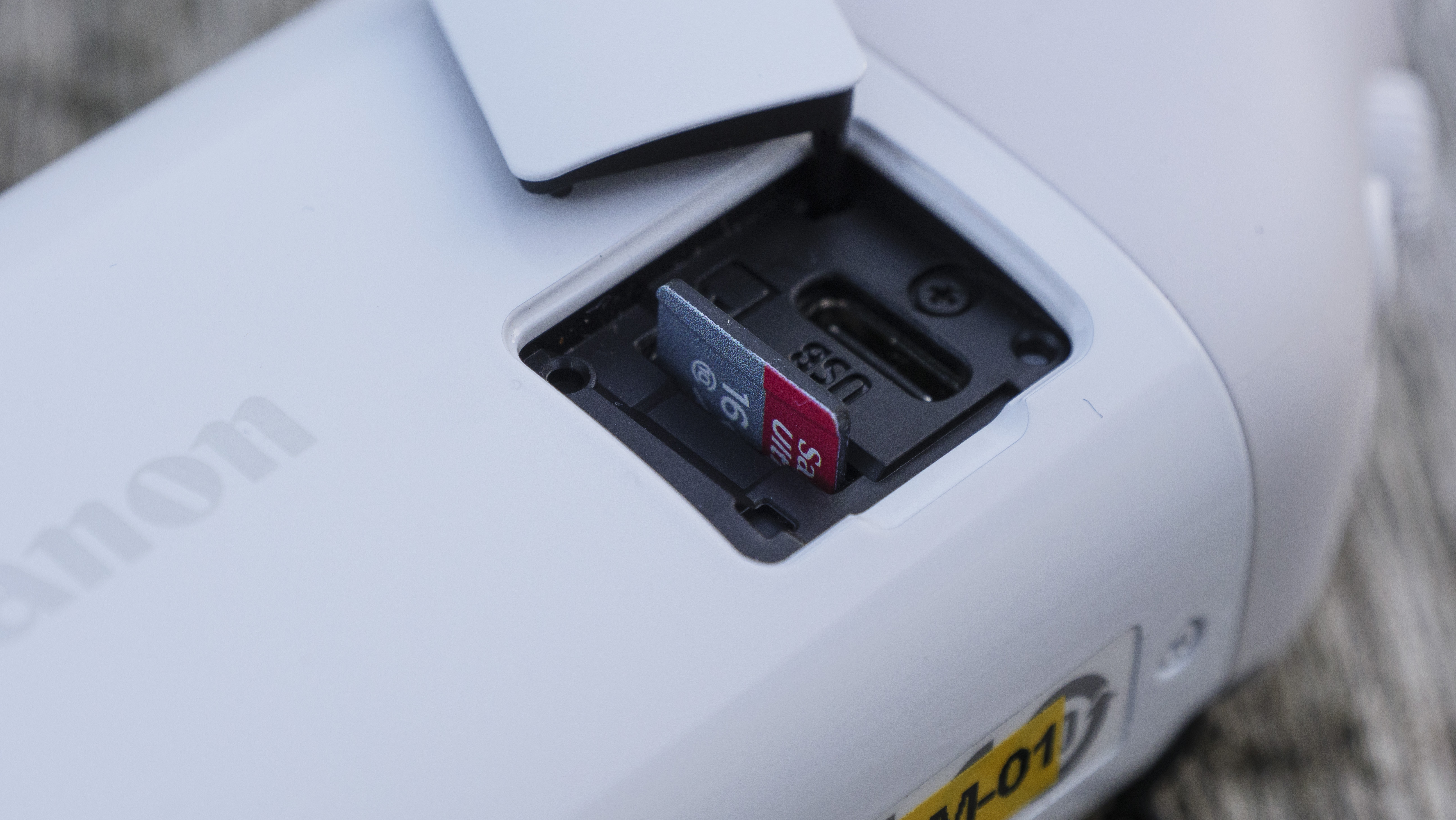
Images are recorded onto a microSD card – yes, we had to dig deep into the office drawers to find one of those – and inside the same door on the camera is a USB-C slot through which the PowerShot Zoom is charged.
On a full charge, you’ll get about 70 minutes of EVF time. Canon states 60 minutes of video record time or 150 shots per charge. The latter is conservative, especially when using the 10fps continuous shooting mode.
Image 1 of 3
(Image credit: Future)
Image 2 of 3
(Image credit: Future)
Image 3 of 3
(Image credit: Future)
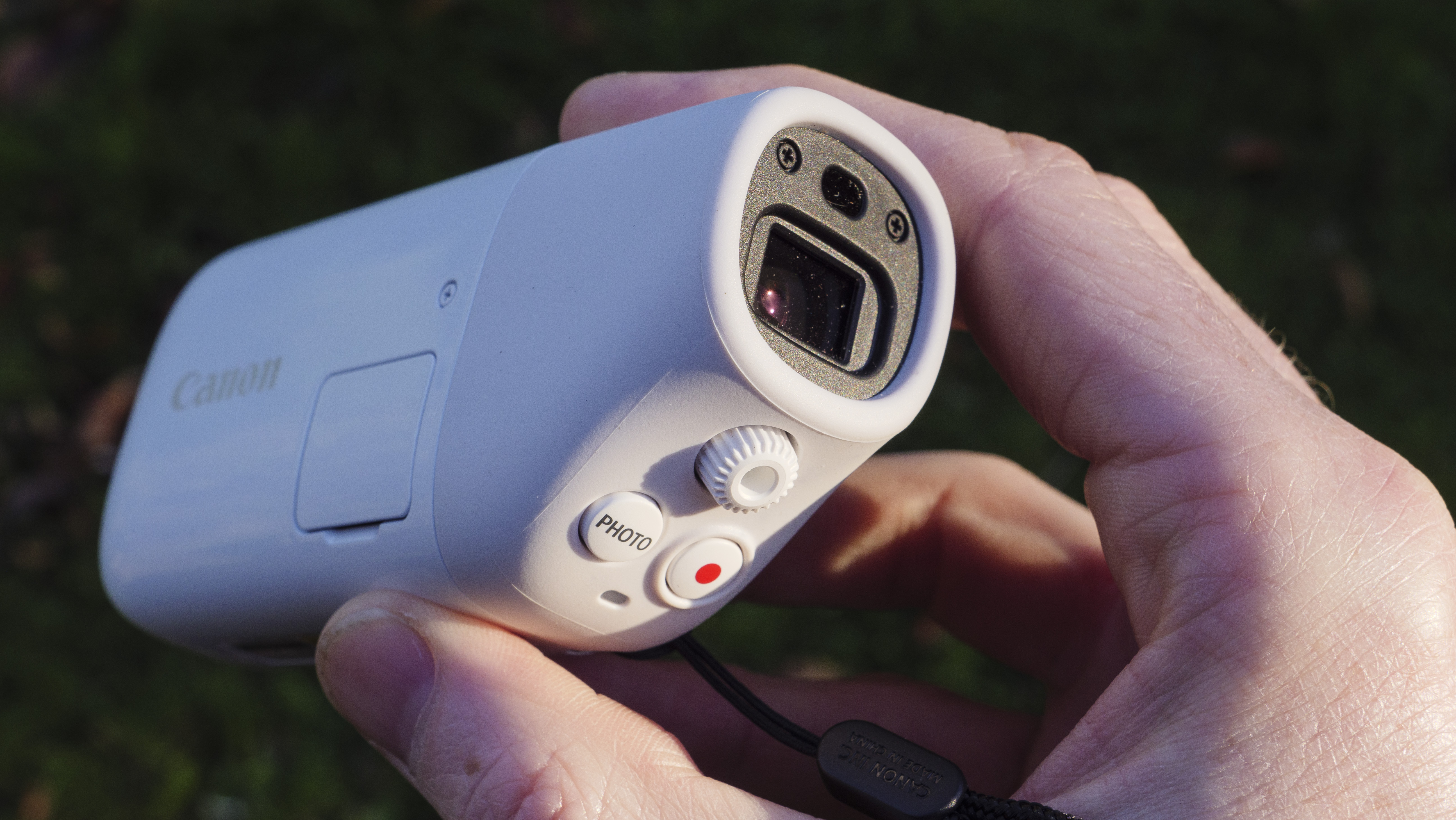
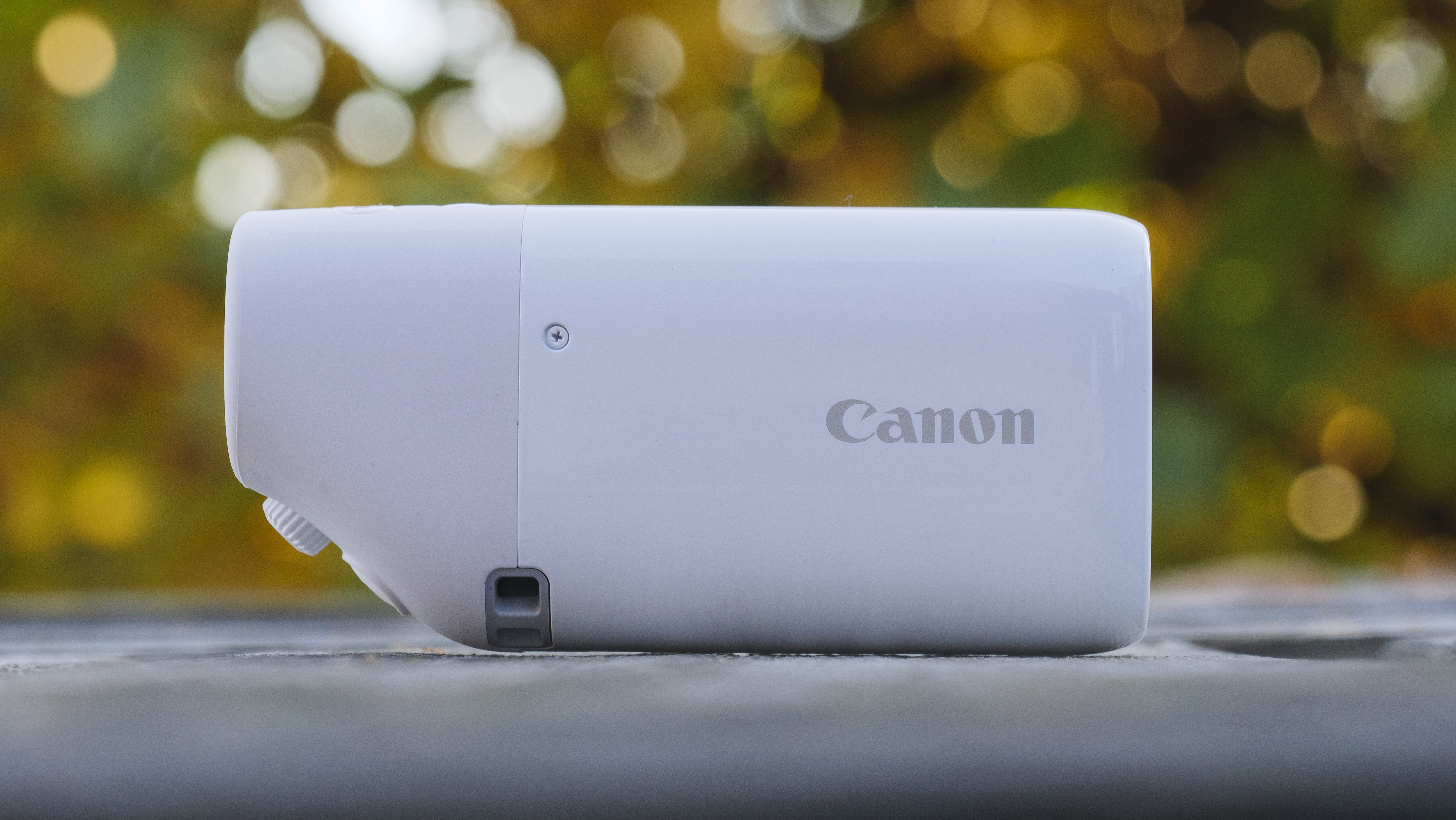
We do like the camera’s design. It’s dressed in white, weighs a mere 145g and is made from plastic, so it's not weather-sealed in any way.
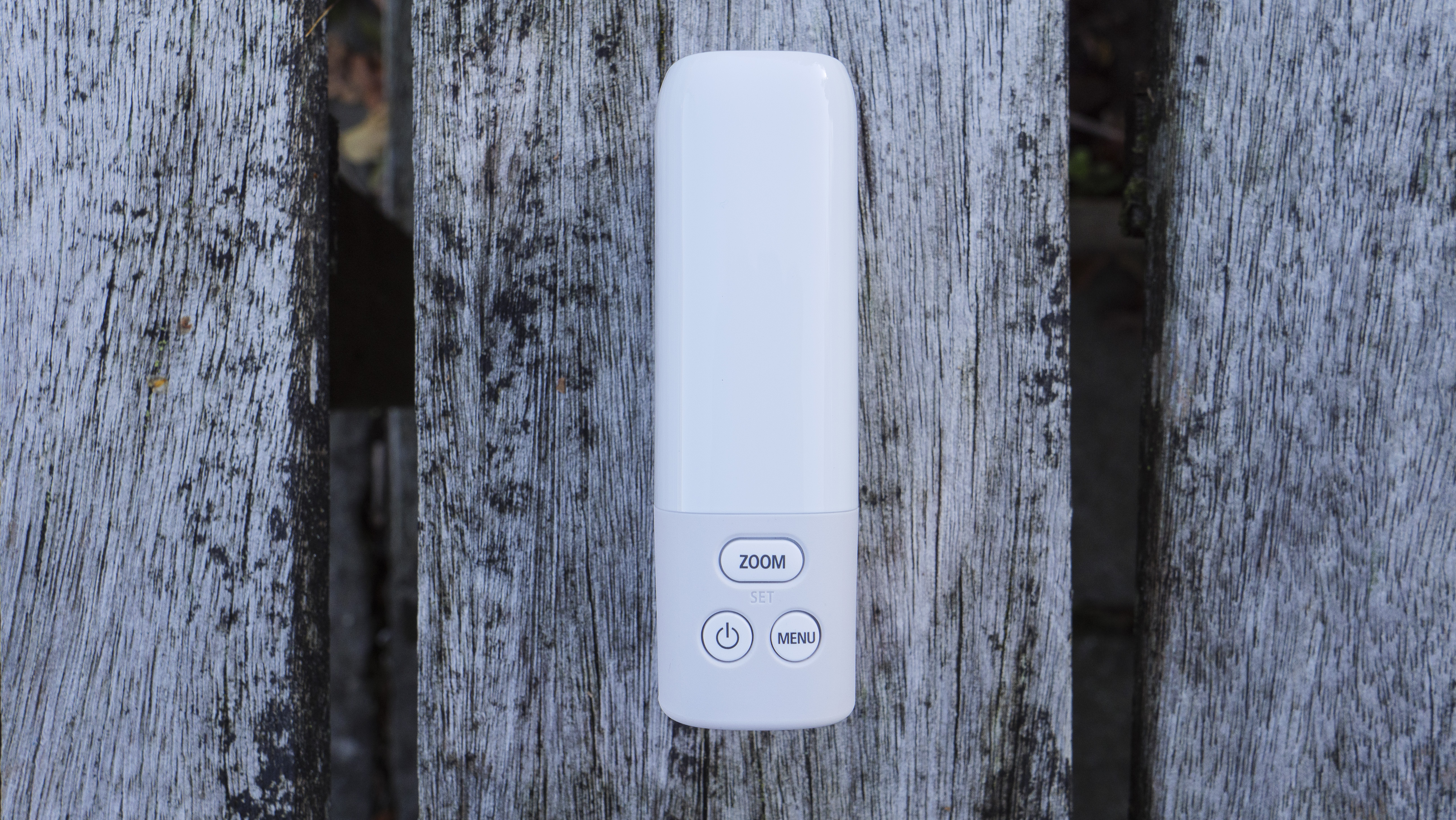
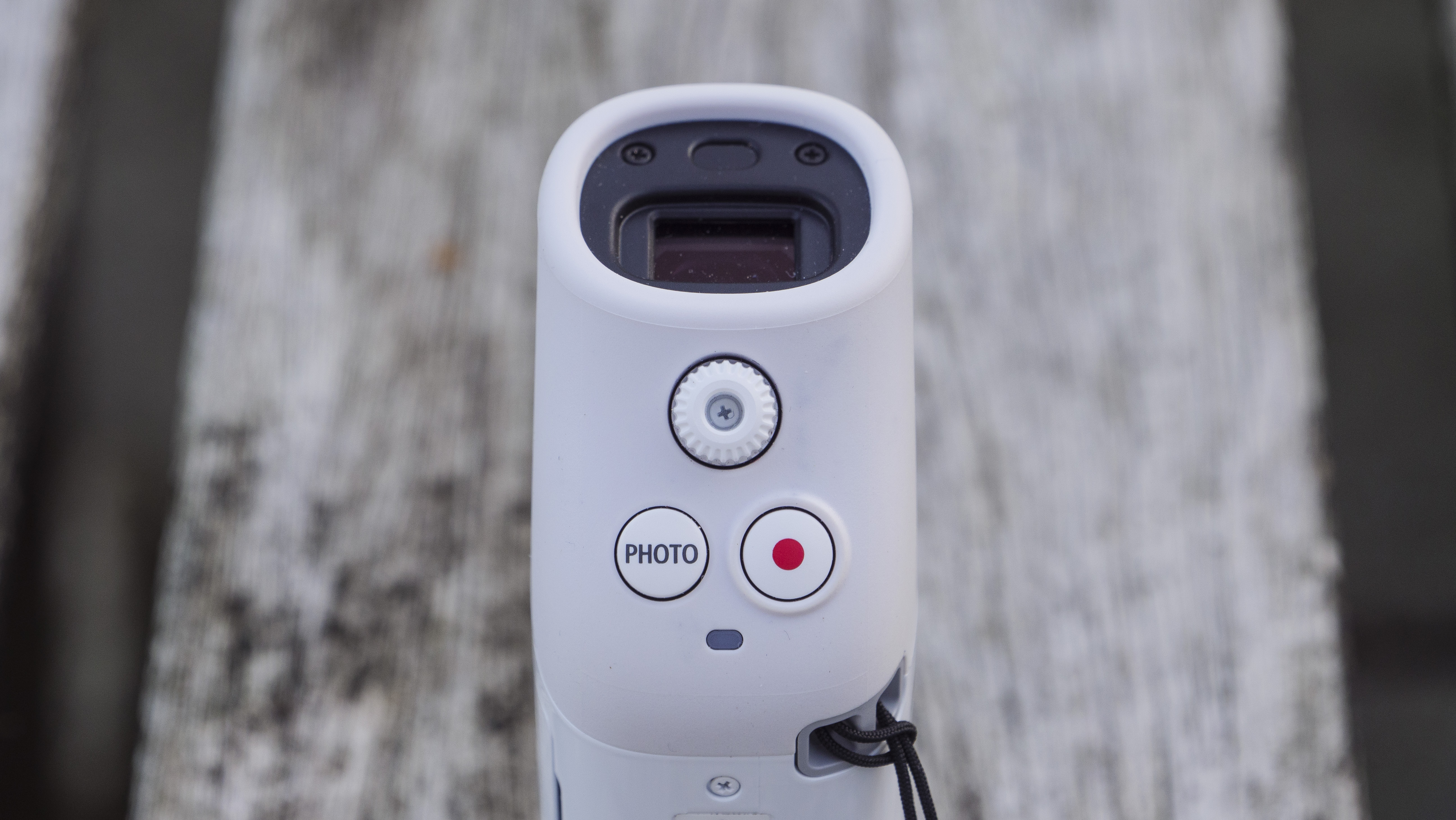
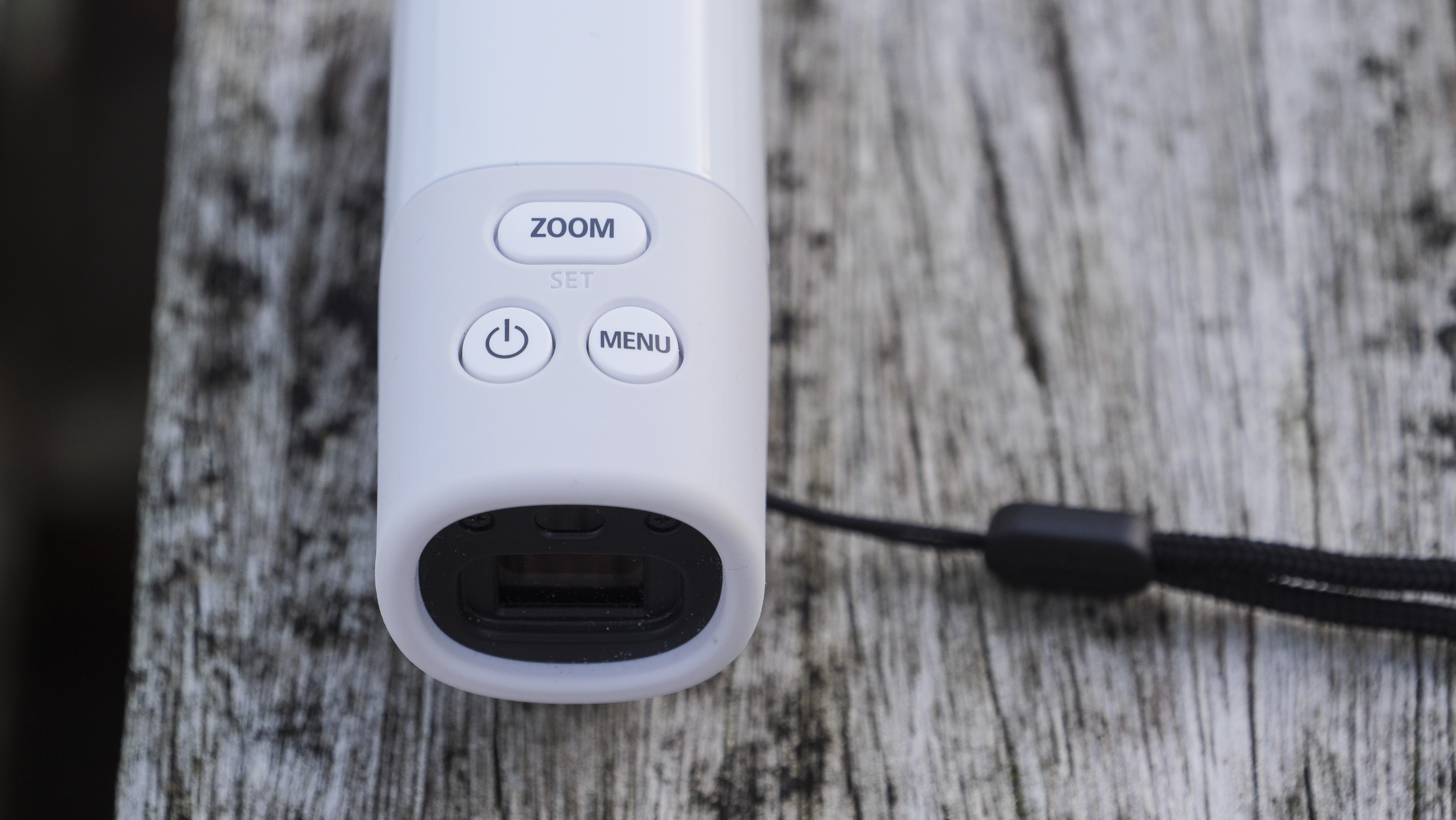
Photo and video capture each have a dedicated button underneath the EVF, while zoom, power and menu buttons are placed on the top. All of those buttons are logically placed and, after time in the hand, you’ll be able to keep your eye up to the viewfinder while operating those memorized controls.
Of course, there is no screen, so liveview, playback and menu navigation is via the EVF. And with a limited button layout there is some acclimatization for scrolling through the menu. Fortunately, it's stripped right back and once you start looking for a specific control you’ll find it quick enough.
It is possible to pair the PowerShot Zoom with the Canon Camera Connect app. At the time of writing, the app was not updated for compatibility with the camera, so we were unable to check it out. We suspect it could add a little extra to the experience of handling the camera.
Image 1 of 4
10fps is a decent frame rate in order to freeze the perfect moment in an action sequence.(Image credit: Future)
Image 2 of 4
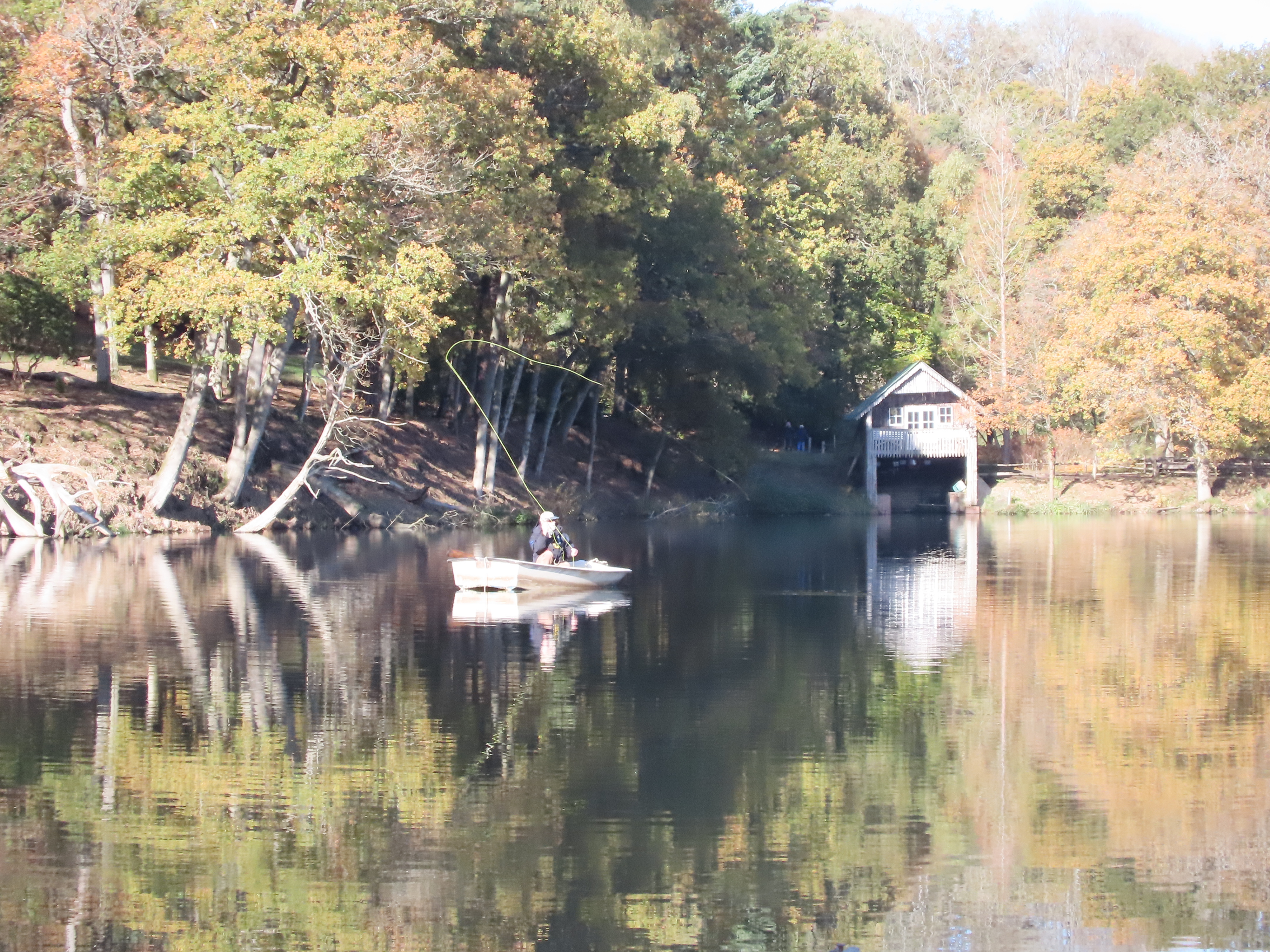
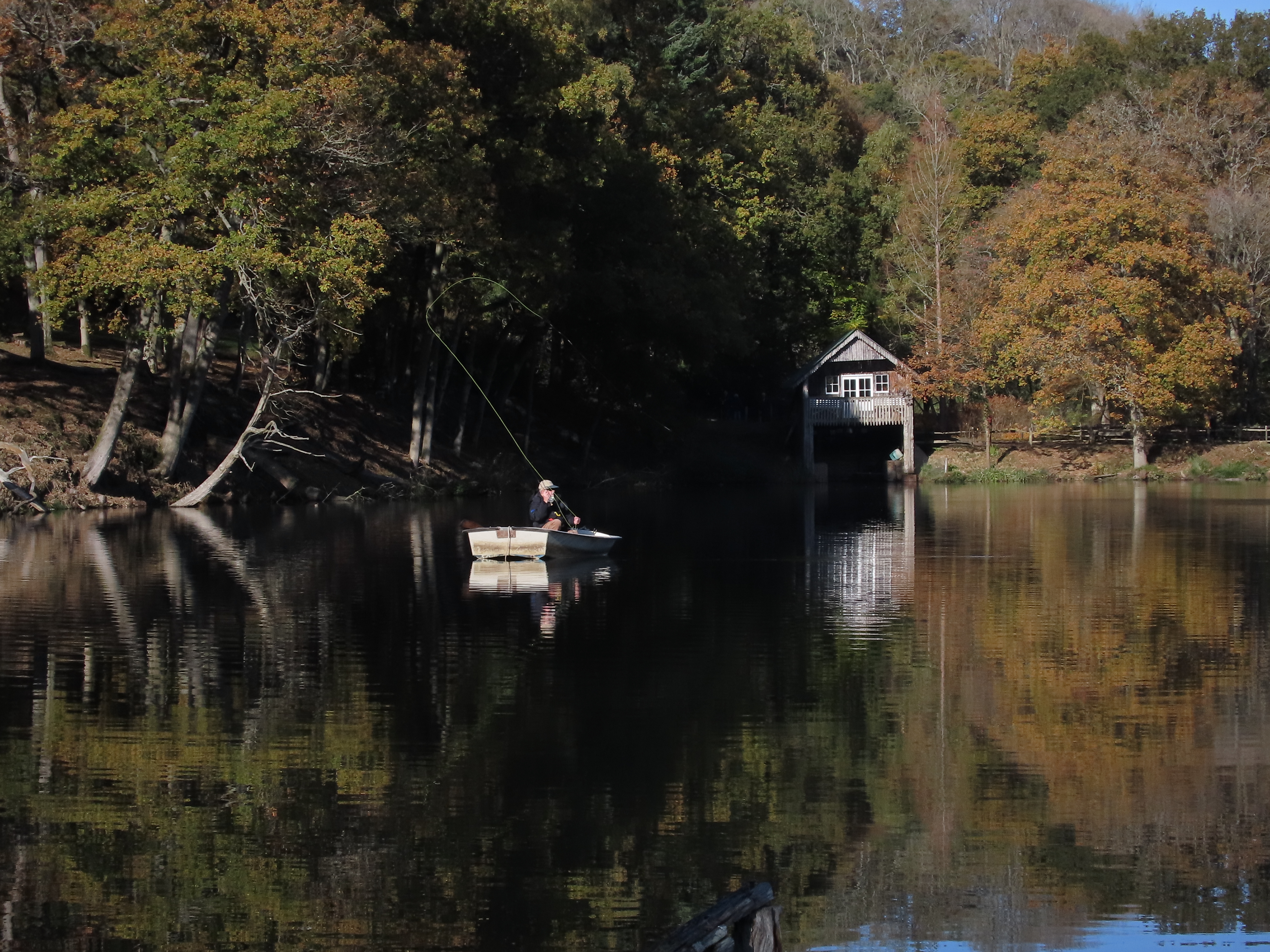
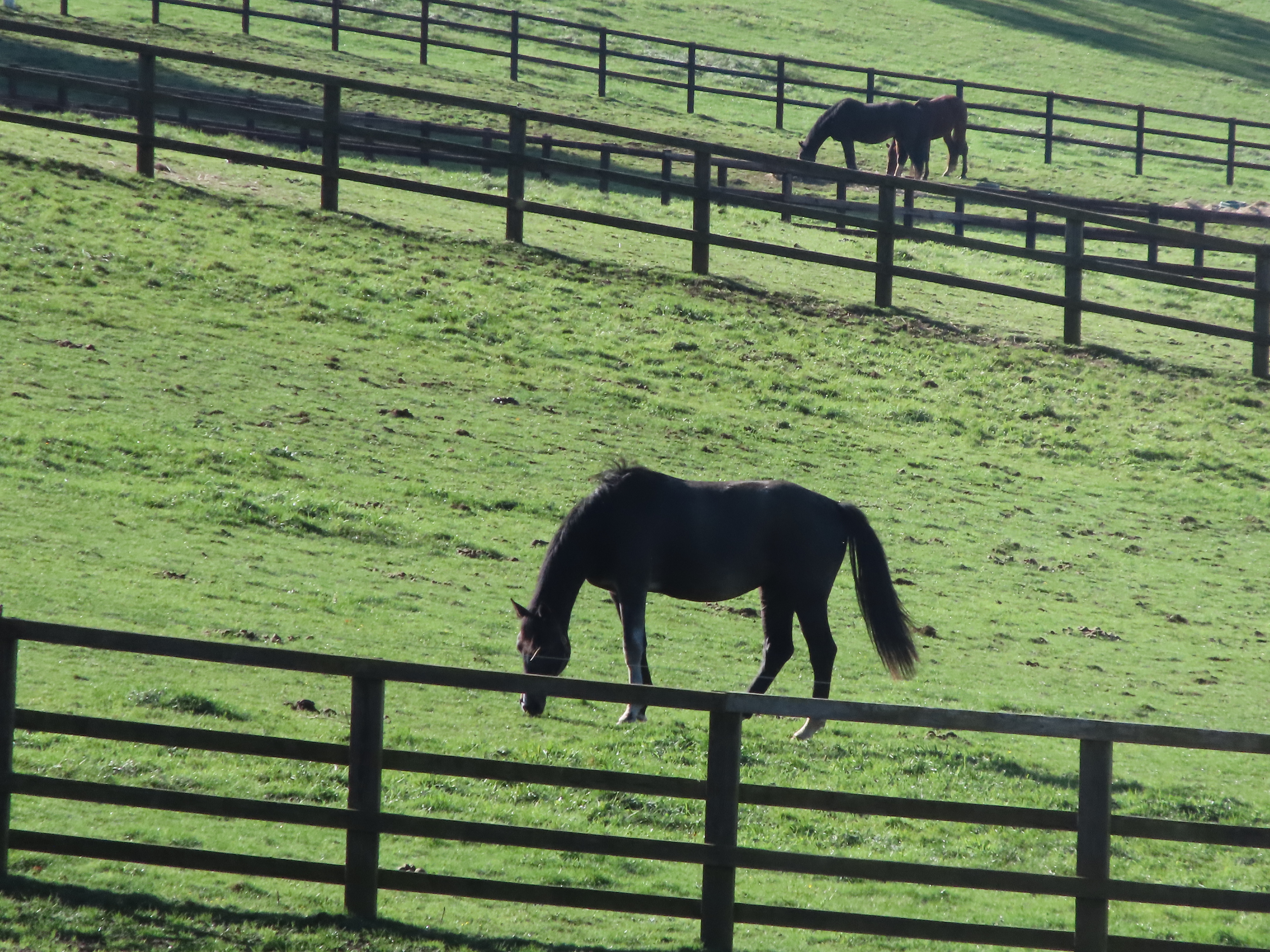
Here is the 100mm f/5.6 setting in action...(Image credit: Future)
Image 3 of 4
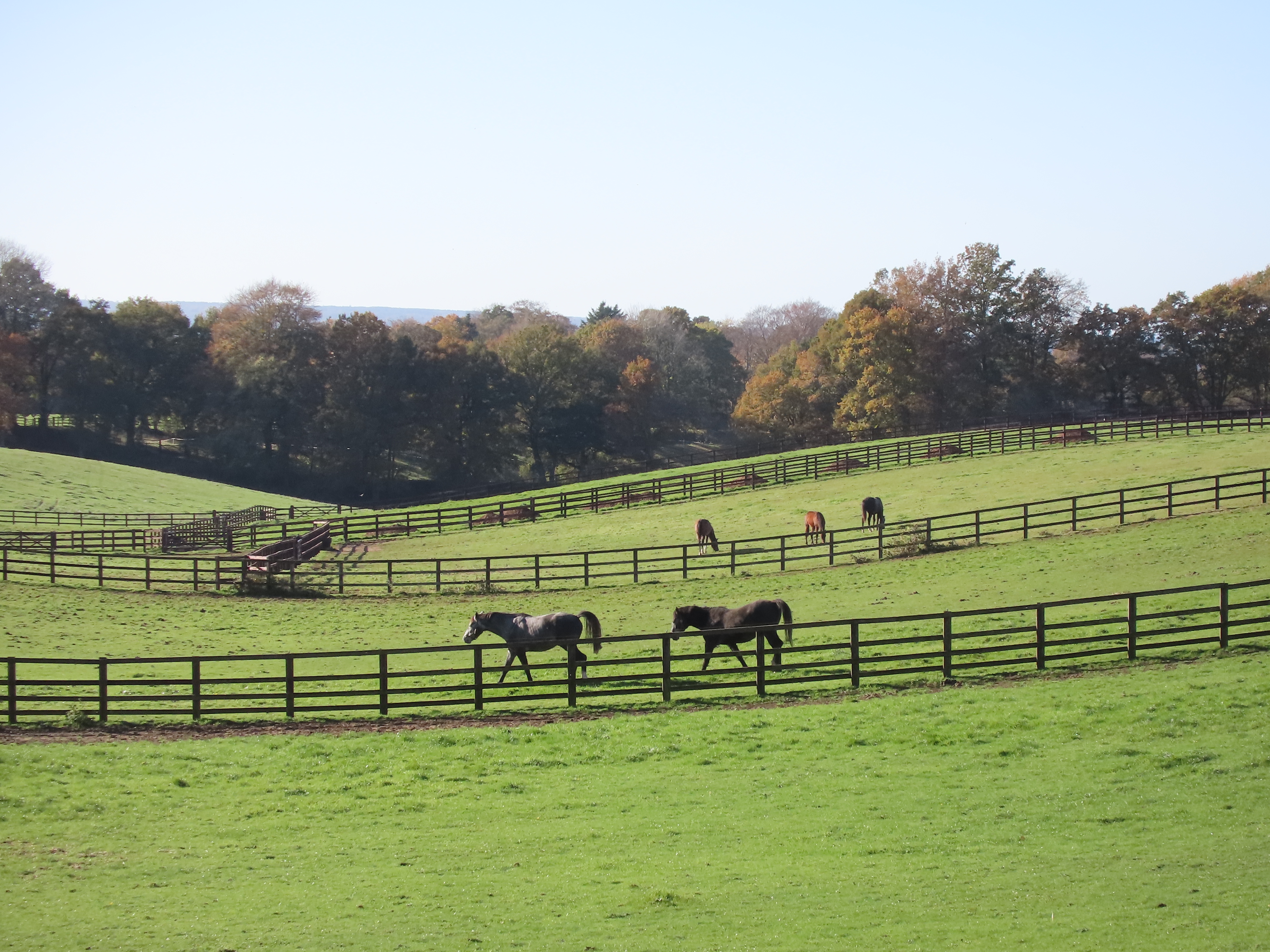
...and here is the same scene as before but at 400mm.(Image credit: Future)
Image 4 of 4
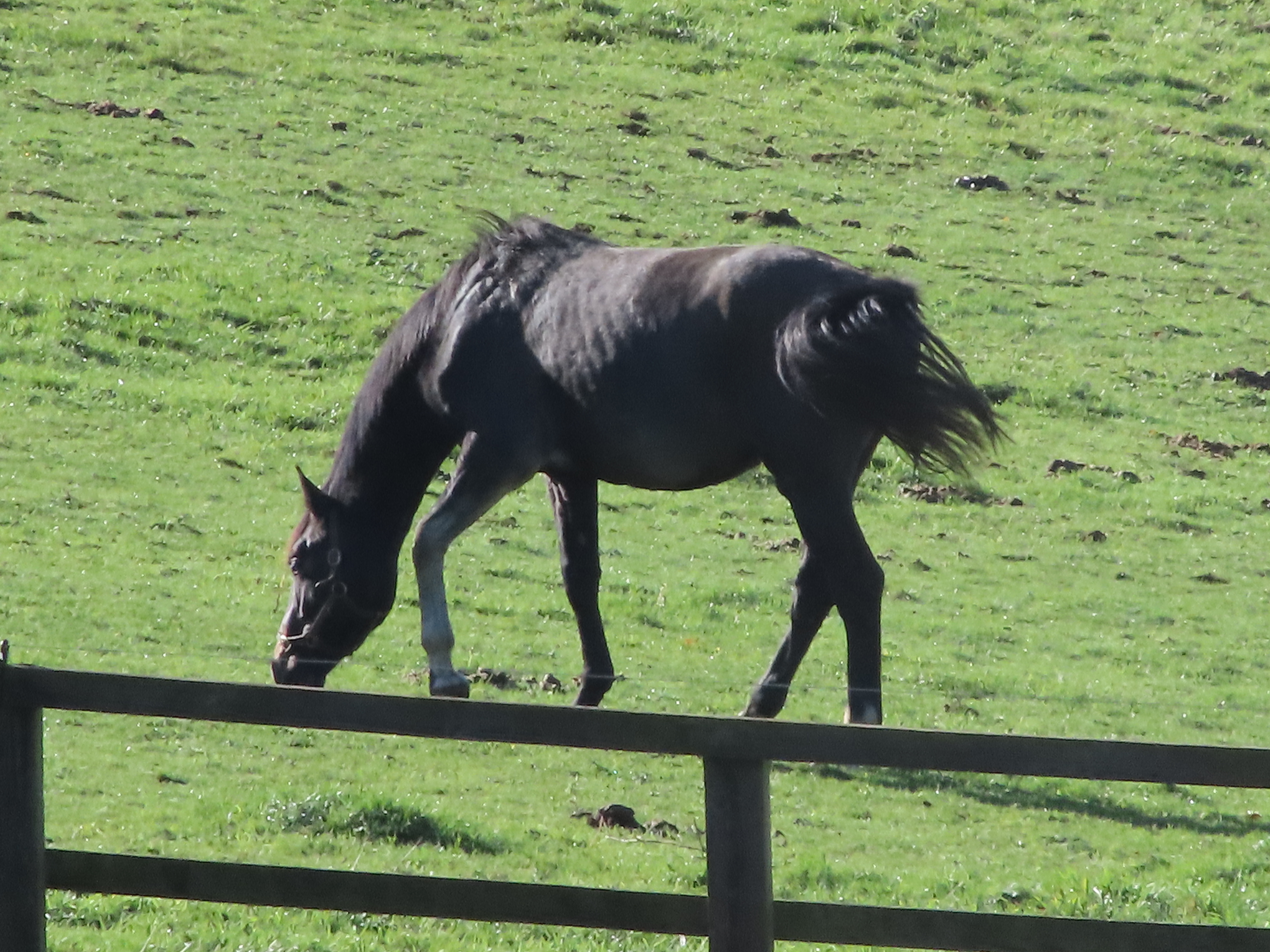
This shot shows the 2x digital zoom in action, offering an 800mm focal length.(Image credit: Future)
So what of image quality? The PowerShot Zoom uses a tiny 1/3in sensor and has an ISO 100-3200 range fixed to auto. Aperture and shutter speed are also automatic.
All that we can say is that image quality is poor. As an example, we took virtually identical pictures using the Powershot Zoom's 100mm setting and the Vivo X51 smartphone set to it’s 5x digital zoom – and picture quality was better with the phone.
Yes, the Powershot Zoom has an advantage over a phone in being able to optically zoom to 400mm. But pitch it up against another compact camera of the same price tag – something like the Panasonic Lumix TZ90 – and at 400mm it also comes up short.
Part of the problem is the camera’s maximum f/5.6 aperture at 100mm and f/6.3 at 400mm, paired with the need for a fast shutter speed given the focal length. Too many scenarios require a high ISO where image quality suffers.
Put simply, we wouldn’t buy the Canon Powershot Zoom for its picture quality. But its monocular design and decent EVF make it a more compelling viewing optic, if a pretty expensive one.
Should I buy the Canon PowerShot Zoom?
Image 1 of 3
(Image credit: Future)
Image 2 of 3
(Image credit: Future)
Image 3 of 3
(Image credit: Future)
Buy it if...
You want a lightweight monocular As an ocular, the Canon Powershot Zoom works surprisingly well – its EVF being the highlight. You can jump from 100mm to 400mm at the push of a button and extend that stabilized reach digitally to 800mm.
You want a tiny, fuss-free telephoto camera The diminutive form factor is good, the button layout logical enough and there are dedicated buttons for photo and video capture, with the option of 10fps continuous shooting.
You are not serious about capturing pictures When thought of primarily as a digital monocular with the ability to record photos and videos for reference, then the Canon Powershot Zoom makes some sense.
Don't buy it if...
You expect a quick photographic tool It may well skip between the focal lengths at the push of a button, but everything else after that is slow. Autofocus is often unworkable while auto exposure can clip highlights.
You are serious about taking telephoto pictures The 1/3in image sensor is tiny and it shows in the quality of images. Even in good light, the 12.1MP JPEGs look 'blocky’. You’ll get more joy out of a travel-zoom compact camera at the same price point.
You want the latest tech Tech-wise, there’s not too much going for the PowerShot Zoom. The sensor, processor, autofocus system – it’s all dated tech, encased in a fresh monocular shell.
You can leave your dolly at the door: the arrival of the DJI RSC 2 means Hollywood-worthy tracking shots are more accessible than ever. Like the DJI Ronin-SC before it, the DJI RSC 2 is a three-axis camera gimbal which helps vloggers and videographers shoot super steady footage single-handedly.
(Image credit: Future)
But while the RSC 2 retains the same core skills as the Ronin-SC – including advanced smartphone connectivity – it also promises a range of upgrades, including a bigger battery, an OLED info screen and a new folding design for enhanced portability. It’s stronger, too, which means it can support mid-range DSLR cameras, as well as compact and mirrorless models.
So how does the RSC 2 perform in practice? We got hands-on with the gimbal before its launch and our first impressions indicate it’s every bit as good as the improved specs suggest. If you’re looking for a versatile yet backpack-friendly solution to smart, stabilized footage, this could well be the tool for you.
DJI RSC 2 release date and price
DJI RSC 2 release date is October 31
$499 / £389 for the base model, or $739 / £569 for the Pro Combo pack
Pro Combo will include phone holder, RavenEye module and more
The DJI RSC 2 will be available to order from October 31. Released alongside the more powerful DJI RS 2, the base variant of the RSC 2 will cost $499 / £389 (approximately AU$700). That’s $60 more than the Ronin-SC cost at launch in 2018, but its pricing still puts the RSC 2 broadly in line with other mirrorless gimbals in the market.
An RSC 2 Pro Combo bundle will also be available. This pack adds all of the accessories you’ll need to take your gimbal game to the next level, including a smartphone holder, Focus Motor, RavenEye Image Transmitter, carry case and more. Pricing for the kit is confirmed at $739 / £569 (approximately AU$1000).
(Image credit: Future)
You’ll also be able to pick up several new accessories for the RSC 2 in the near future, including a Twist Grip Dual Handle and 3D Focus System, though pricing for those is yet to be confirmed.
DJI RSC 2 design and specs
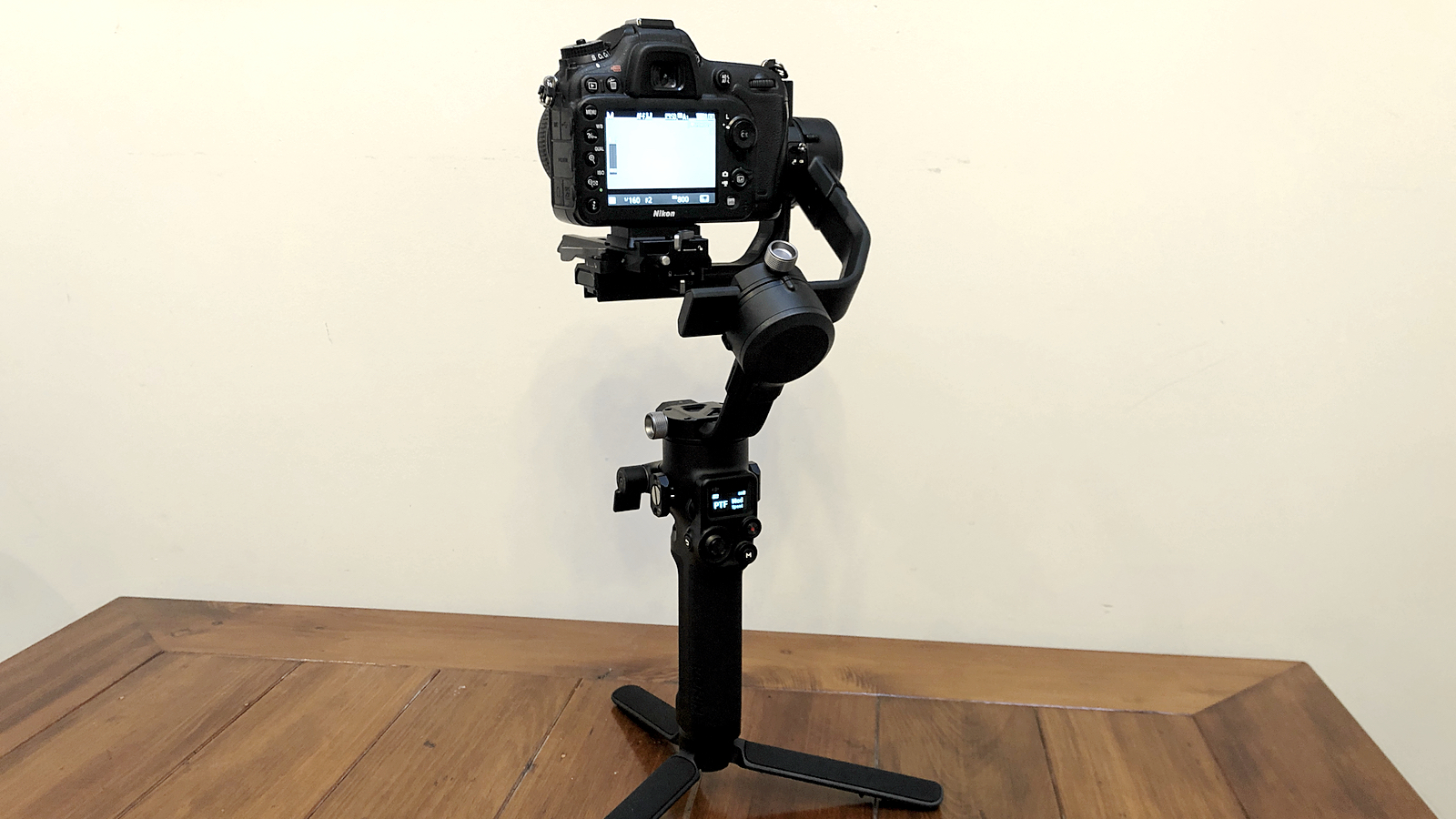
New folding design means more convenient portability
Supports increased payload of up to 3kg
Redesigned axis knobs make re-balancing easier
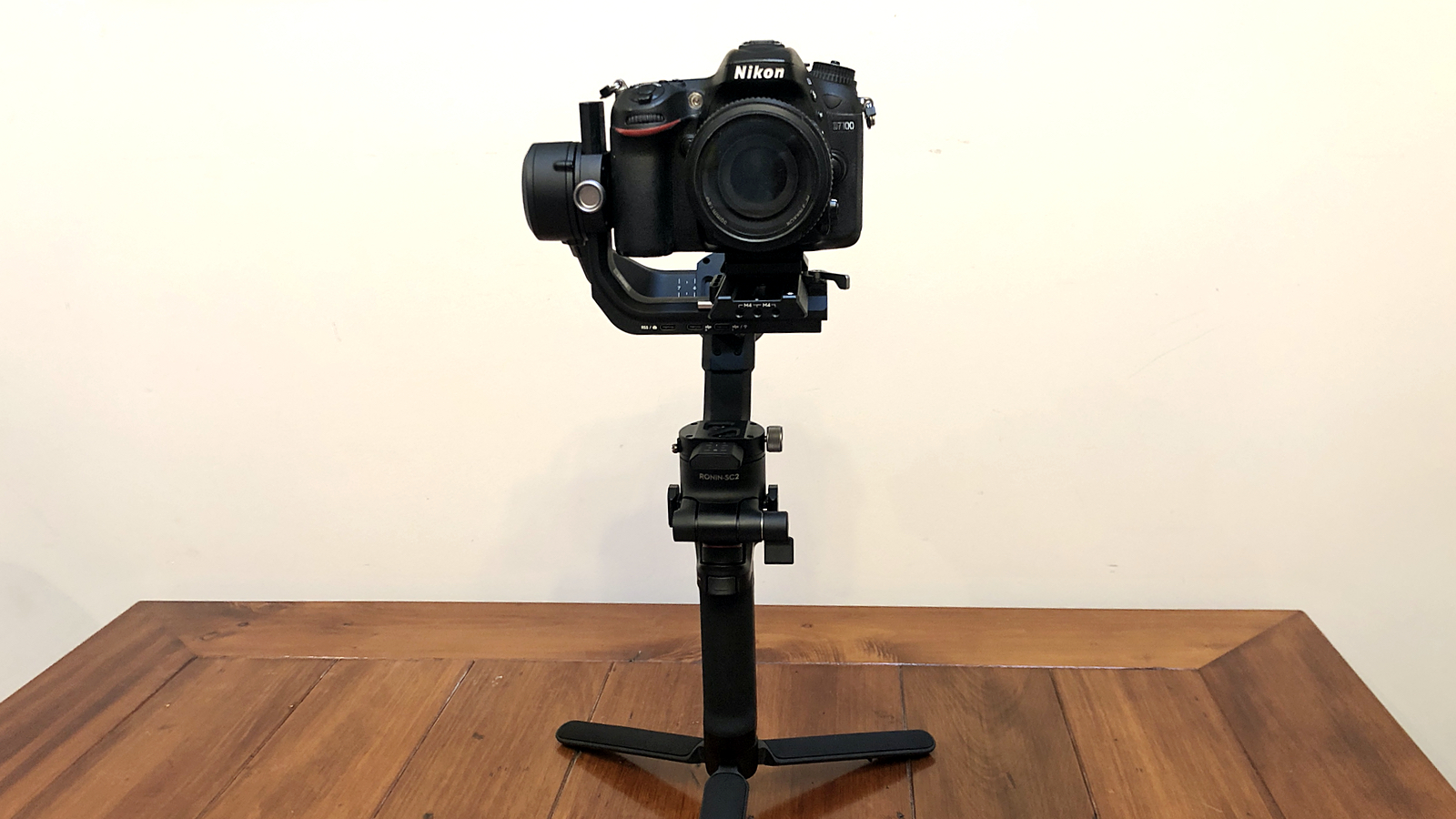
The DJI RSC 2 doesn’t reinvent the gimbal. Broadly speaking, it’s a sculpted grip topped by a three-axis array of motorized arms. But look more closely and you’ll spot several significant changes compared to the Ronin-SC.
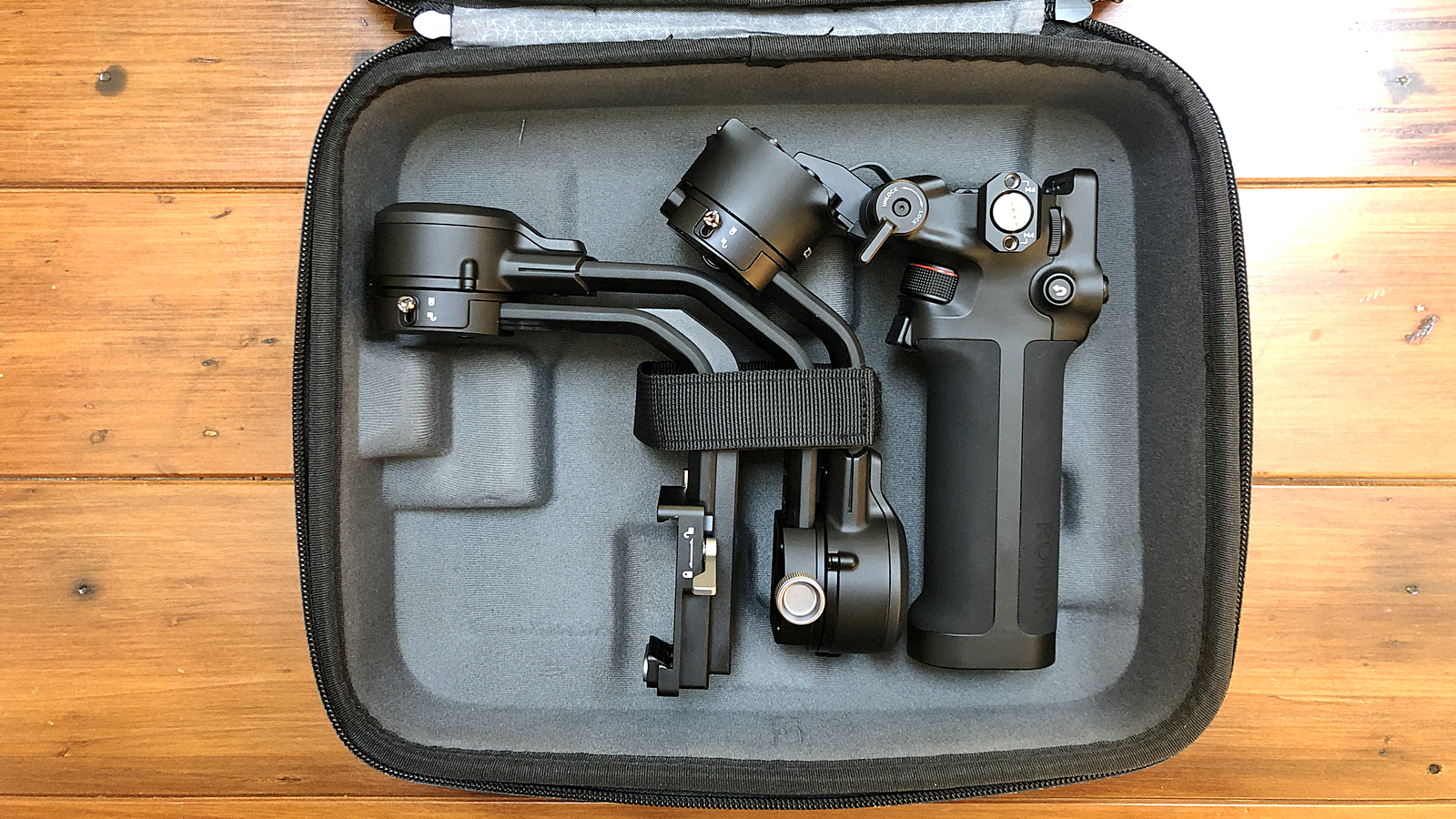
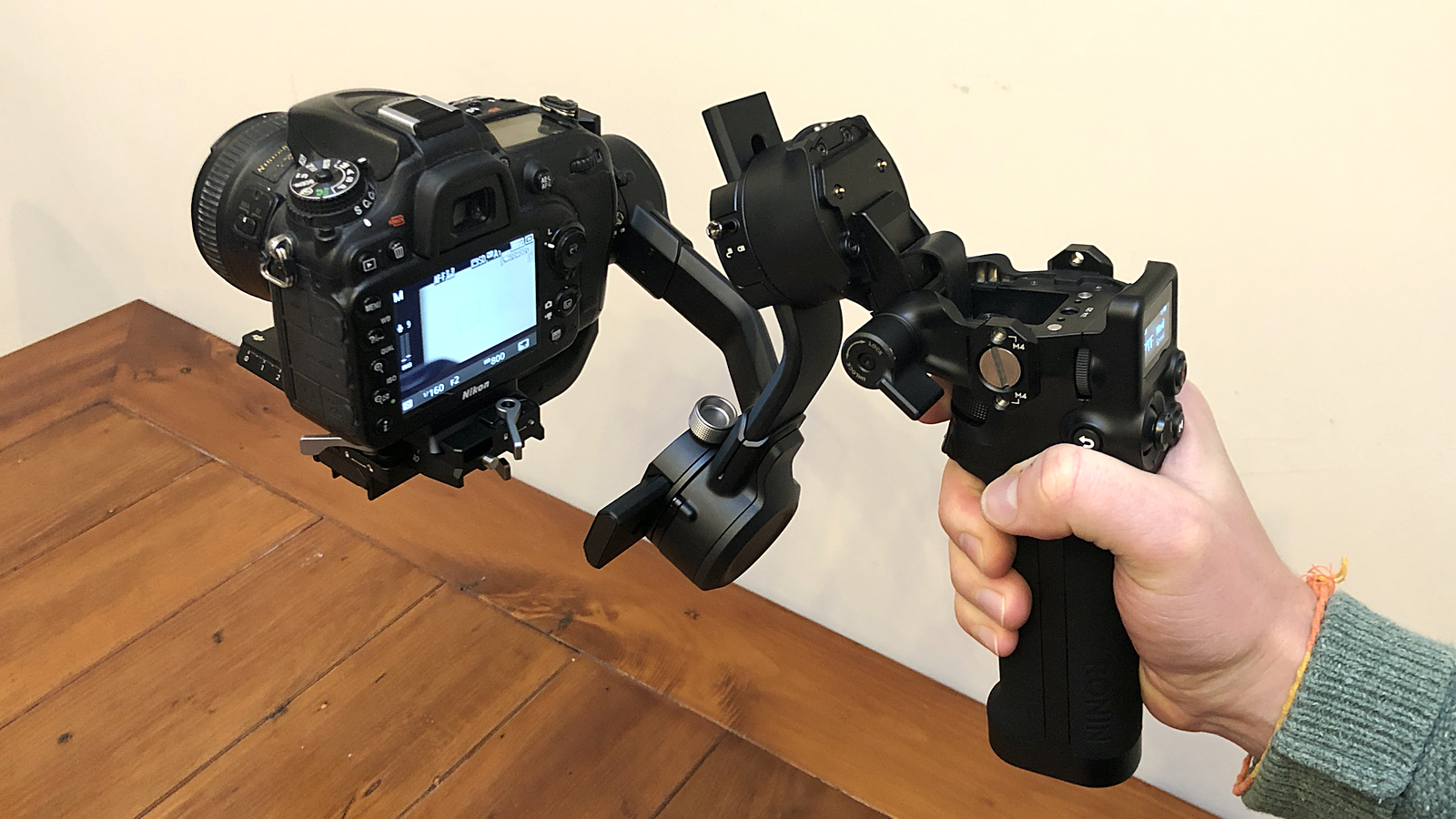
Chief among them is the new folding neck design. Where the Ronin-SC’s grip and gimbal were two separate parts, the RSC 2 is a single unit which hinges at the neck. This might sound like a simple change, but it’s a more convenient solution that also makes the RSC 2 more portable. You’re still likely to transport it in the carry case, but the folded gimbal occupies just the same area as a sheet of A5 paper. Which is pretty compact.
Image 1 of 3
(Image credit: Future)
Image 2 of 3
(Image credit: Future)
Image 3 of 3
(Image credit: Future)
As the hinge is used for the new ‘Sling’ shooting mode, it’s also reassuringly sturdy, firmly locking in place with a lever. And that goes for the rest of the RSC 2: from our hands-on time with it, the whole gimbal feels well-built, with materials such as aluminum contributing to a solid, premium finish.
At 1.1kg, the DJI RSC 2 is essentially the same weight as the Ronin-SC, yet the new model can support cameras which hit the scales at up to 3kg. Backed up by stronger axis motors, the RSC 2 is therefore compatible with a whole range of DSLR cameras. But it’s worth noting that, in practice, with a 2.5kg camera and lens attached, you’ll need strong wrists to use the RSC 2 single-handedly for extended periods.
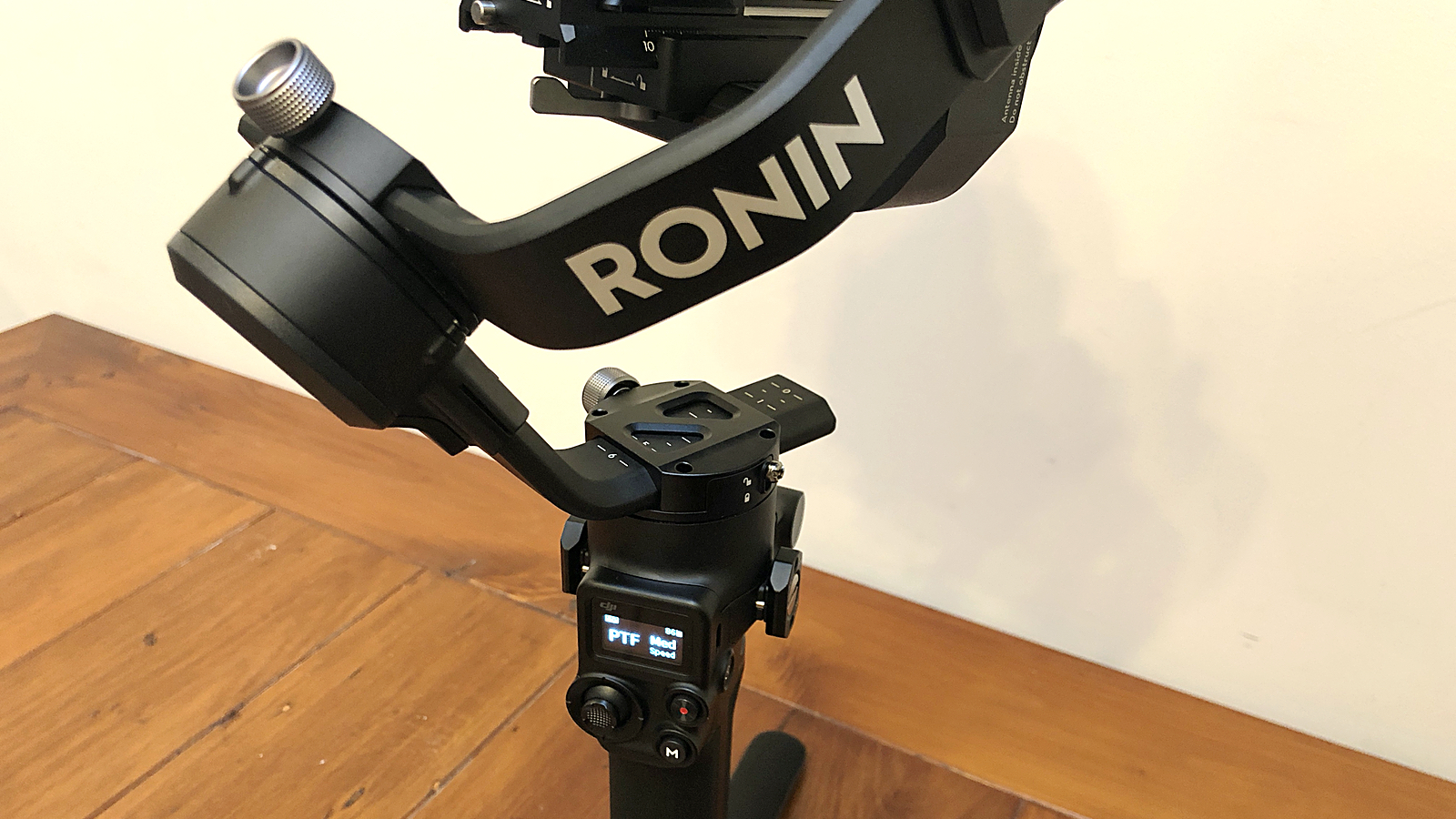
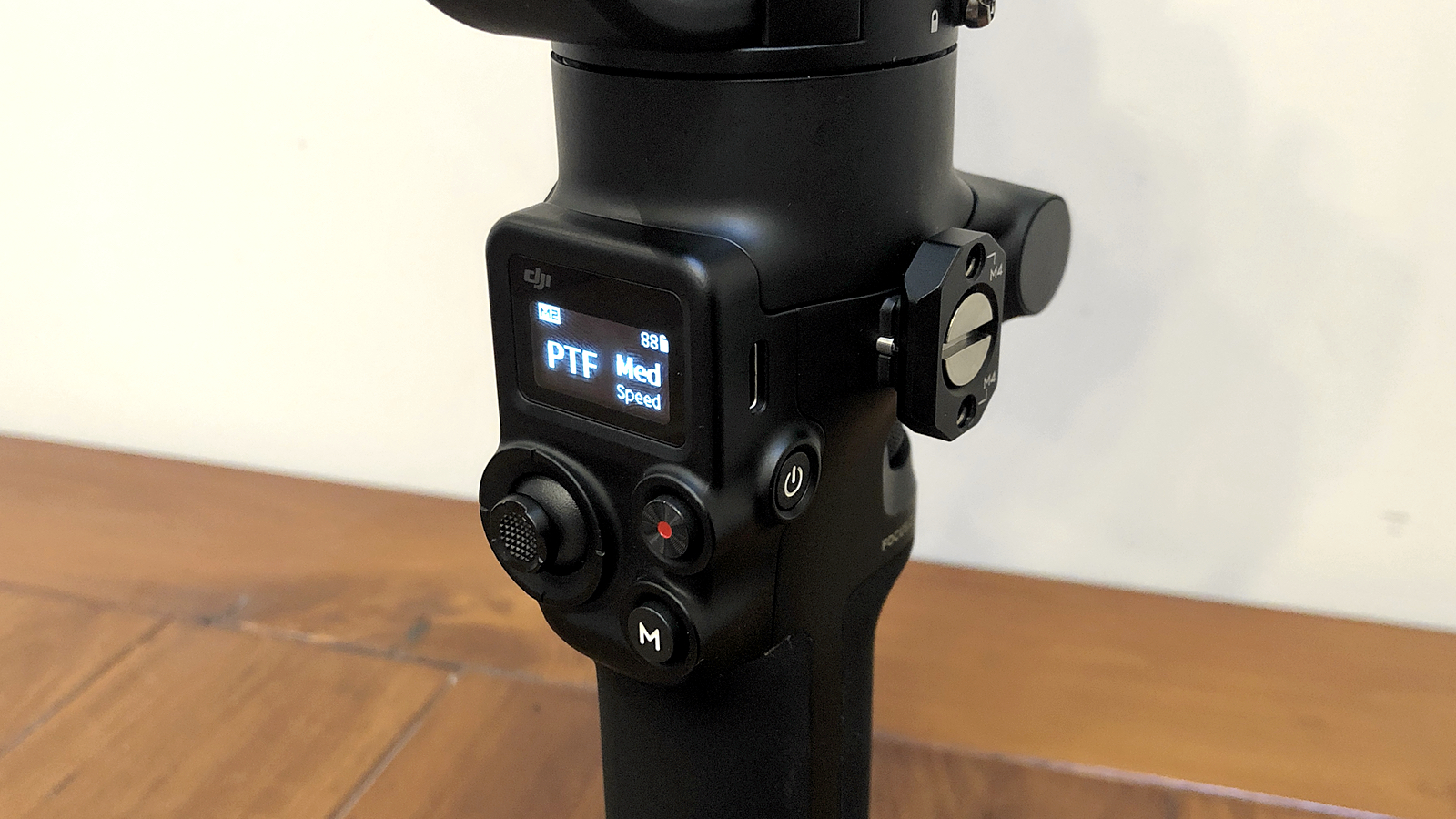
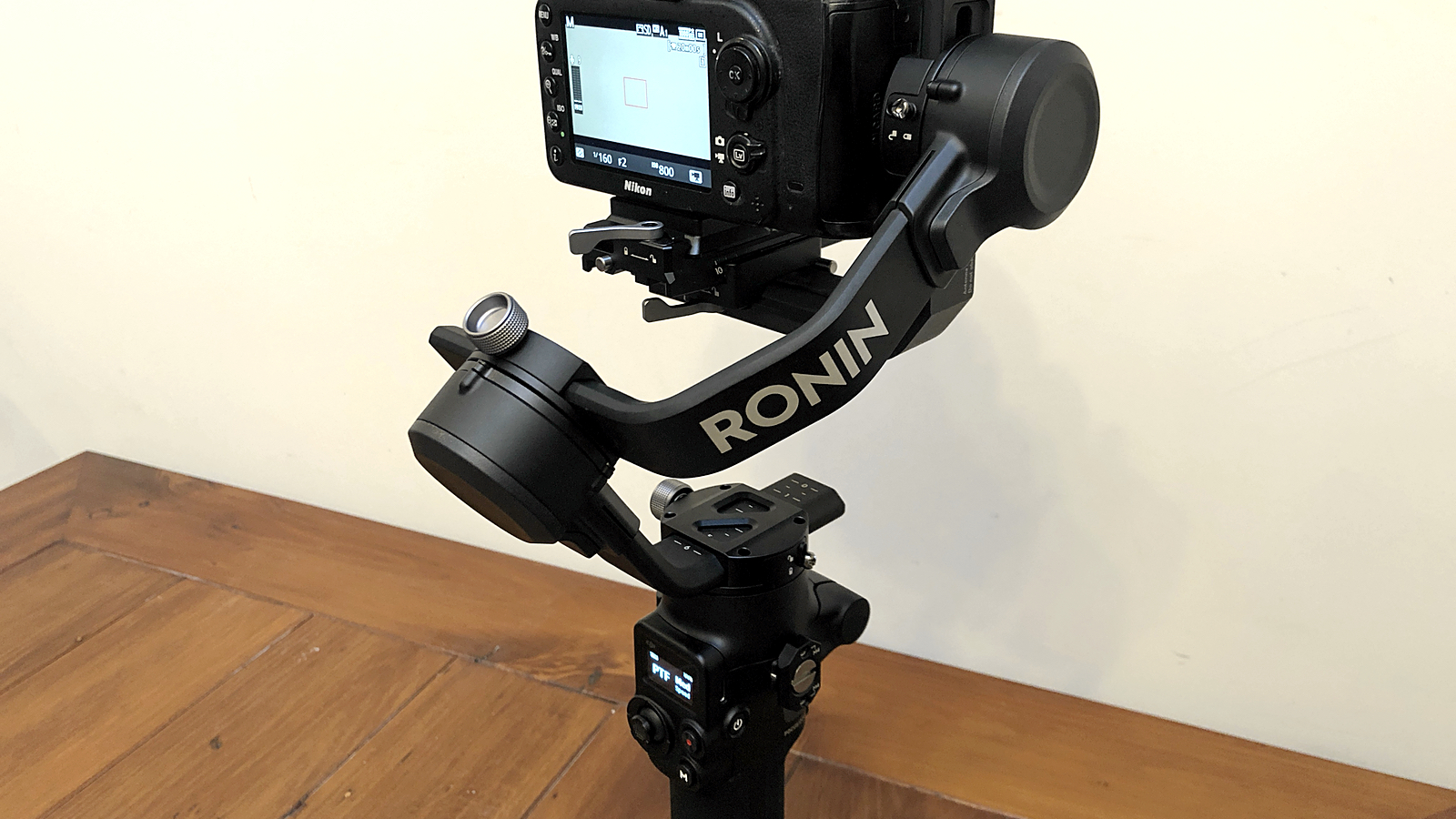
Other physical changes include a trio of USB-C communications ports beneath the camera mounting plate, as well as redesigned axis knobs which – along with the existing axis locks – make balancing the gimbal that much easier. You’ll also find a re-shaped trigger on the front, below a new focus wheel, while the joystick, mode and camera control button have all been repositioned to make space for a 1-inch OLED info display.
DJI RSC 2 performance and interface
Hinged neck unlocks new ‘Sling’ mode
Bigger battery now lasts for 12 hours
Quick Charge delivers a two-hour boost in 15 minutes
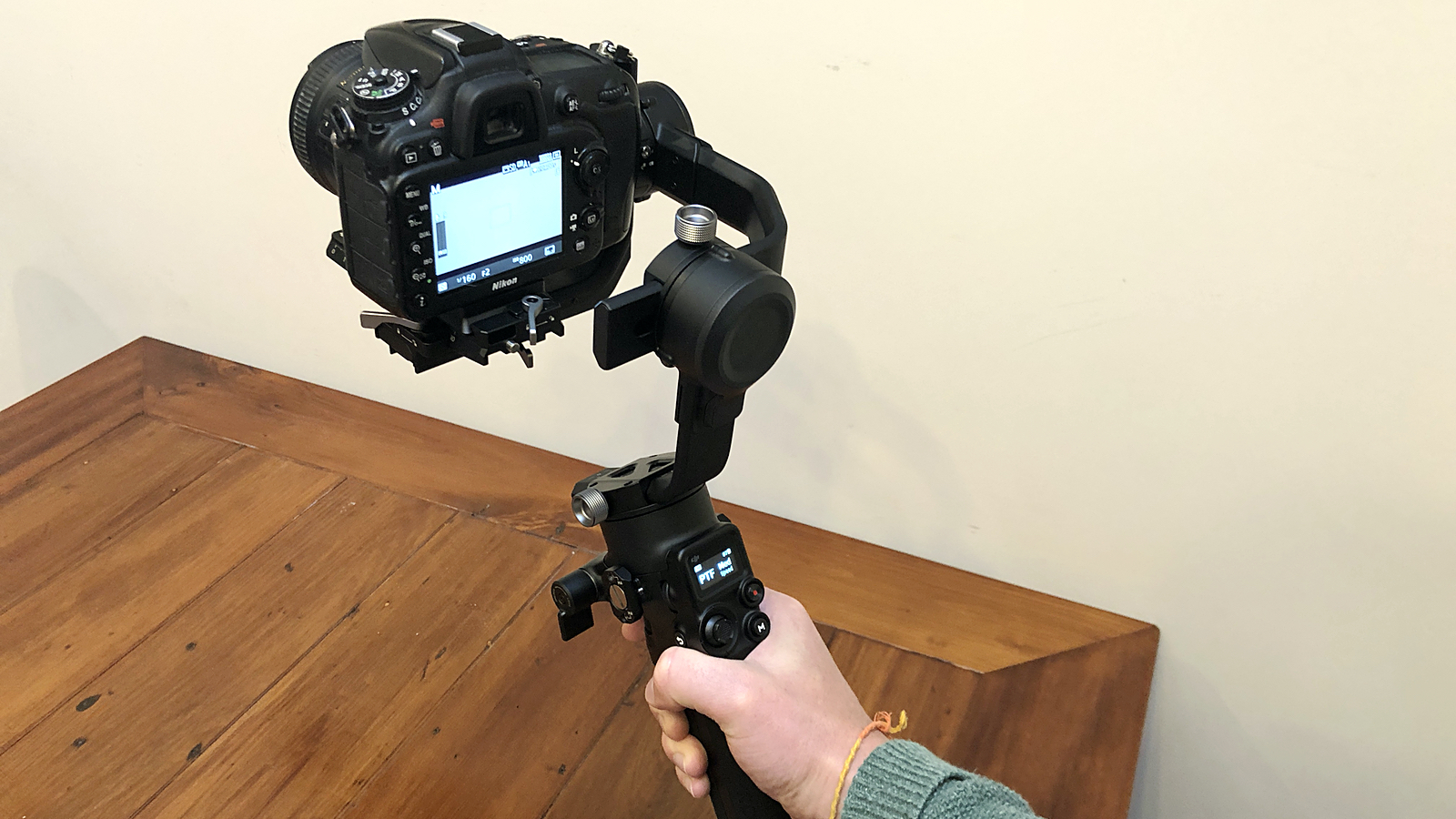
Based on our hands-on time with the DJI RSC 2, it’s both effective and accessible as a standalone gimbal. Once you’ve balanced the axes and mounted your camera, controlling pan and tilt with the joystick feels perfectly fluid and intuitive. The front focus wheel and trigger are equally well-placed for your index finger, while the back buttons and scroll wheel sit within easy reach of your thumb.
You’re now even more likely to find a physical setup that suits your creative requirements: in addition to the upright, underslung and flashlight options, the new ‘Sling’ mode uses the hinged neck to mimic a handheld rig with the camera slung forward.
Image 1 of 3
(Image credit: Future)
Image 2 of 3
(Image credit: Future)
Image 3 of 3
(Image credit: Future)
The result of this additional versatility is, unsurprisingly, that the RSC 2 is even more capable when it comes to delivering a stable platform for your camera. According to DJI, there’s a newly optimized Titan algorithm which "smooths out the fine details" – and that certainly appears to bear out in practice. In our limited hands-on time, we were able to capture shake-free handheld footage, complimented by buttery smooth panning and tilting.
And we could do so for longer, courtesy of the beefed up battery. On paper, the DJI RSC 2 can go for a full 12 hours on a single charge, one longer than the Ronin-SC. That will naturally vary depending on how hard the axis motors are working to smooth and track motion, but the bigger boon is USB-C quick charging, which adds approximately two hours of battery life in just 15 minutes – ideal if you need some extra juice to finish a shoot.
As for the new OLED screen, it’s a simple but transformative addition. Where the Ronin-SC’s trio of LED indicators required you to remember how you’d programmed each mode, the RSC 2 uses its 1-inch OLED to display which mode you’re in, what that mode does, the panning speed and the available battery life. The readout strikes an ideal balance, serving up just enough useful info to add clarity, without cluttering the simple interface. And it doesn’t try to be too smart: if you want to adjust modes or settings, you’ll need to dive into the Ronin app.
DJI RSC 2 smart connectivity and presets
Force Mobile and ActiveTrack return
New ‘Time Tunnel’ creative preset due after launch
Accessories such as Phone Holder unlock full functionality
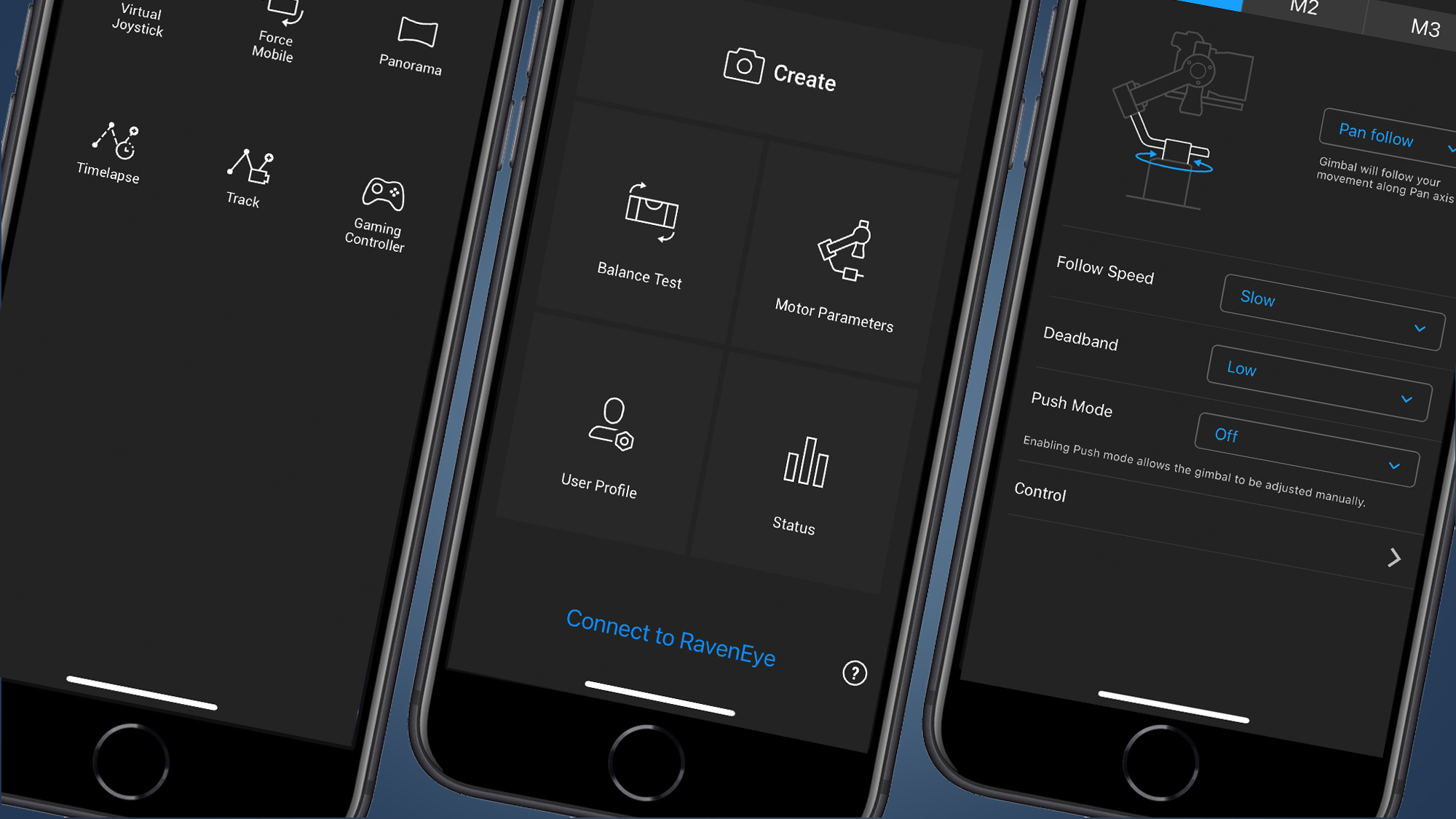
As with the Ronin-SC, the app is a pretty comprehensive partner to the RSC 2. First and foremost, it allows you to configure the function of the three available modes on the RSC 2, enabling or disabling individual axis motors and customizing parameters such as follow speed.
It’s also where you can access the various creative presets, including time-lapse and panorama. With the RSC 2 connected to a compatible camera, the gimbal will control both the panning and the shutter release, resulting in effortless yet remarkable results. Fans of these presets will also welcome news that a new one is due shortly after launch: Time Tunnel will see the gimbal perform a 360-degree roll while capturing a hyper lapse.
(Image credit: Future)
Besides the Virtual Joystick and the option to control the DJI RSC 2 with a PS4 or Xbox controller, the app is also where you’ll find the returning Force Mobile mode – and it’s just as effective as before. Simply put, Force Mobile sees the RSC 2 copying the orientation of your wirelessly connected smartphone, panning and tilting to match your handset. It’s seamless and makes remote control feel more than a little bit magic.
DJI has also promised an "updated ActiveTrack". On the Ronin-SC, ActiveTrack 3.0 used deep learning algorithms to automatically track subjects with the camera of your smartphone. It was a smart trick, deploying tech perfected on DJI’s drones to accurately pair digital tracking with the mechanical movements of the gimbal. According to DJI, ActiveTrack 3.0 will only be available on the RSC 2 when the new RavenEye Image Transmission System is connected. This additional module should allow you to stream a 1080/30p low-latency feed to your phone from up to 100m away, but it wasn’t available to test for our hands-on review.
(Image credit: Future)
Even in its absence, RavenEye highlights an important point about the RSC 2: many of its best features require sold-separately accessories. The base model does come bundled with the folding tripod base, but you’ll need a Focus Motor to unlock the functionality of the front focus/zoom wheel, while the Phone Holder is required to side-mount your smartphone as a settings screen or use it as a second monitor. For this reason, the more expensive but comprehensive Pro Combo will probably be the most appealing option for videographers.
It’s also worth checking that your camera has a compatible USB port. The RSC 2 is shipped with a handful of control cables, with connections including Micro and Mini USB, as well as USB-C. The degree of camera control supported will vary from model to model, but if your camera doesn’t have a compatible port at all – such as the UC-E6 port found on older Nikon cameras – it simply won’t be able to connect to the RSC 2.
(Image credit: Future)
DJI RSC 2 early verdict
After a full day of playing with the DJI RSC 2, it’s clear that the gimbal builds on the Ronin-SC in all the right ways. Steady shots and smooth controls were pretty much a given, but it’s the subtle design changes that make the RSC 2 a much improved stabilizing option for vloggers and videographers.
The folding neck makes the RSC2 more portable and unlocks novel shooting possibilities, while the increased payload means it now works with a range of DSLR cameras. Add a new OLED info display, a redesigned control layout – including a front focus wheel at finger’s reach – and a sturdy, premium finish, and the RSC 2 shapes up as an appealing package.
We’ll need more time with the DJI RSC 2 to accurately test how its 12-hour battery life stacks up in practice. Feedback on the new Time Tunnel preset will likewise have to wait until the full app release, while testing the updated ActiveTrack functionality won’t be possible until we’ve got our hands on a RavenEye module. And it’s worth remembering that the Pro Combo will be key to unlocking the gimbal’s full potential. Still, from what we’ve seen so far, the DJI RSC 2 looks like it has plenty to offer.
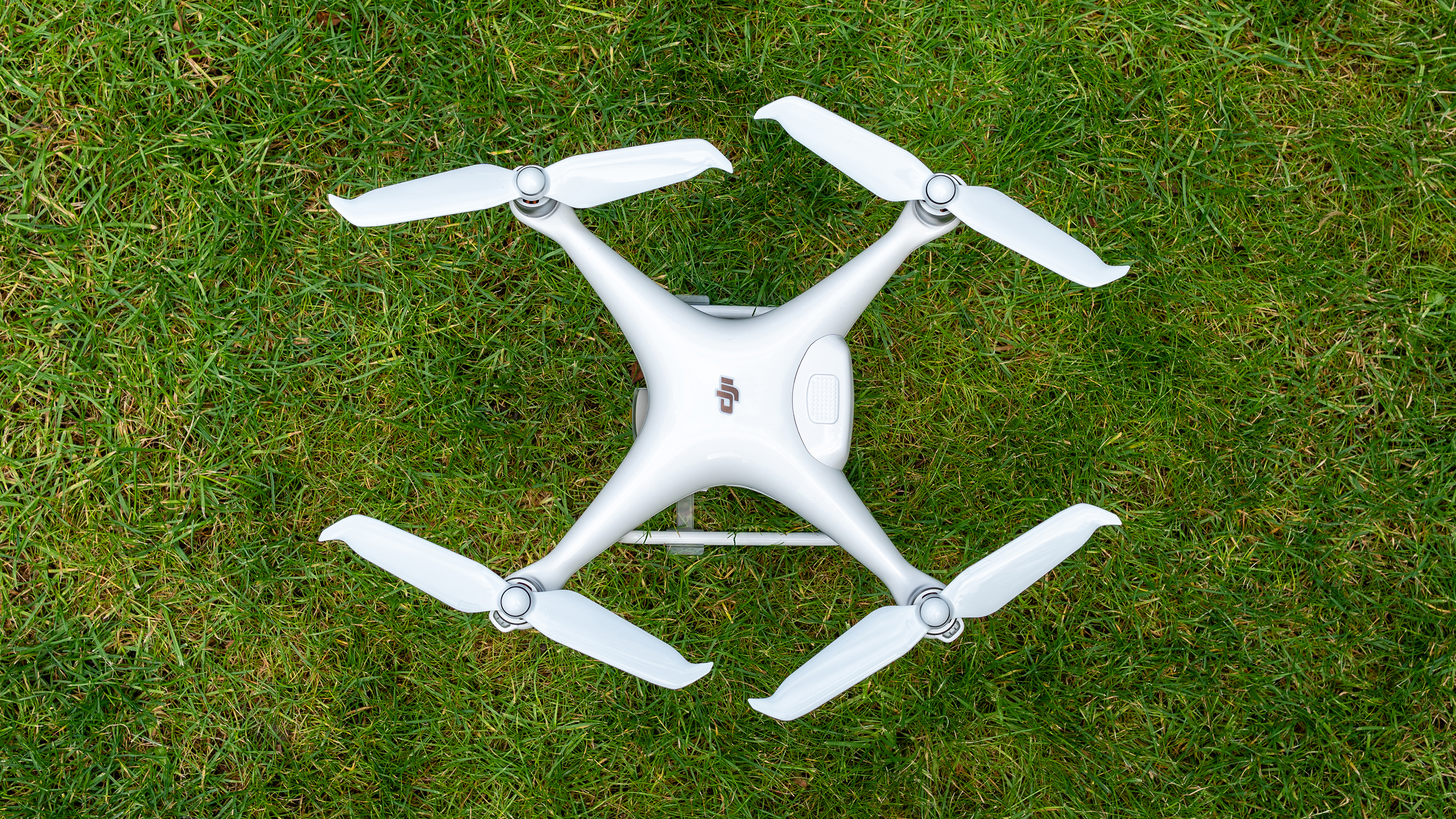
The DJI Phantom 4 Pro V2.0 is the most recent model in its Phantom series, which is the range that really lifted DJI into the stratosphere as the world leader in drones.
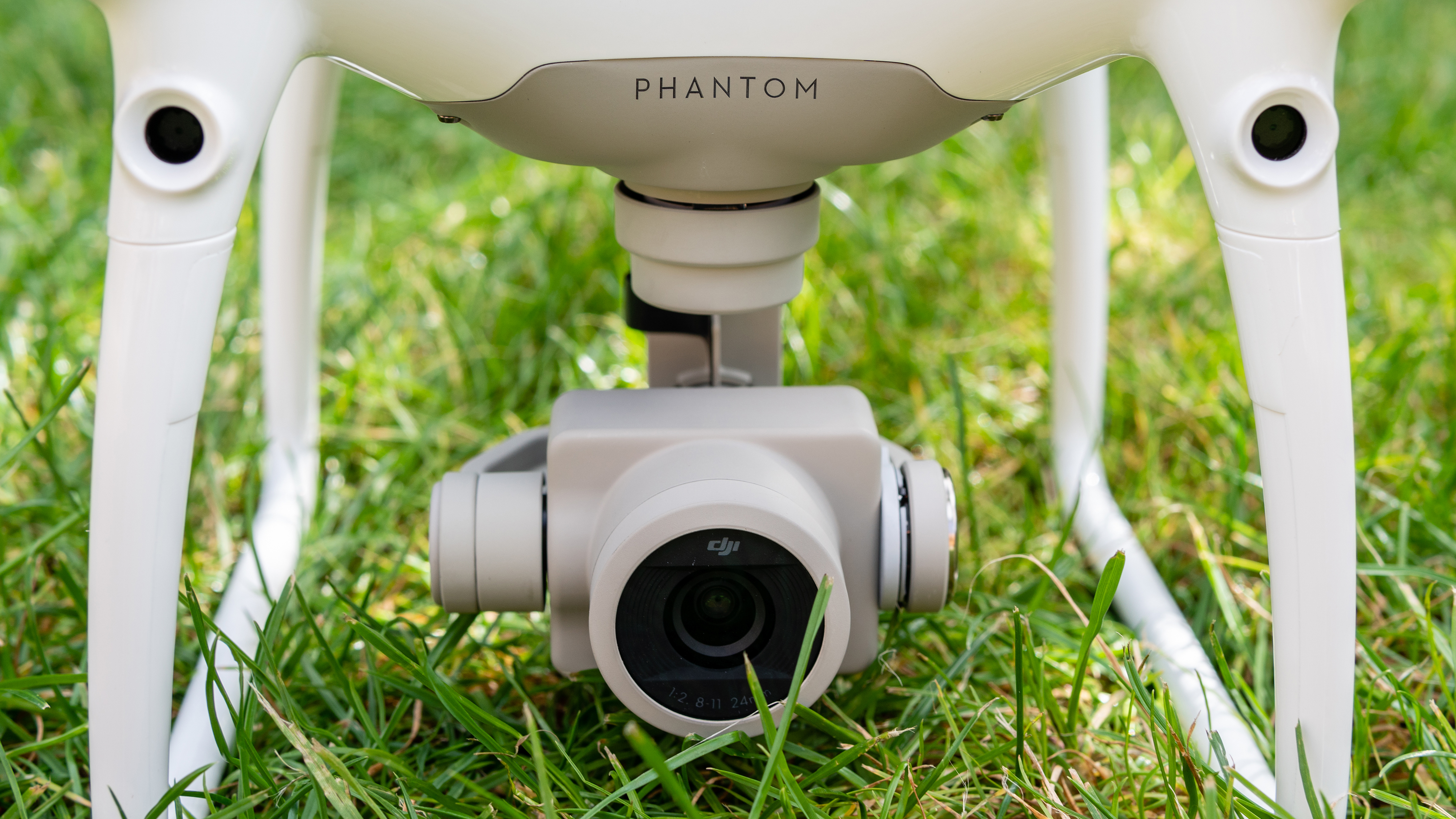
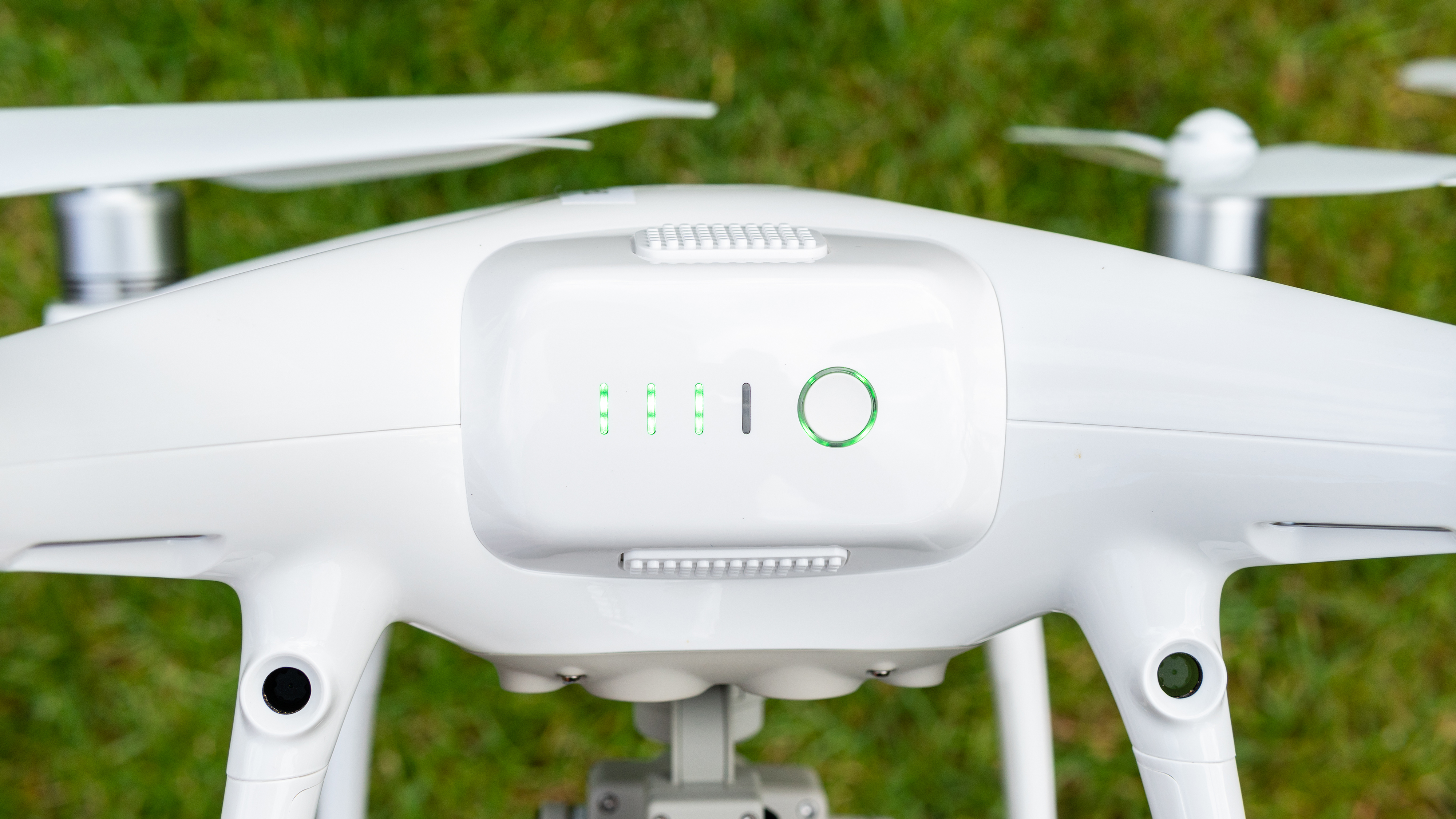
The Phantom 4 Pro V2.0 was announced back in 2018 and was a significant upgrade over the Phantom 4, bringing a host of professional features and improved flight technologies that include front, rear and downward visual sensors, as well as infrared sensors on the sides of the aircraft to provide obstacle sensing in five directions.
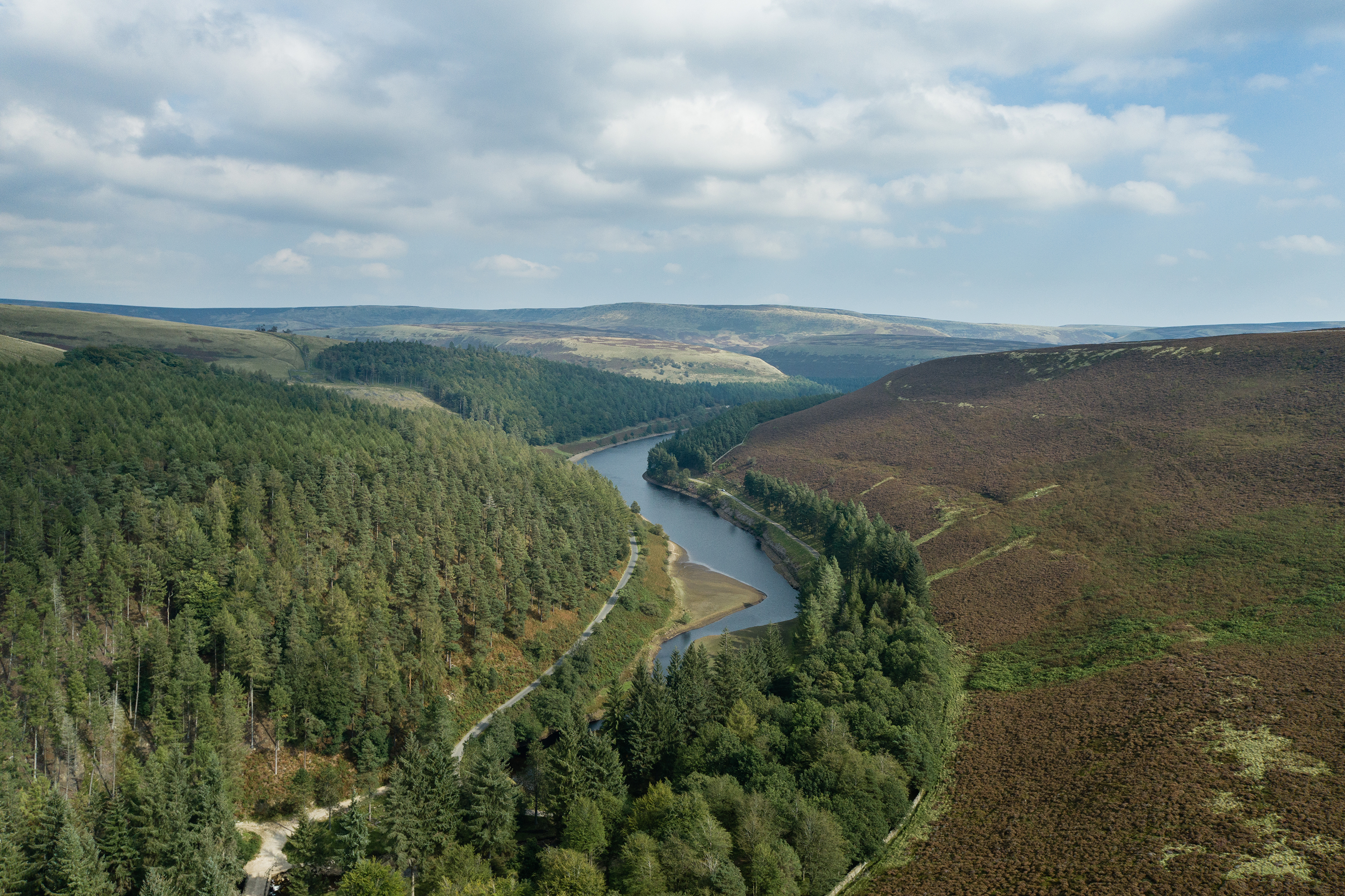
Thanks to its 20MP 1-inch sensor and ability to shoot video up to 4K video at 60fps, this is definitely a pro-level drone. Of course, it's not the cheapest or smallest model in DJI's range either, but all of these features, combined with its power and speed, mean it remains a compelling option for drone pilots.
What other features are on board? A range of intelligent flight modes include three ActiveTrack modes: Profile, Spotlight and Circle. Plus, Draw mode allows you to draw a route for the aircraft to follow on a smart device running the DJI Go 4 app, while TapFly is a mode for flying backwards to capture aerial selfies.
These come on top of Sport (high-performance), Position (standard GPS mode) and Attitude (no GPS) modes, Gesture mode, Tripod mode, Course Lock, Home Lock and Beginner mode. In other words, It's certainly not short on flying modes.
For photographers and videographers, the Phantom 4 Pro V2.0's performance certainly doesn’t disappoint either.
The camera features a 20MP 1-inch sensor, capable of shooting impressive raw stills and 4K/60p video at 100Mbps video in the D-Log color profile.
Image 1 of 5
(Image credit: Future)
Image 2 of 5
(Image credit: Future)
Image 3 of 5
(Image credit: Future)
Image 4 of 5
(Image credit: Future)
Image 5 of 5
(Image credit: Future)
A mechanical shutter helps to provide natural-looking video that’s vastly better than a digital shutter because the problem of rolling shutter is eliminated, while an adjustable aperture of f/2.8-f/11 provides flexibility and control. Image quality for both stills and video is excellent, although like most drones with a 1-inch sensor or smaller, the best results are achieved at lower ISO settings.
The main issue with the Phantom 4 Pro V2.0, and one that’s going to be a dealbreaker for some, is the sheer size and weight of the aircraft.
At 1,375g with the battery and propellors installed, plus the 904g controller and 468g for each additional battery, carrying everything can be cumbersome.
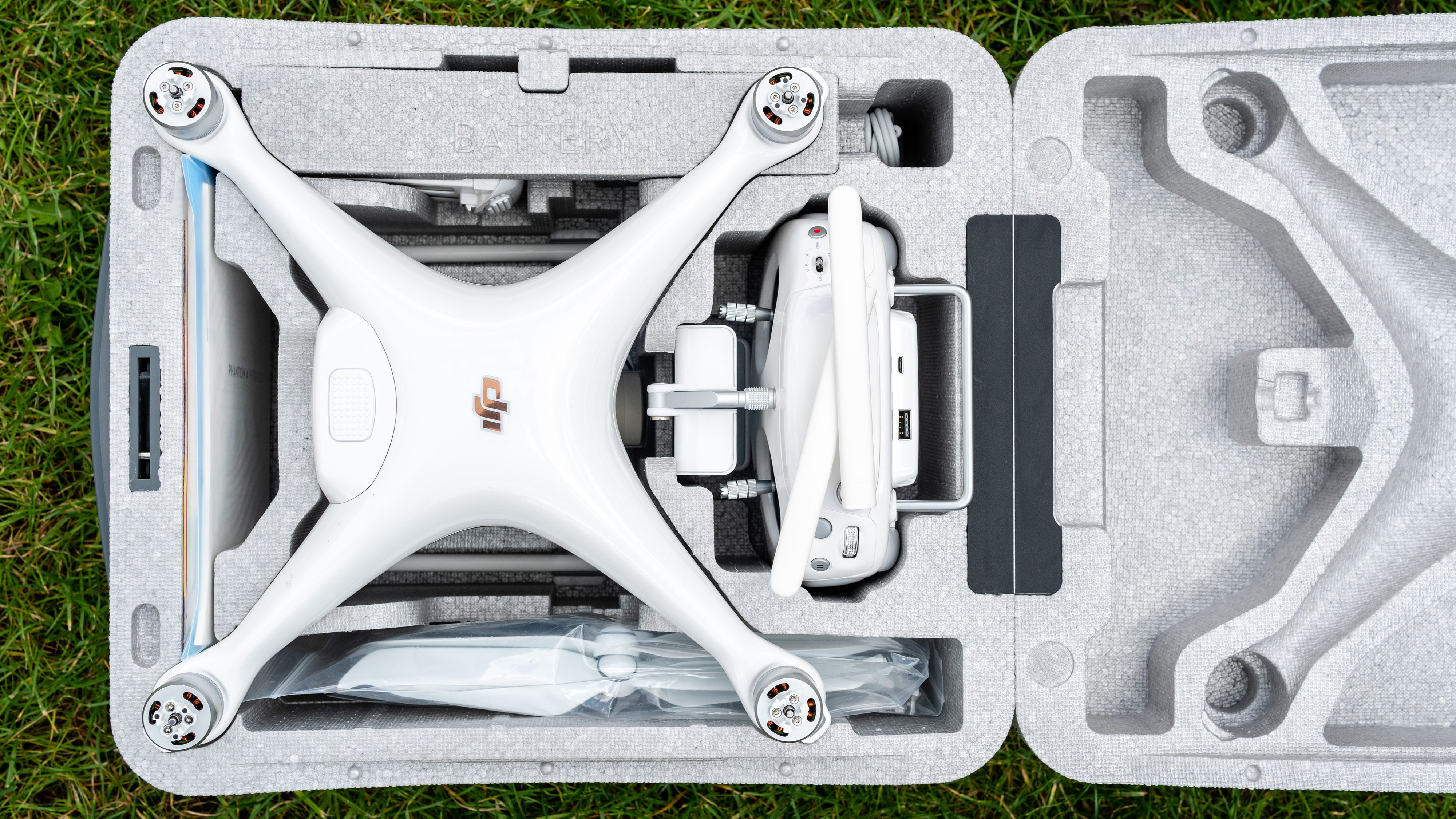
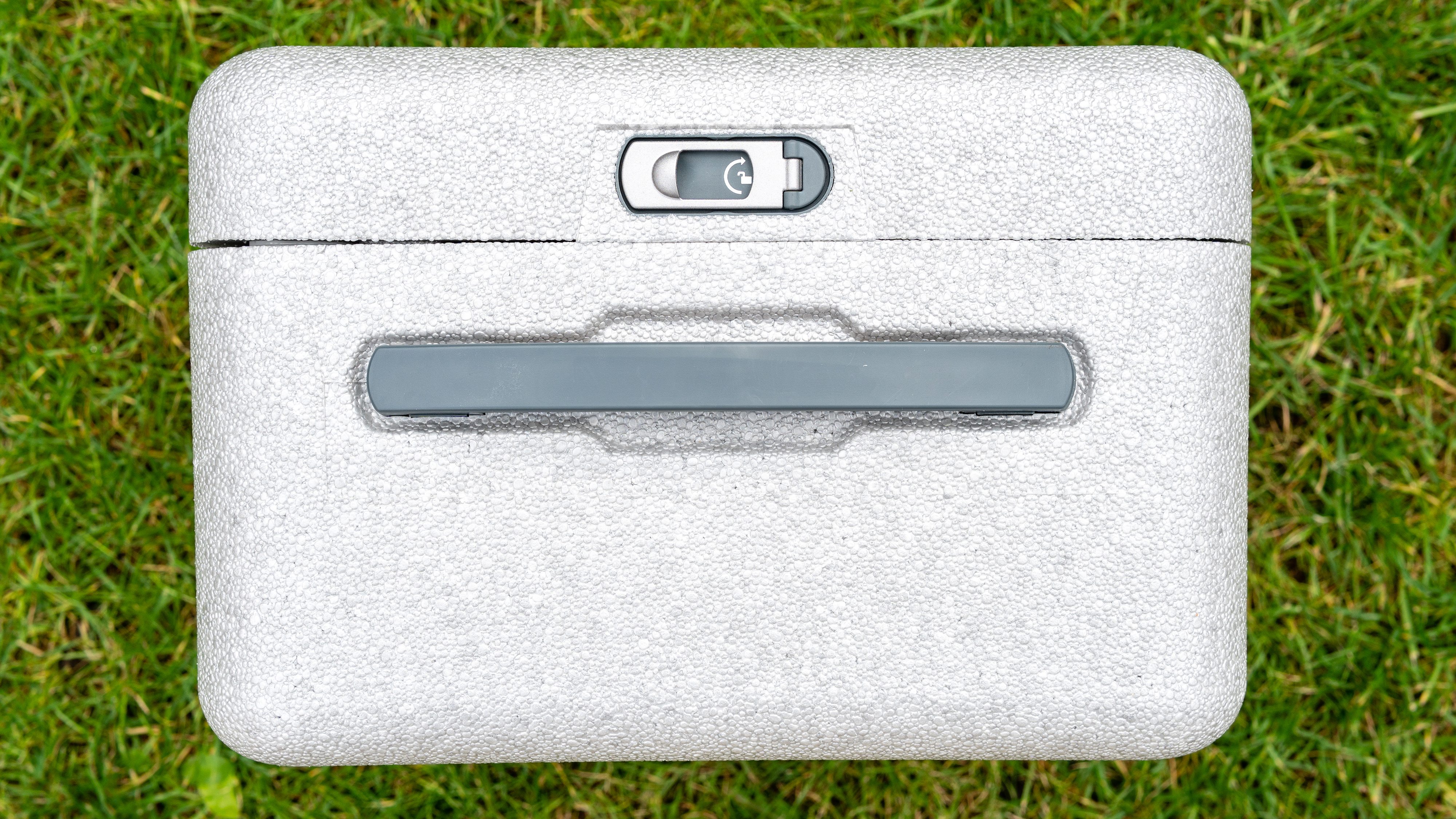
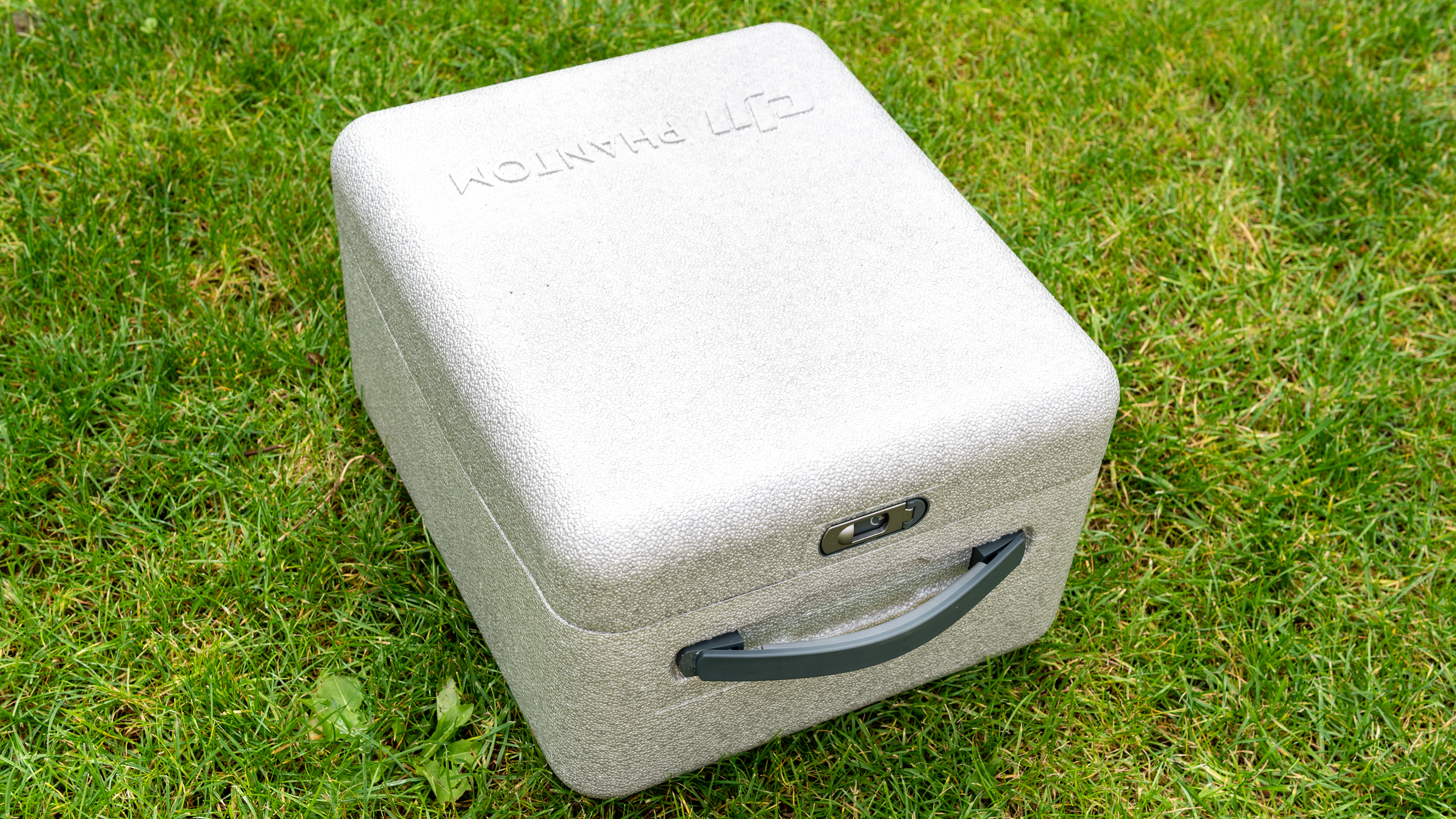
At 251×398.78×172.72mm the Phantom is large too, but fortunately comes with a handy polystyrene case with a carry handle (above) to hold everything you need for flying, and it's surprisingly comfortable to carry despite its size.
In flight, the Phantom handles well and provides up to 30 minutes of flight time up to a maximum speed of 72kph/45mph. The maximum transmission distance between the controller and aircraft is 8km thanks to OcuSync 2.0 technology, which is unusable due to drone laws around the world in which the majority specify that drones must remain within 500m of the drone pilot while also within visual line of sight. Still, this signal strength means that, within this range, the connection is robust.
Image 1 of 3
(Image credit: Future)
Image 2 of 3
(Image credit: Future)
Image 3 of 3
(Image credit: Future)
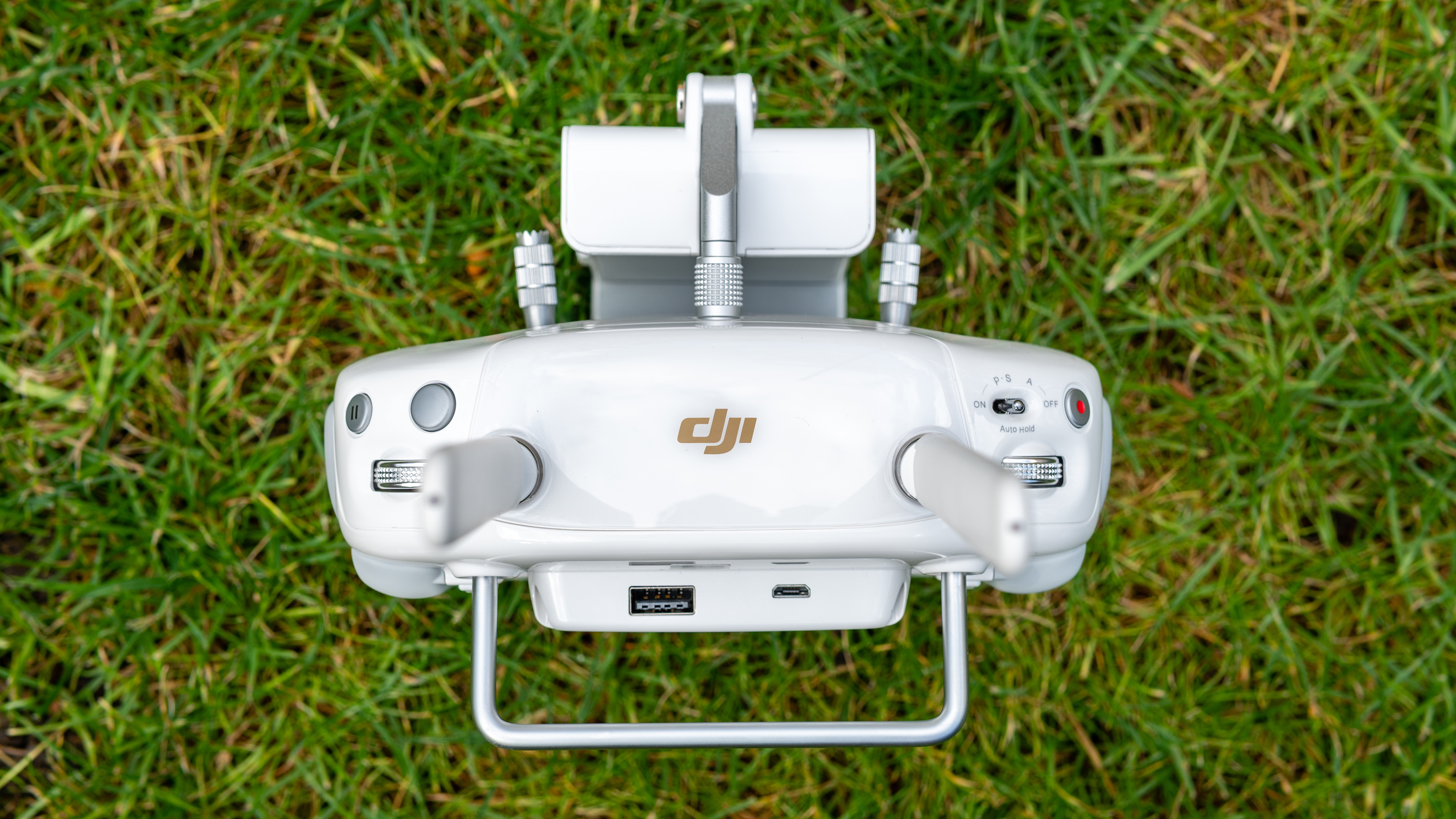
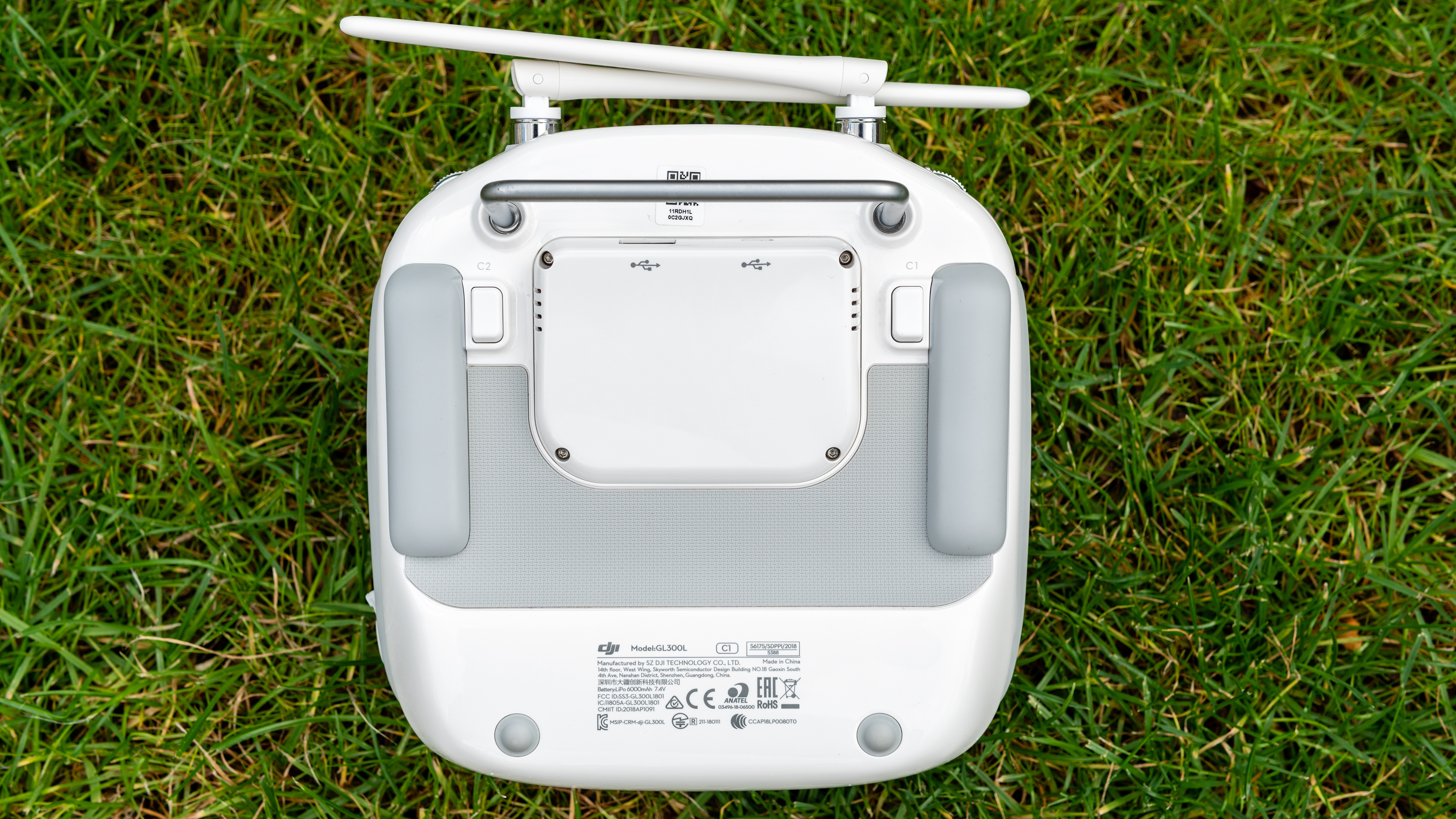
The controller itself is rather large and in some ways resembles a traditional radio controller unit, but unlike the latter it has a clean white design, plus a phone and tablet holder on the front of the controller. The phone/tablet holder is extremely versatile and can comfortably hold any smartphone and tablets up to 10-inches in landscape format.
The size and weight of the controller balances well with tablets which, of course, provide a larger view of the DJI Go 4 app that’s used to adjust settings and to control the Phantom’s camera. The controller also provides several direct access buttons and customizable buttons, so the camera and certain drone settings can be quickly adjusted without the need to use the app.
The Phantom 4 Pro V2.0 is extremely responsive with sensitive controls that must be used with care to ensure smooth flight during video recording. With Mavic models, you can fly smoothly using just your thumbs to control the control sticks, but with the Phantom it’s essential to use the thumb and index finger ‘pinch’ because this method provides much more control. It’s not a problem at all, but something to be aware of if you’re used to flying less responsive drones.
Should I buy the DJI Phantom 4 Pro V2.0?
(Image credit: Future)
Buy it if...
You need 4K video at 60fps
The Phantom 2 Pro V2.0 is capable of capturing 4K/60fps video at 100Mbps in the D-Log colour profile, which is ideal for professional aerial videographers.
You need a mechanical shutter When shooting video, mechanical shutters avoid the problem of rolling shutter. This is a problem associated with digital shutters that scan the scene rather than capturing it as a whole.
Need to shoot high-quality stills The 20MP 1-inch sensor capable of shooting Raw files in DNG format provides photographers with higher image quality than smaller sensors and a huge amount of control when processing images.
Don't buy it if...
You want a small, lightweight drone
The Phantom Pro 4 V2.0 is a large and heavy drone compared to Mavic series drones, so it’s nowhere near as comfortable to transport to locations off the beaten track.
You're a drone beginner
While the Phantom offers features to help beginners get used to flying the drone, the Mavic Air 2 is much more suitable for drone newbies and even easier to fly.
You're on a tight budget
At £1589 for the basic kit, the Phantom Pro 4 V2.0 is one of the more expensive models in DJI’s prosumer drone line-up, with other models available at much lower prices.
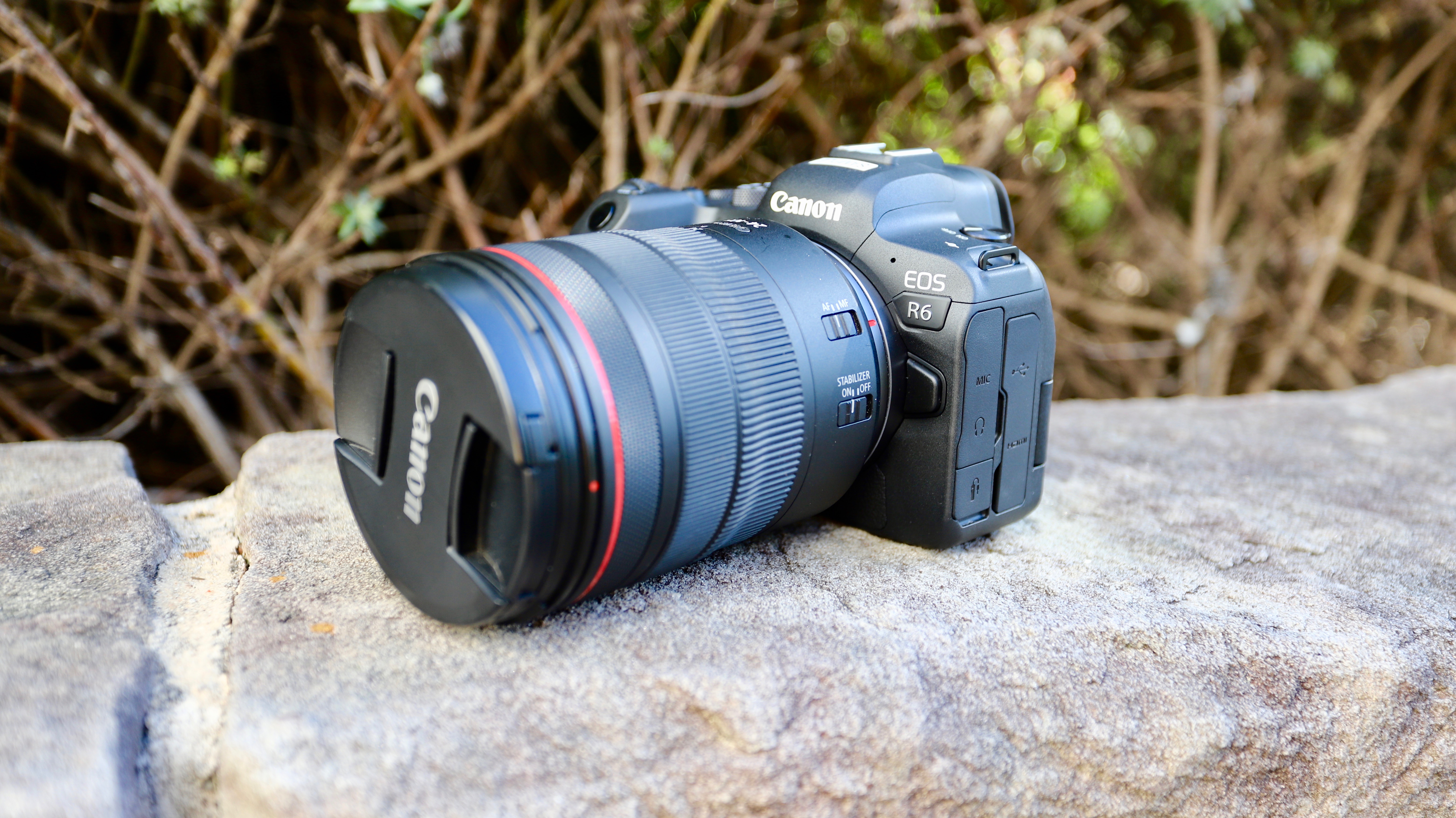
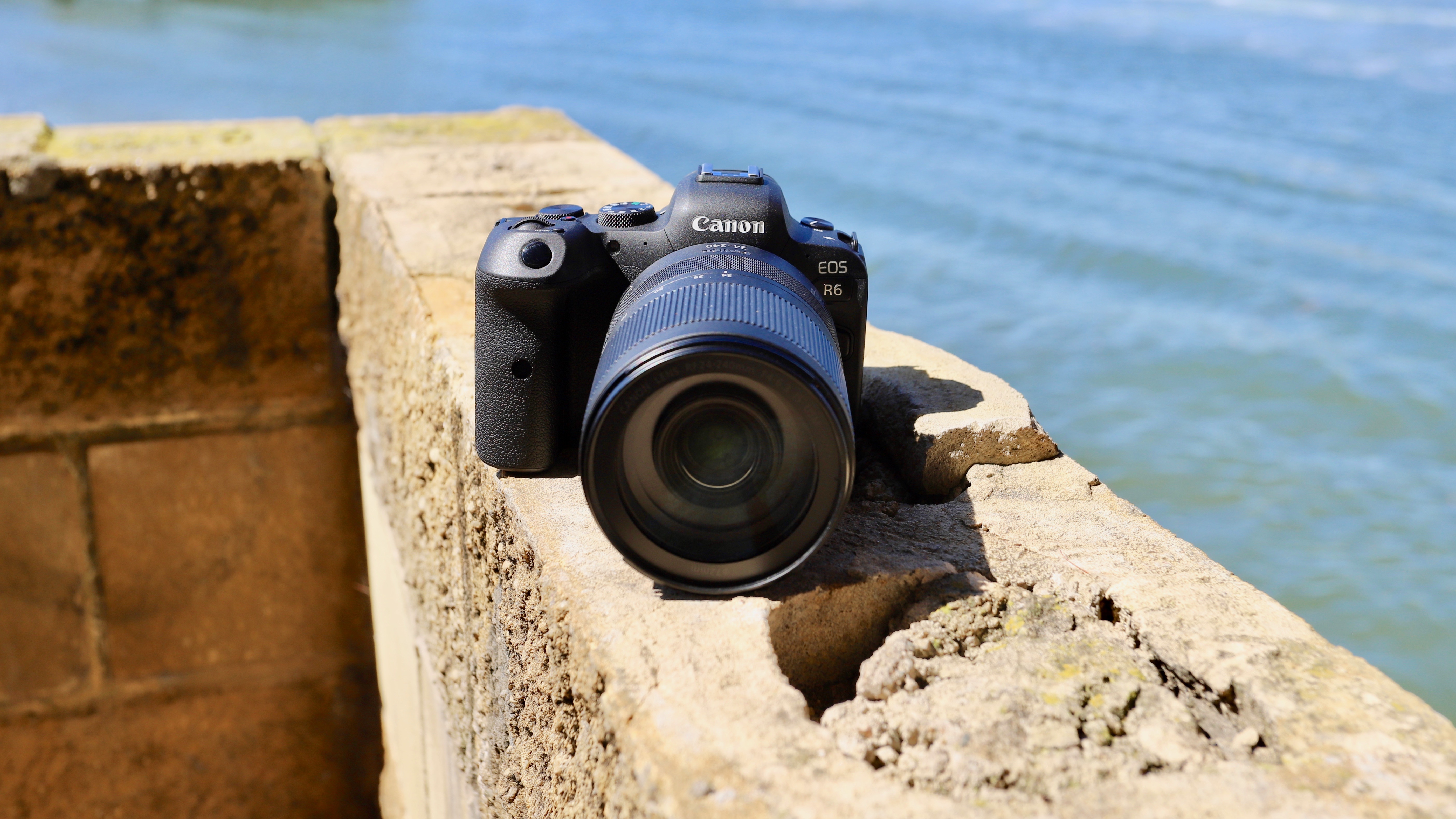
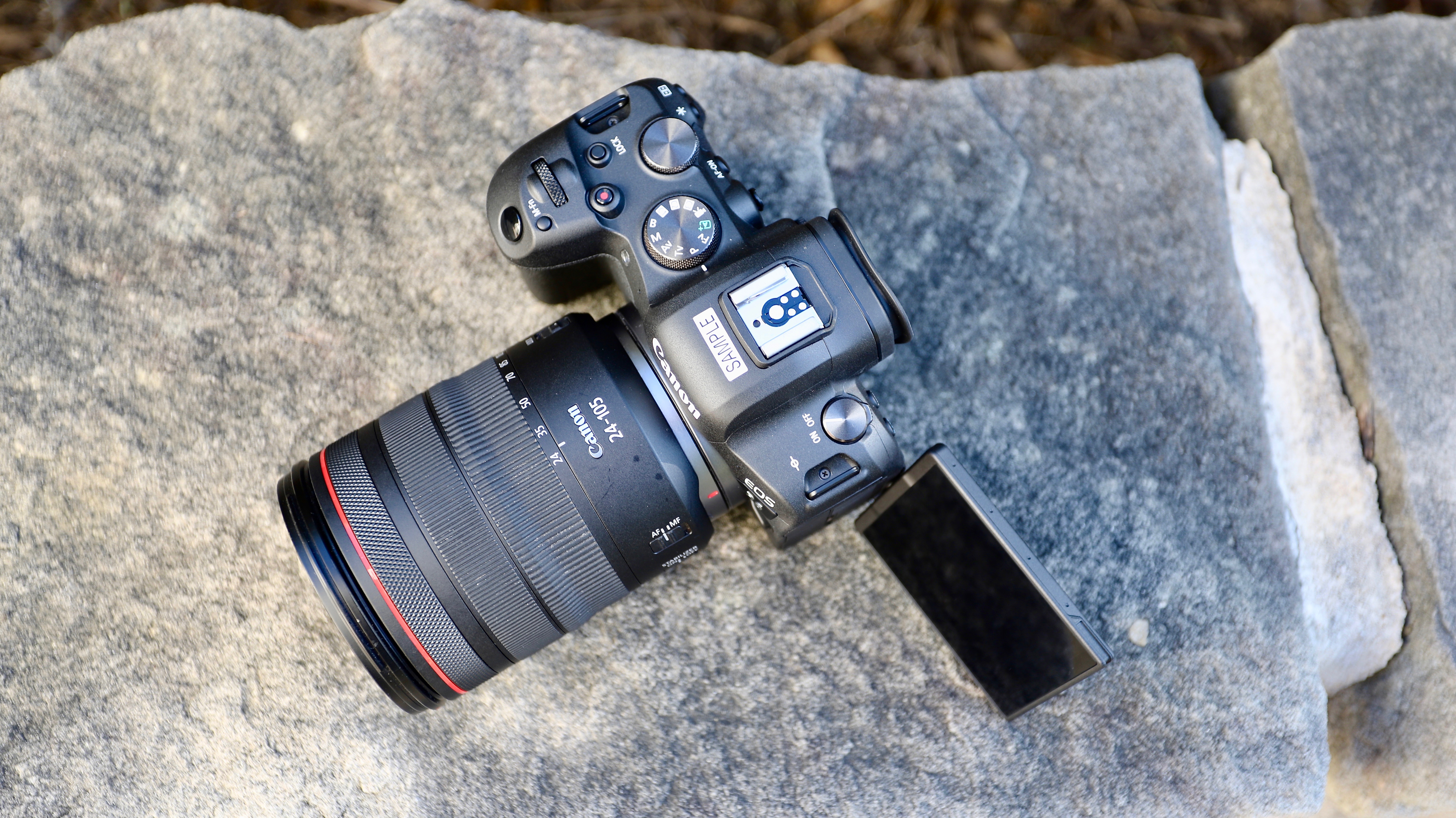
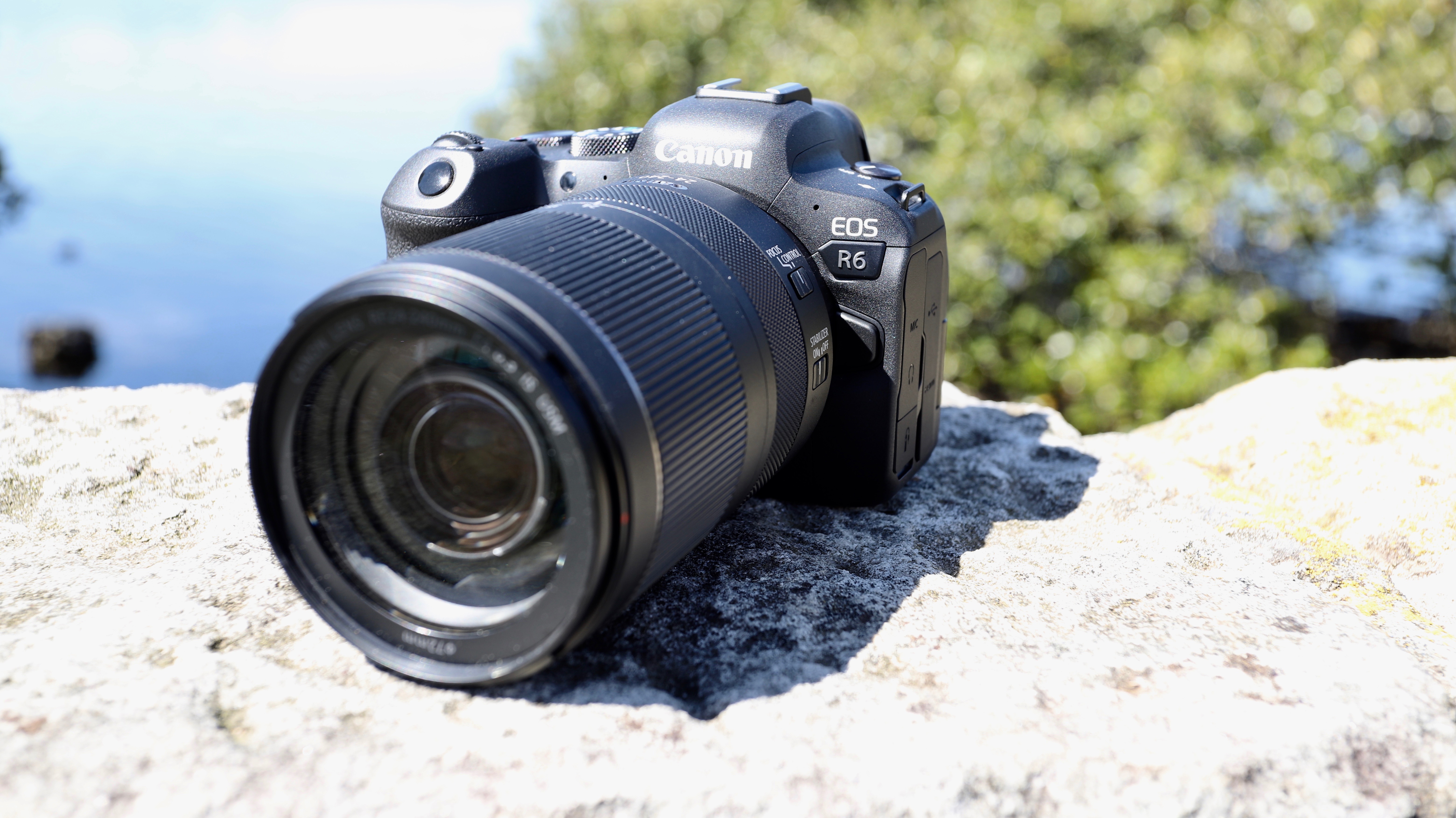
Canon’s new EOS R6 may have been overshadowed by its more expensive EOS R5 sibling, but given its impressive feature set, it might become Canon’s most popular camera. It fills the hole left between the EOS R’s pretty impressive skills and the top-end specs of the EOS R5 (which, admittedly, might be too much of a camera for the average user).
To put it simply, the EOS R6 is essentially a more affordable R5, albeit with a significantly lower sensor resolution and more limited (but still excellent) video recording capabilities. And, despite being classed as an enthusiast-level camera, the EOS R6 comes with features that rival Canon’s professional-level – and extremely expensive – models.
Taking a leaf, or two, out of the EOS 1D X Mark III playbook, the EOS R6 inherits the same 20MP sensor resolution as the DSLR but not quite the same sensor. The difference is in the architecture as an upgraded version of Canon’s tried-and-tested Dual Pixel CMOS autofocusing system has been incorporated onto the sensor. This has markedly improved autofocus and tracking performance, with the EOS R6 now able to match, and sometimes outperform, Sony’s Real-Time Tracking Autofocus.
20.1MP is a step down from the 26.2MP pixel count in the EOS 6D Mark II and EOS RP (or the 30MP one in the EOS R), and that’s evident in side-by-side comparisons, although you will have to look really close to be disappointed. However, it’s the dynamic range that’s disappointing – images taken in bright sunlight appear flat, with a lack of detail in highlights and shadows. In comparison, the EOS 6D Mark II performed better in the same situation. That said, image quality is still pretty darn good and shooting with the EOS R6 is an absolute pleasure.
Its ergonomic design makes it comfortable for all-day use, no matter how large or small your mitts are, and you can shoot handheld at shutter speeds as high as 2 seconds and still get remarkably sharp images (provided you have steady hands).
It’s Canon’s first try at in-body image stabilization (IBIS) and, boy, has the company nailed it! It also makes shooting video an absolute pleasure. Yes, there are limitations when shooting 4K footage – and you aren’t going to get the R5’s impressive 8K option here – but Canon has made it very clear that the EOS R6 is first and foremost a stills camera.
Then there’s the marked improvement in speed – while it can’t quite match the 1D X Mark III’s blitzing 16fps burst with the mechanical shutter, the R6 is capable of 12fps bursts. Switch to its electronic shutter and it will match the sports DSLR’s whopping 20fps continuous shooting speed – more than enough for wildlife or sports photography.
Overall, the EOS R6 is a massive upgrade from either the EOS 6D Mark II or even the EOS R and the EOS RP. But all that impressive performance doesn’t come cheap, with higher resolution full-frame mirrorless models now available at a similar price point.
(Image credit: TechRadar)
Canon EOS R6 price and availability
Announced July 2020
Available right now for $2,499 / £2,499 / AU$4,499
Limited stock in most markets
Although Canon announced the EOS R6 (and the EOS R5) in early July, the camera didn’t begin shipping until late August. Even then, there were – and still is – very limited stock reaching retailers worldwide due to the current pandemic affecting supply lines. You may be able to book an EOS R6 with authorized Canon retailers right away, and they will be able to let you know when your unit will ship.
The R6 will set you back $2,499 / £2,499 / AU$4,499, which isn’t cheap by any means. That’s an upper-midrange price tag for a camera Canon has classified as enthusiast-level, but costs about as much as other high-end full-frame mirrorless options like the Nikon Z7 or the Sony A7R III, both of which have high-resolution sensors.
That said, given the R6’s feature set, it’s a competitive price point that’s only slightly higher than the $2,299 / £2,349 / AU$3,349 launch price of the EOS R.
(Image credit: TechRadar)
Specs and features
20.1MP full-frame CMOS sensor
IBIS with up to 8 stops of compensation
Head- and eye-detect AF for animals
There have been so many cameras aimed at video makers that it’s refreshing to know manufacturers haven’t forgotten stills photographers. Canon’s target market for the new EOS R6 is “photographers more focused on stills” who may want to take videos occasionally, with the camera inheriting some top-end features from the EOS 1D X Mark III, starting with its processor.
Canon’s latest Digic X imaging engine works alongside a slightly redesigned 20.1MP full-frame CMOS sensor that, the manufacturer says, is “similar” to the one used in the sports DSLR. The updated sensor incorporates Canon’s second-generation Dual Pixel autofocus architecture (called Dual Pixel CMOS AF II). This has improved phase-difference detection autofocusing in Live View on the R6, and also allows for faster readout speeds during fast continuous shooting and while capturing 4K video at high frame rates. In theory, this should even reduce rolling shutter distortions when using the sensor-based electronic shutter.
20.1MP might seem like a step down for a camera that’s meant to be an all-rounder, but it’s all about the markedly improved speed. The R6 can shoot bursts of 12fps when its mechanical shutter is in use – a remarkable number for a camera that’s aimed squarely at enthusiasts and hobbyists. If that’s not fast enough for you, just switch over to its electronic shutter and the R6 will match the EOS 1D X Mark III’s top speed of 20fps.
Lower pixel count also means bigger pixels, which translates to better light sensitivity and higher signal-to-noise ratio, giving the EOS R6 a native ISO range of 100-102,400 that can be expanded either side to ISO 50 and ISO 204,800 – a massive step up from the EOS R’s native ISO sensitivity of 100 to 40,000. Canon says the decision to use a lower resolution sensor is also to help event photographers manage their workflow – lower pixel count means the file sizes are smaller, thus speeding up transfer rates.
(Image credit: TechRadar)
The headline feature, though, is the addition of in-body image stabilization, something Canon has historically shied away from. The newly designed 5-axis system, Canon says, offers up to 8 stops of compensation when working in tandem with a stabilized lens, although the shutter speed compensation will depend on which lens is being used. For example, with the RF 24-105mm f/4L IS USM lens which has 5-stops of image stabilization, you’ll get 8 stops of coordinated control; however, with the RF 24-240mm f/4-6.3 IS USM lens, which is longer and heavier but has the same 5-stop stability, you’ll get a combined 6.5 stops of stabilization.
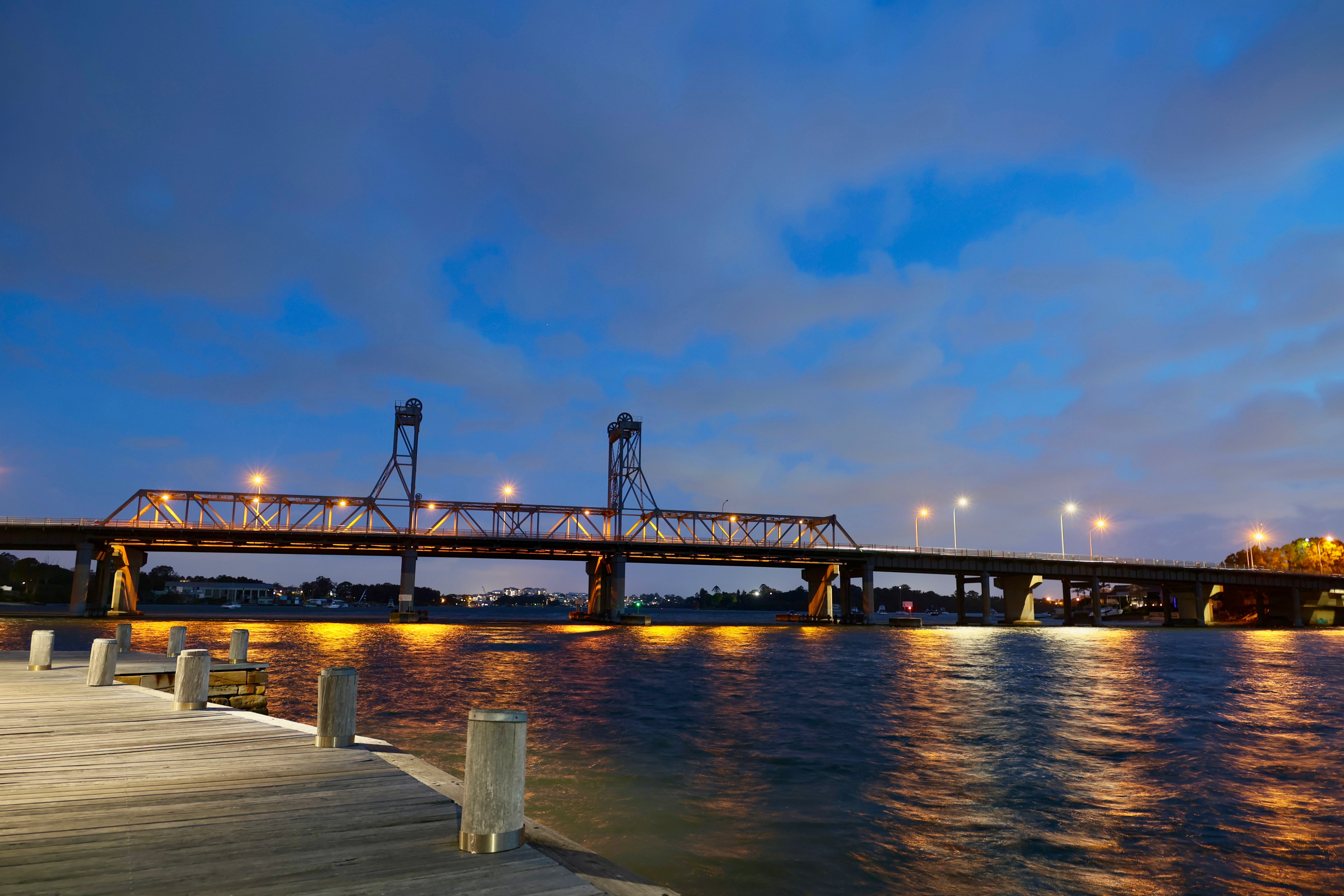
This latter is the lens we used during most of our testing and were able to shoot handheld at a shutter speed of 2 seconds at an effective focal length of 24mm – pretty much matching Canon’s claim. And if you use a lens without IS (like the RF 28-70mm f/2), you’ll still get a full 8 stops of stabilization.
The R6’s autofocus system has also been given an impressive boost. There are 6,072 user-selectable AF points covering 100% of the frame – an improvement over the EOS R’s 5,655 AF point system. Canon also claims the R6 (and the R5) have the “world’s fastest AF for a full-frame camera” measured at 0.05 seconds, although the EOS R also lays claim to the same AF acquisition speed. That said, Sony has beaten Canon with the APS-C format Alpha A6400 that has an AF acquisition speed of 0.02 seconds.
Like the 1D X Mark III, the EOS R6 also has HEIF (High Efficiency Image Format) file support. That means images are captured in 10-bit RGB color for wider dynamic range and color gamut. This format also uses a more efficient compression algorithm that saves a lot more information than traditional JPEGs and is a great alternative to anyone who doesn’t shoot in RAW.
In terms of video, the R6 is clearly not competing with the R5. 4K/60p capture is the best you can get here, and in UHD only. There’s no DCI support for a more cinema-like look, but Canon hasn’t designed this camera for videographers. That said, being able to shoot 4K video while utilizing the full width of the sensor is a huge advantage the R6 has over the EOS R and RP.
(Image credit: TechRadar)
Design and handling
Deep, ergonomic grip
Joystick multi-controller
Dual card slots
Physically, the EOS R6 doesn’t offer a huge size advantage over its 6D Mark II DSLR cousin. It’s only marginally lighter and smaller at 680g (compared to the 765g weight of the latter) and dimensions of 138mm x 98mm x 88mm (as opposed to 144mm x 111mm x 75mm for the 6D II). In real-world use, you’ll barely register the difference.
Thanks to its deep grip, the R6 is wonderfully ergonomic for holding and using for long periods of time. And for those worried about the elements, the R6 is weather sealed. In fact, the EOS R6 (and the R5) have the option of keeping the shutter closed when the camera is powered off to minimize dust damage, something you can set up within the menu system.
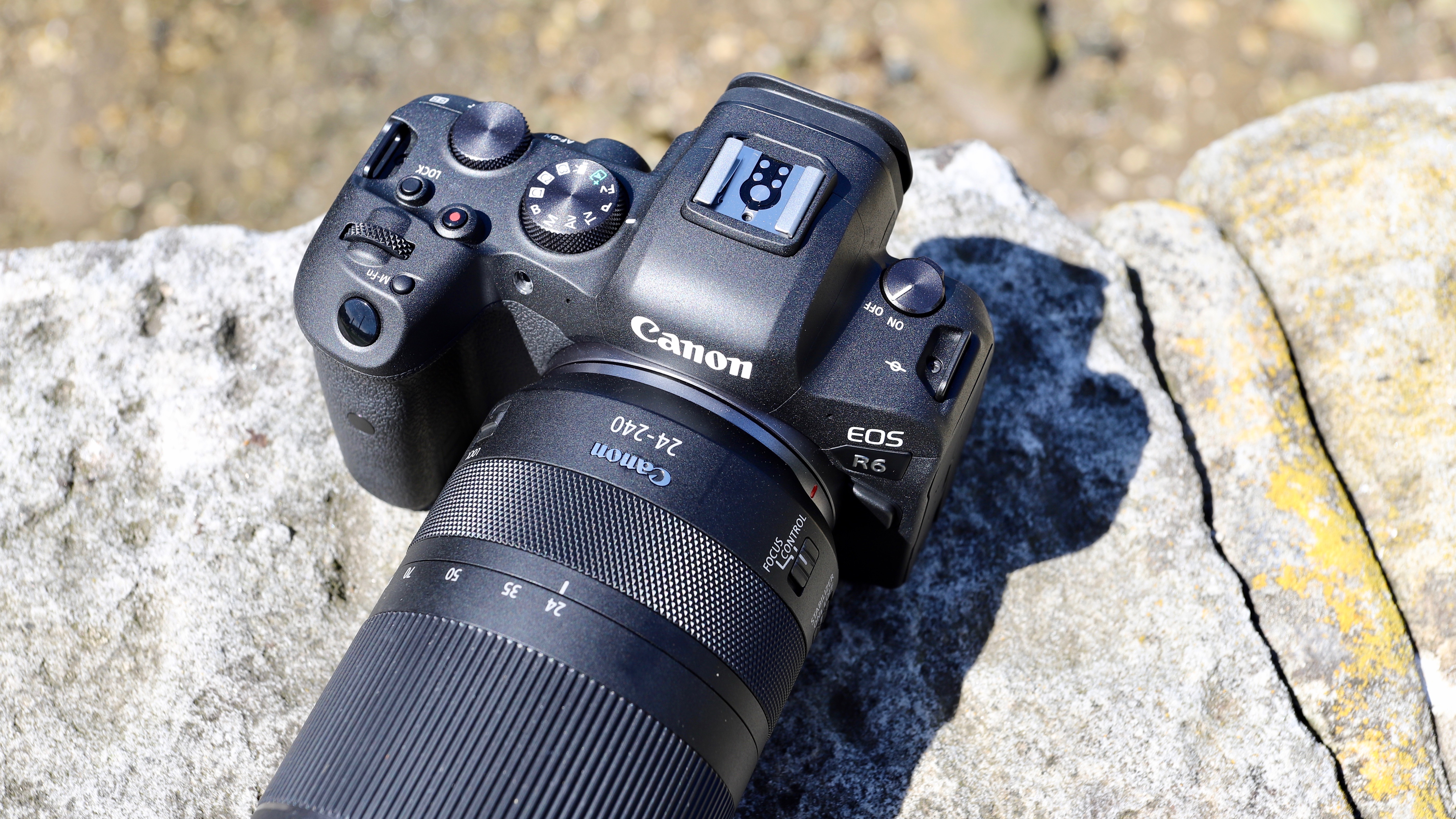
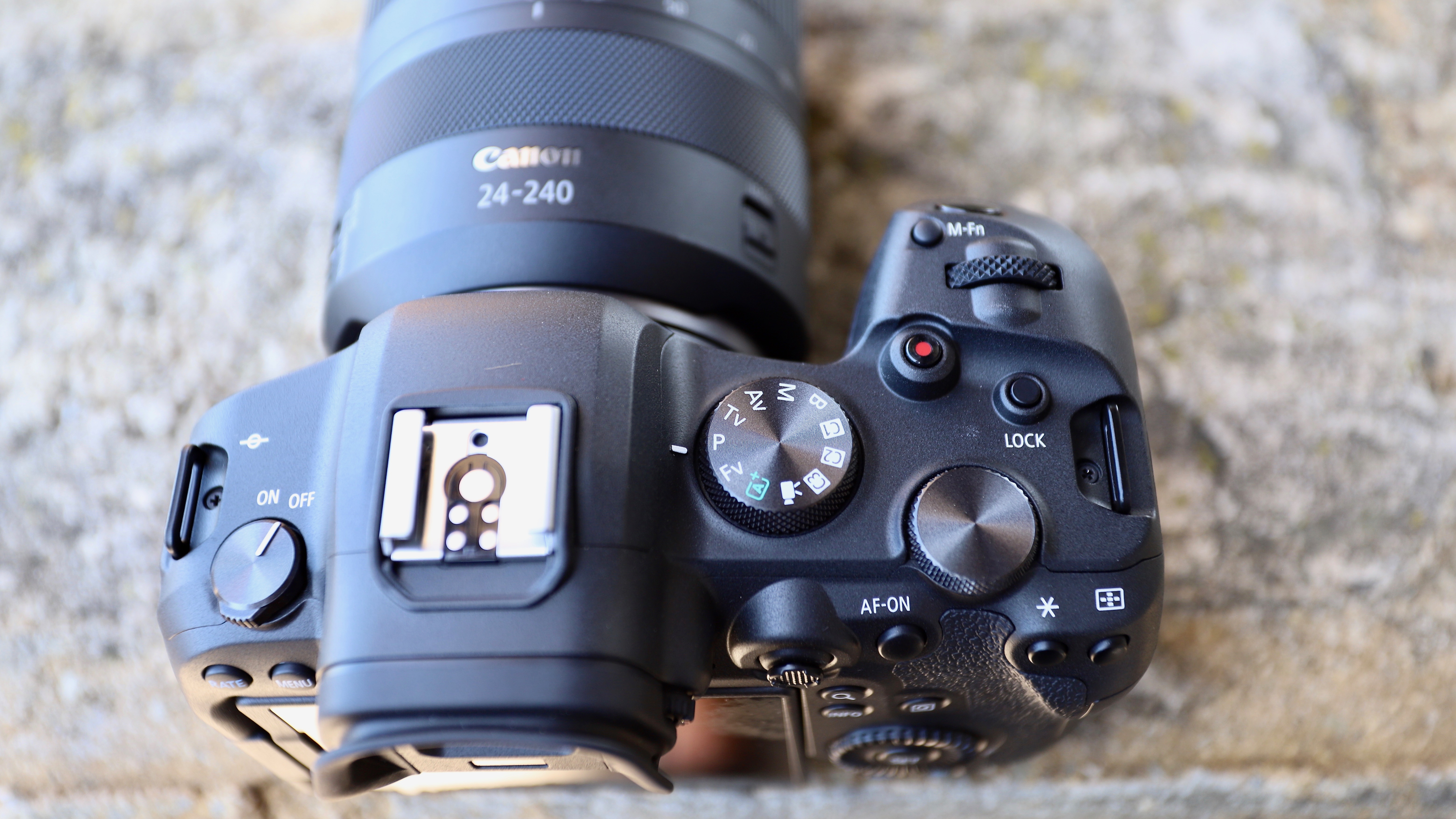
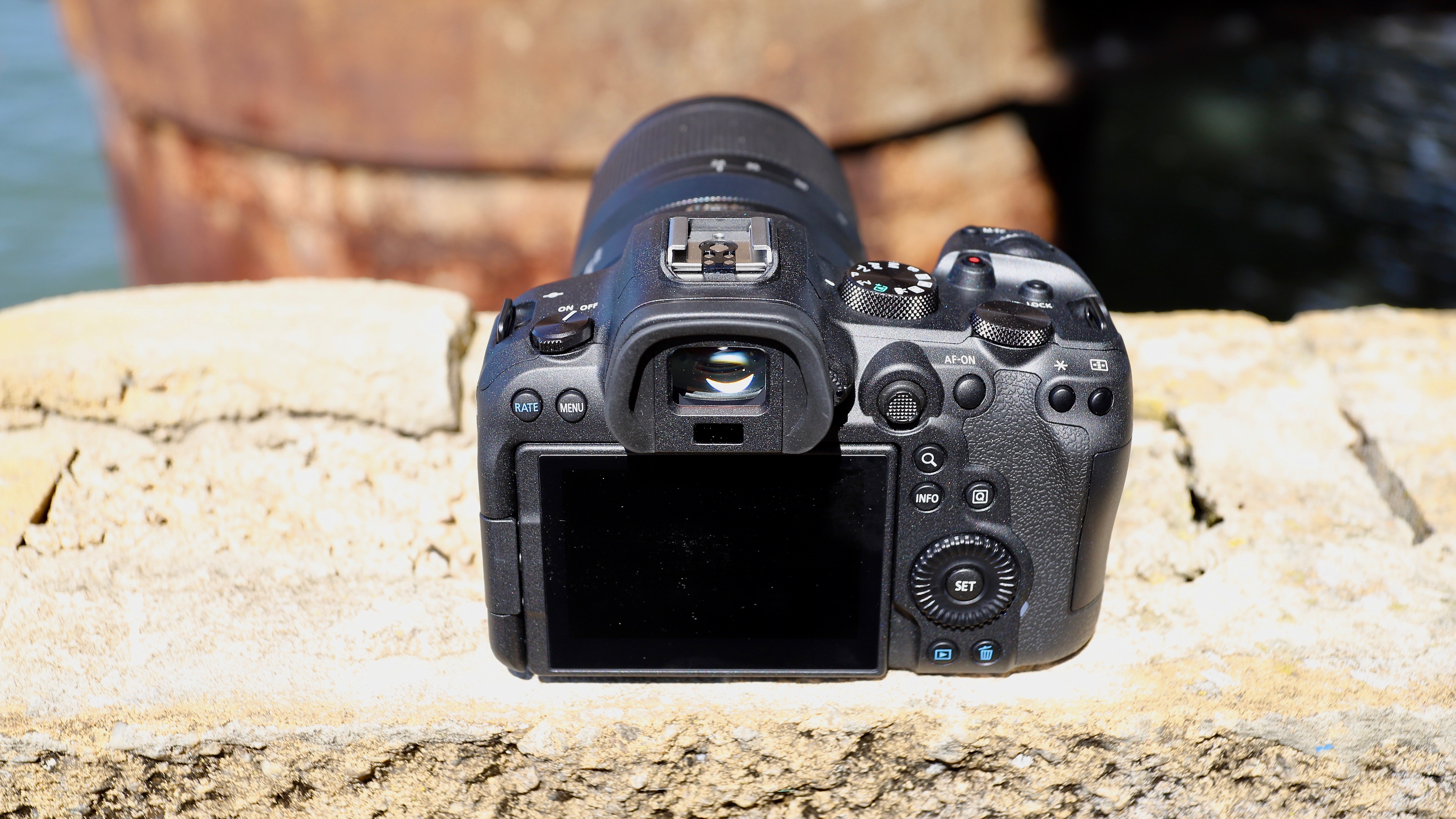
The body resembles the older EOS R in most ways but there are a few obvious differences – the main one being the return of the joystick multi-controller on the camera’s rear. The touch bar on the rear panel of the EOS R was a sore point of contention amongst many users and it’s good to see that it’s gone. The textured joystick is easy to find without taking your eye off the viewfinder. You can use it to find your choice of AF point easily or to navigate the menu system if you’re not keen on Canon’s touchscreen functionality.
(Image credit: TechRadar)
The other difference on the rear control setup is the return of the Quick Menu (Q) button which was also missing in both the EOS R and the RP. If you’re an existing Canon user, the control layout will, for the most part, be very familiar to you, as will the menu system. For those coming from a completely different system, Canon’s setup has always been very intuitive and easy to use, and just a few minutes spent familiarizing yourself will have you up and running.
On the top, the R6 misses out on the LCD display that’s available on the EOS R and R5 (and also on Canon’s DSLRs) but gets a traditional mode dial that will be familiar to most Canon DSLR users.
The R6 also misses out on the high-resolution viewfinder that’s on the R5, instead getting a 3.69-million dot EVF (matching the EOS R). While a higher resolution EVF would have been grand, there’s absolutely nothing to complain about here – a refresh rate of 119.8fps means you’ll barely notice any blackout.
If you’re not keen on using the EVF, you can always shoot in Live View and frame your image using the 3-inch 1.62-million dot rear touchscreen. This vari-angle display is slightly smaller than the one on the EOS R5, which is 3.2 inches thanks to thinner bezels.
(Image credit: TechRadar)
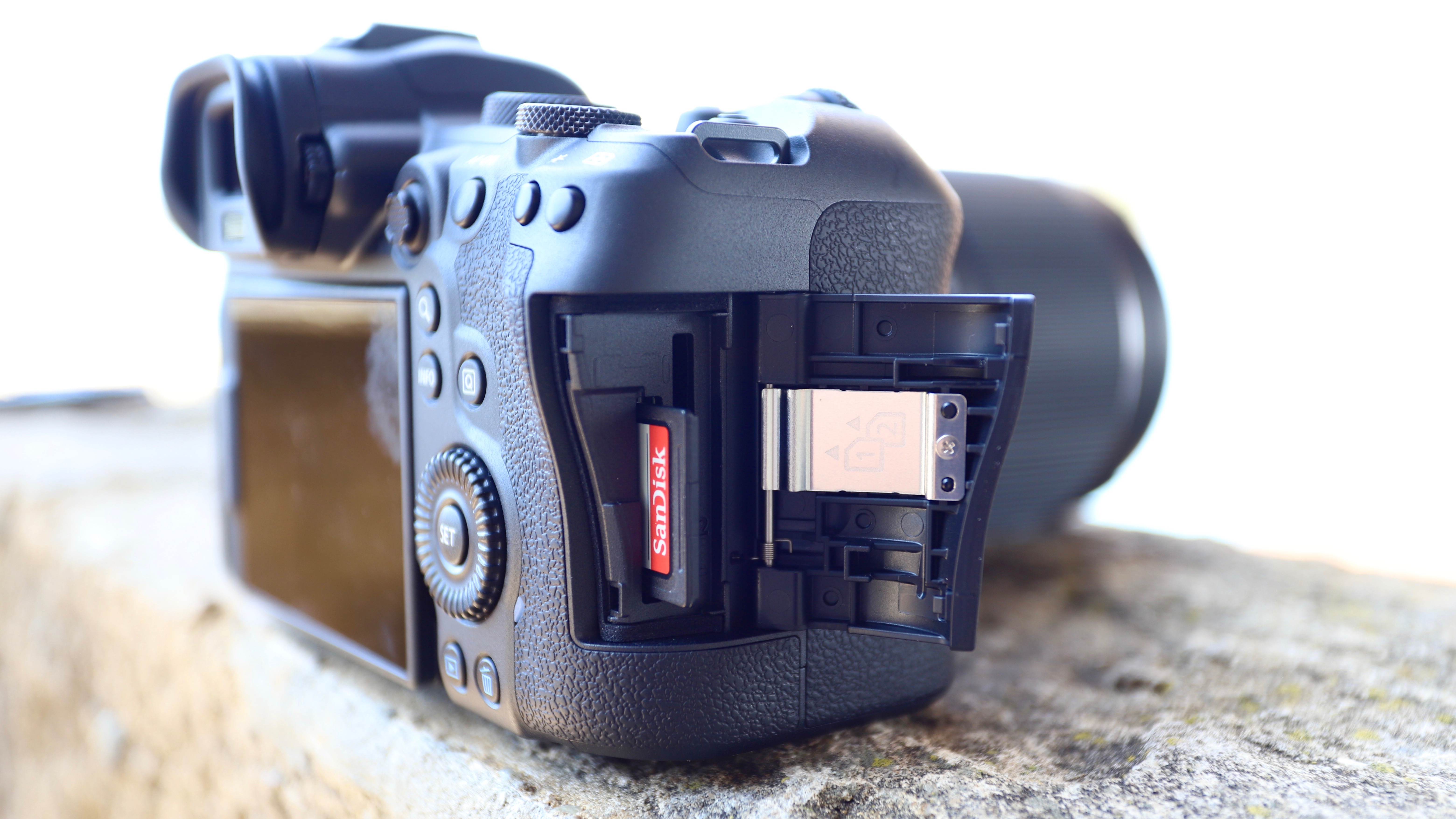
Another major improvement the R6 brings is dual card slots, both of which support SD UHS-II format. You can record to both simultaneously if you wish or one at a time.
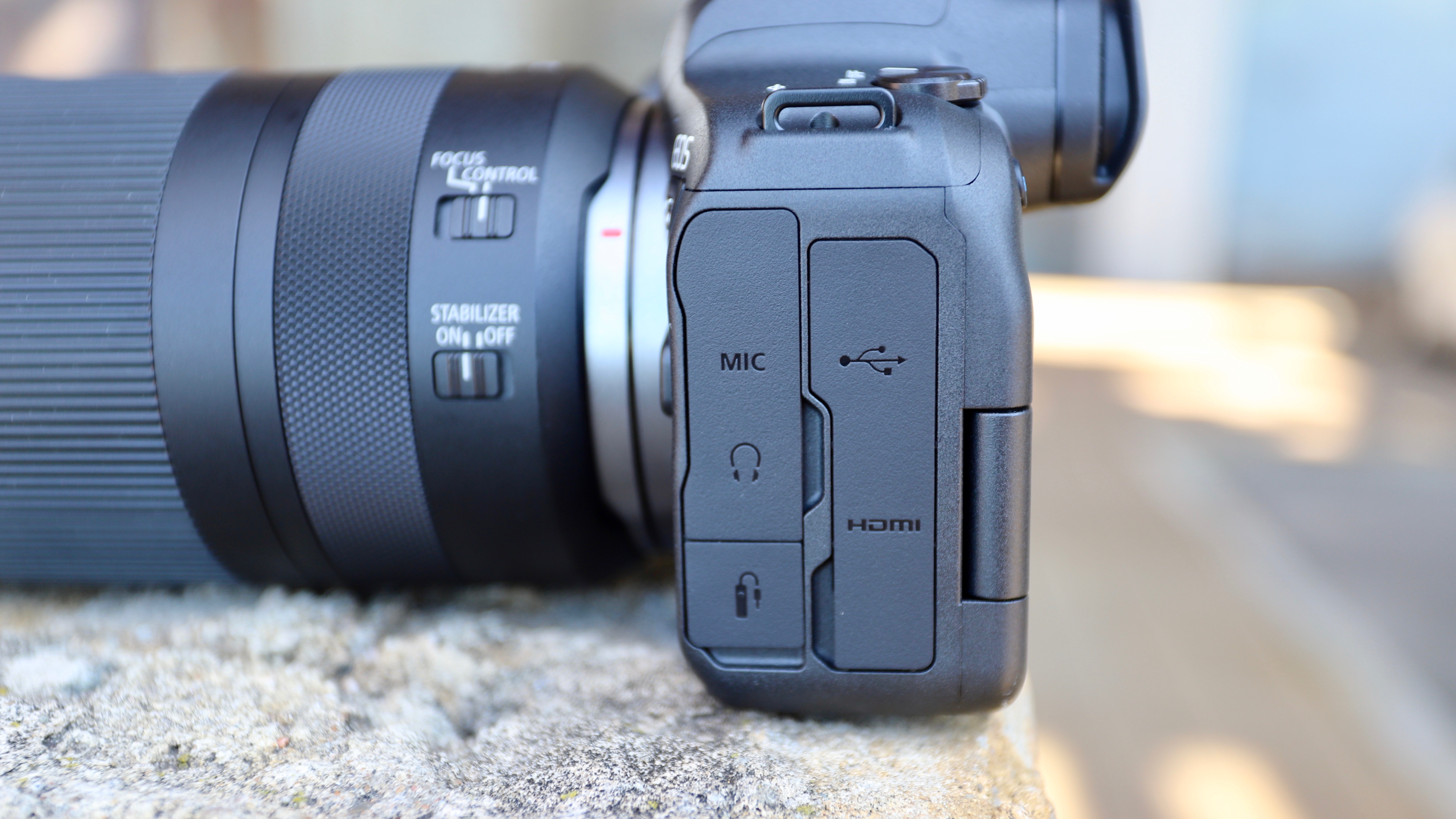
On the opposite side to the memory card slots are all the other ports you’ll need. There’s 3.5mm headphone and mic jacks, a 3.1 Gen 2 speed USB-C port, a micro HDMI port, and an E3 remote shutter terminal. The USB-C port can be used to charge the camera while on the go.
Speaking of charging, both the R6 and the R5 also benefit from a new battery – LPE-6NH – which not only offers better battery life (about 510 shots as per CIPA’s conservative rating) but is also compatible with any Canon body that uses LP-E6N or LP-E6 batteries (like the 6D Mark II, for example).
(Image credit: TechRadar)
Autofocus
6,072 AF points
Dual Pixel CMOS AF II
100% horizontal frame coverage
Like the pro-level 1D X Mark III and the more expensive EOS R5, the R6 is remarkably quick and accurate, with autofocus performance that’s arguably best in class. Starting with subject detection, locking onto a face or eye and then tracking the subject – it was all spot-on pretty much every single time we tested it.
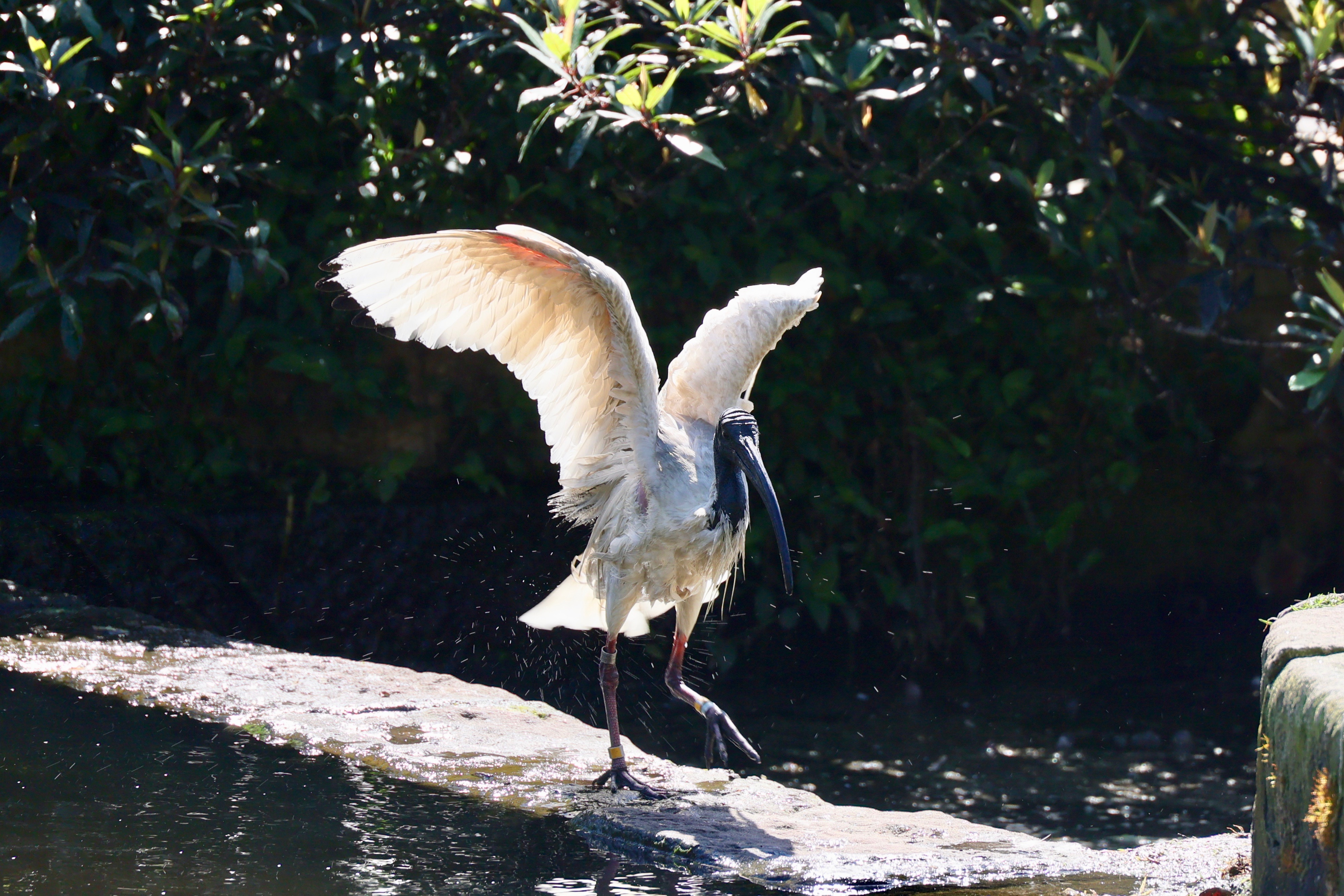
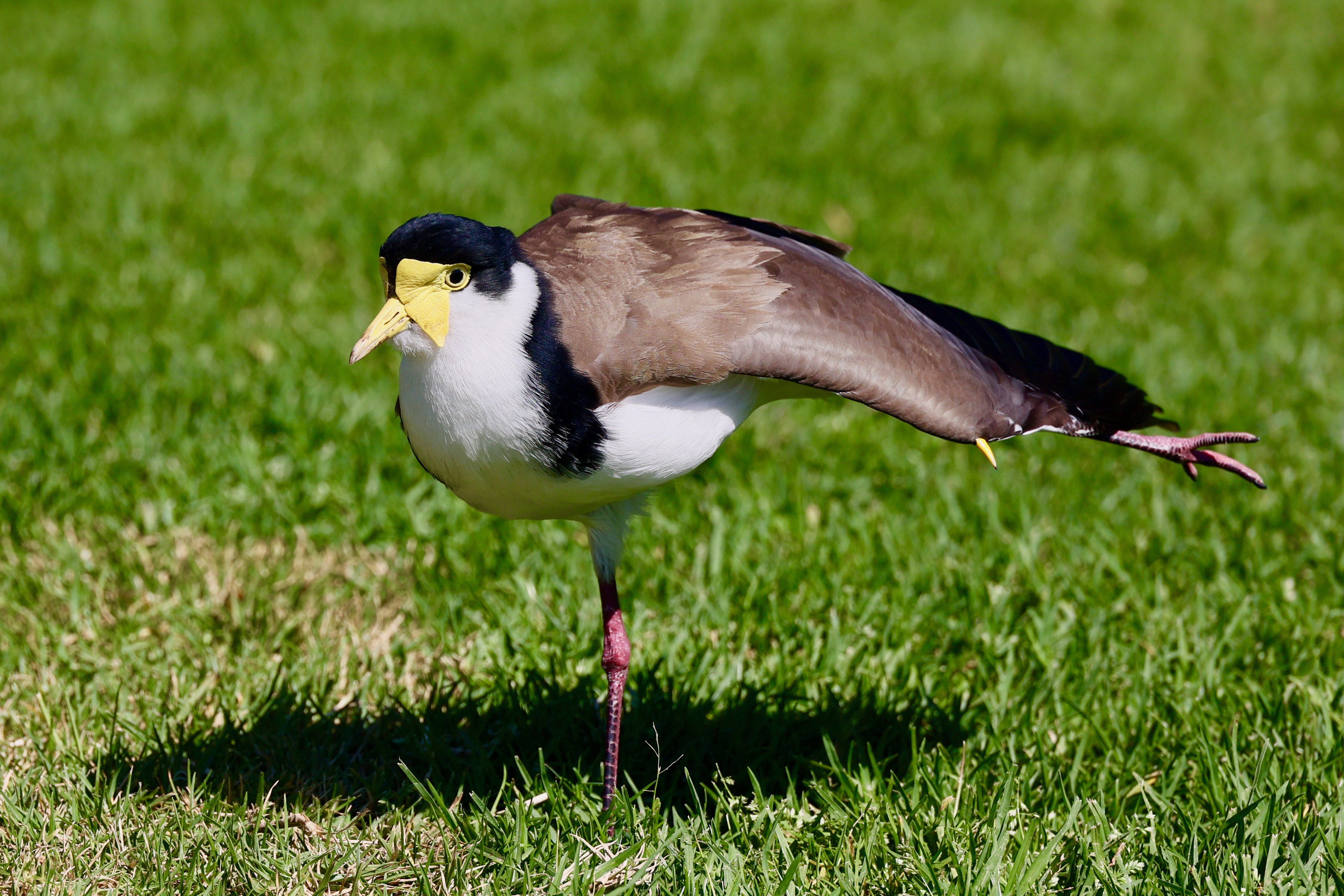
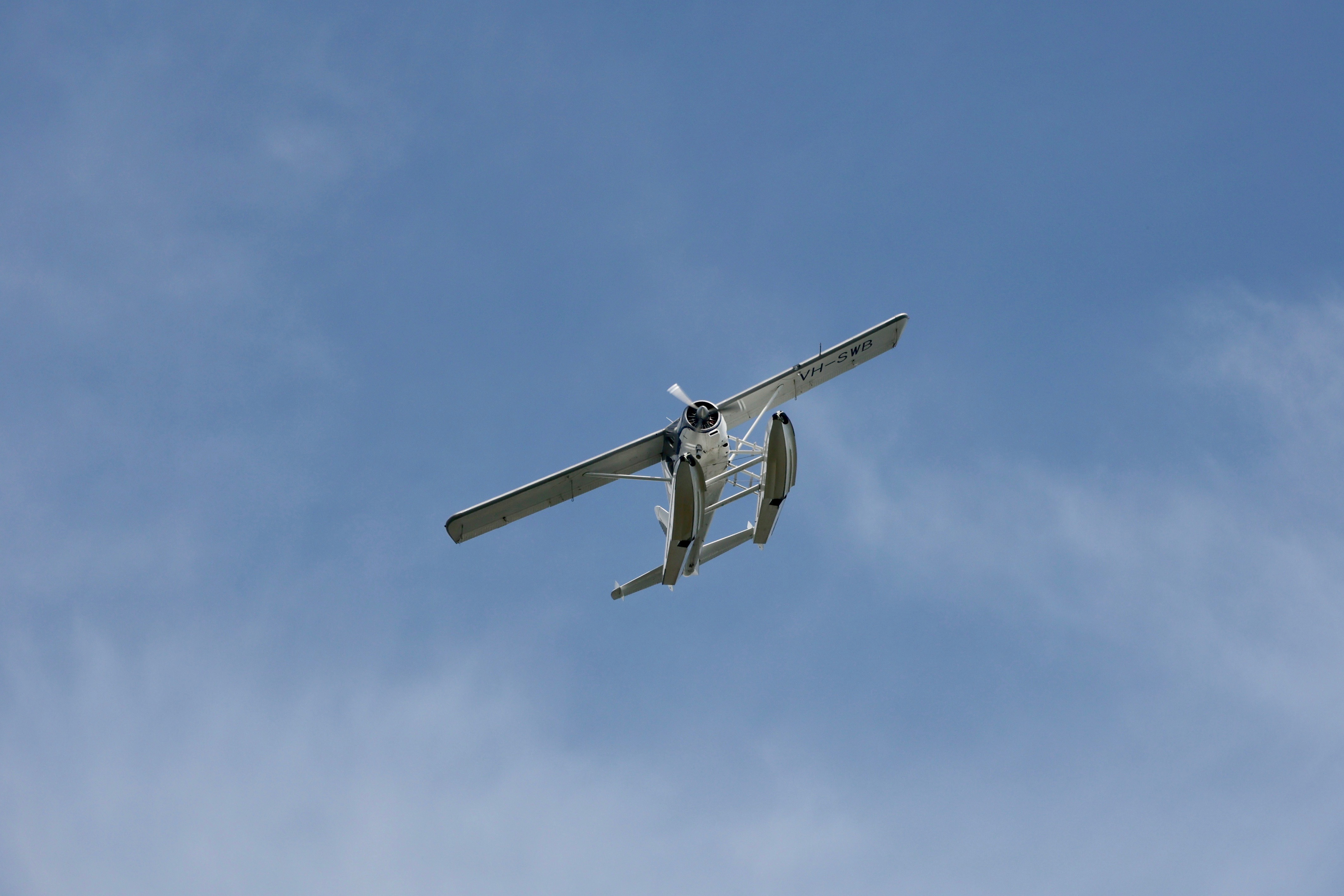
Bursts of a seaplane flying show every single frame in sharp focus, as does sequences of shots we took of birds. If the animal or person we were shooting turned away from the camera, the R6 promptly increased the focus box size and locked on to the back of the head. In fact, if the subject turned back to face the camera again, the R6 was able to lock onto an eye without so much as a blink.
Canon's AF system is best-in-class and the only time we failed to capture a sharp image is when we ourselves weren't able to keep up with our subjects(Image credit: TechRadar)
Canon says the animal recognition on the R6 is currently only for cats, dogs and birds, but that doesn’t stop the camera from focusing on anything it thinks is an eye or a head. For subjects as small as bees, the R6 was able to find the insect’s head and stick with it as long as it was on a flower. However, we failed while trying to track the bees as we were too slow to follow the busy bodies, and the out-of-focus images were no fault of the camera but the user's inability to keep up.
Canon’s new Dual Pixel CMOS AF II system allows focusing to be done on-sensor and gives you a whopping 6,072 AF points to choose from – higher than the R5’s 5.940 user-definable points. These points cover the entire horizontal frame and 90% vertically, which is more than what most intermediate-level cameras offer.
Long story short, there’s no other camera in this class that can do what the R6 does in terms of autofocus, at the speed at which it does, and, arguably, at the price point that it does.
Performance
Best-in-class full-frame IBIS
Up to 20fps burst speed
Improved battery life
With Canon’s latest Digic X imaging engine under the hood, you’d expect the R6 to be a top performer like the 1D X Mark III where the processor debuted. And our tests prove that it is.
The R6 is capable of capturing 5472x3648 pixel images (as compared to the larger 8192×5464 size on the R5) in JPEG or 14-bit RAW files. Compressed RAW is also available, but our file format pick is the 10-bit HEIF. To shoot in this format, you need to enable HDR PQ, which will swap JPEG out for HEIF, and you can convert back to JPEG in-camera as well.
To match the camera’s burst speed, it’s important the R6 have an equally impressive buffer memory. While a lot will depend on the memory card you’re using, the camera handled a burst of about 315 frames during our tests without even thinking about it to a UHS-II SD card.
In fact, you’ll easily be able to save over 1,000 JPEGs or compressed .CR3 RAW files to a UHS-II card without the camera slowing down. If you’re shooting uncompressed RAW, then buffer depth will drop significantly to 240 consecutive files. Either way, that’s way more than what most people will need.
Canon EOS R6 + RF 24-240mm F4-6.3 IS USM | 24mm, 1s (handheld) at f/4, ISO 800(Image credit: TechRadar)
But it was the image stabilization that we were most keen to test and, boy, did it impress. Paired with the RF 24-240mm f/4-6.3 IS USM lens, which itself has 5-stops of image stability built in, we were supposed to get a total of 6.5 stops of compensation according to Canon’s own claims. That means that at 24mm effective focal length, we should be able to hold the camera for a maximum shutter speed of 2 seconds and, in practice, that worked. The only downside to us capturing pinpoint sharpness was the buffeting wind we were facing. However, 1.6 second shutter speed shot during the same windy evening was perfectly usable.
Canon EOS R6 mechanical shutter (left) vs EOS R6 electronic shutter (right): there's no discernible rolling shutter effect while panning (Image credit: TechRadar)
We also tested how the R6’s electronic shutter would handle itself while panning. Rolling shutter effects are common when shooting with a sensor-based electronic shutter but our tests showed no noticeable distortion while panning slowly, but we did see a significant lean when panning faster.
Image quality
Excellent color reproduction
Disappointing dynamic range in JPEGs
Good ISO performance
Most users would be concerned with the resolving power of the 20MP sensor. As long as you aren’t doing a side-by-side comparison with the R5 – which would be highly unfair – we found the R6 can hold its own.
Images pop with color without appearing oversaturated, as has always been Canon’s trademark. Details are good for the most part but we did find the R6 struggles during bright sunlight.
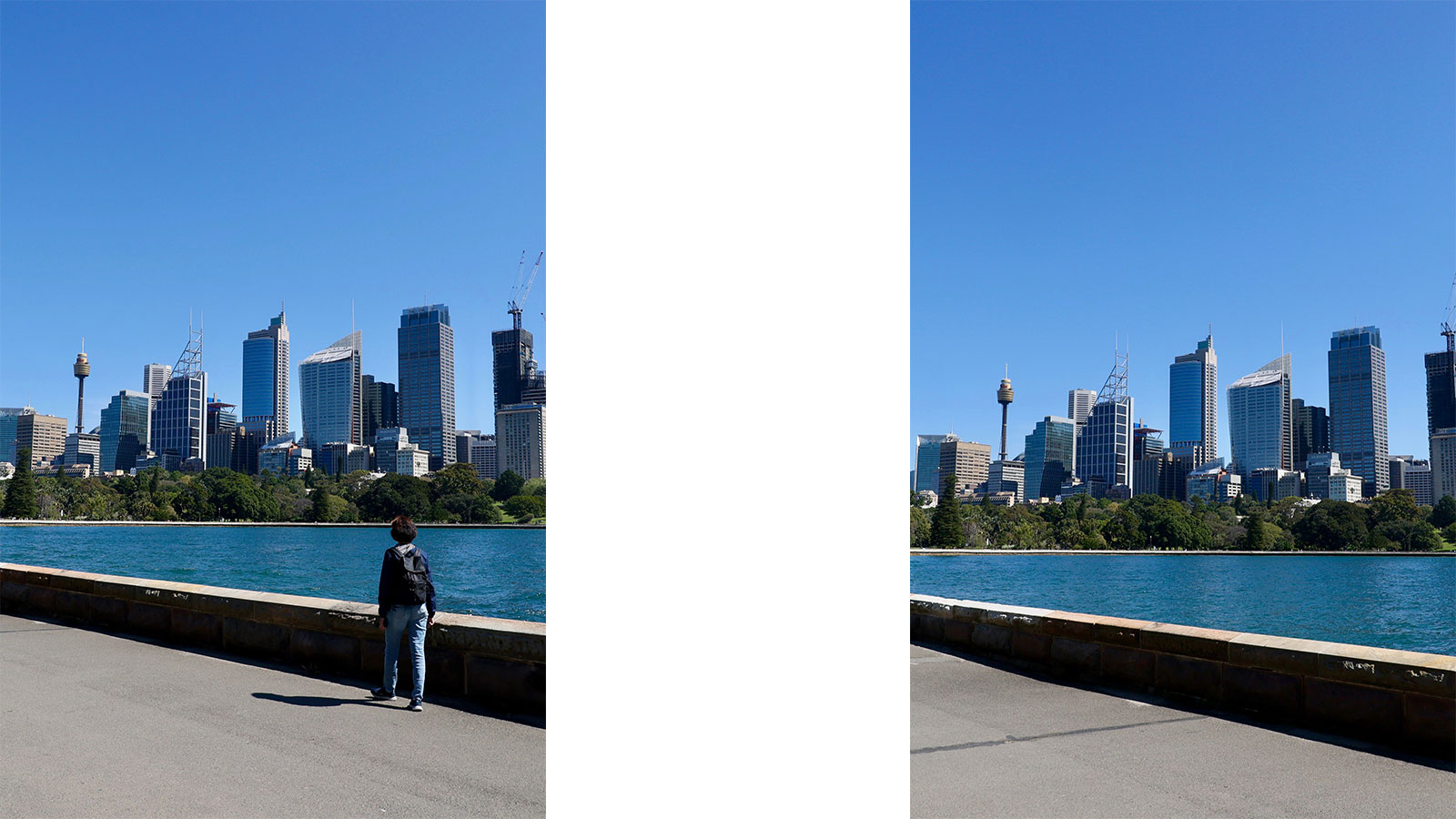
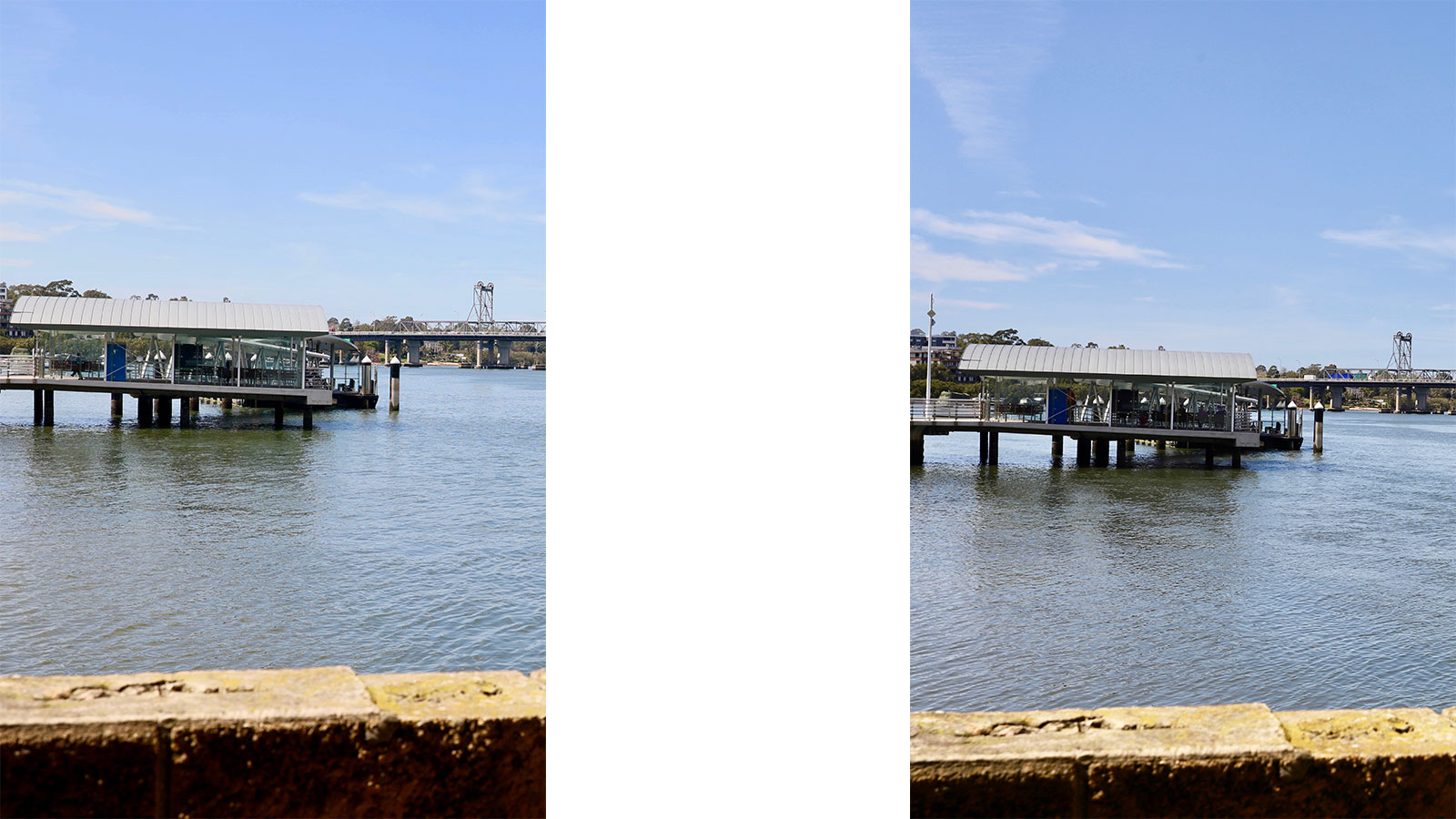
Canon EOS R6 (left) vs Canon EOS 6D Mark II (right): the DSLR captures more details and textures overall, although the R6 resolves the details within the building better(Image credit: TechRadar)
We took a series of shots on a very sunny day only to find images appearing flat, with lack of details. When compared to the EOS 6D Mark II, we found the latter’s 26MP had a touch more detail and texture than the R6, as you can see in the 50% crop side-by-side JPEG comparison pictured above.
While the R6 handled the resolution of the bars through the glass wall of the ferry wharf really well, the 6D II had more detail on the roof of the wharf and the water surface. Even colors on the R6 image appear flatter in comparison to the DSLR.
That said, these are standard JPEGs – if you shoot HEIF files, the R6’s 10-bit dynamic range will come into play and you’ll be able to capture greater tonal range. Keep in mind that software support for HEIF is still limited, although it is the default file format for Apple’s Photos app, and you can convert all HEIFs into JPEGs in-camera.
Image 1 of 12
Canon EOS R6 + RF 24-240mm F4-6.3 IS USM | 65mm, 1/400s at f/13, ISO 200(Image credit: TechRadar)
Image 2 of 12
Canon EOS R6 + RF 24-240mm F4-6.3 IS USM | 240mm, 1/350s at f/6.3, ISO 320(Image credit: TechRadar)
Image 3 of 12
Canon EOS R6 + RF 24-240mm F4-6.3 IS USM | 240mm, 1/500s at f/9, ISO 200(Image credit: TechRadar)
Image 4 of 12
Canon EOS R6 + RF 24-240mm F4-6.3 IS USM | 240mm, 1/2000s at f/16, ISO 3200(Image credit: TechRadar)
Image 5 of 12
Canon EOS R6 + RF 35mm F1.8 Macro IS STM | 35mm, 1/250s at f/5, ISO 200(Image credit: TechRadar)
Image 6 of 12
Canon EOS R6 + RF 24-240mm F4-6.3 IS USM | 240mm, 1/320s at f/7.1, ISO 200(Image credit: TechRadar)
Image 7 of 12
Canon EOS R6 + RF 24-240mm F4-6.3 IS USM | 25mm, 1/400s at f/10, ISO 200(Image credit: TechRadar)
Image 8 of 12
Canon EOS R6 + RF 24-240mm F4-6.3 IS USM | 240mm, 1/500s at f/10, ISO 200(Image credit: TechRadar)
Image 9 of 12
Canon EOS R6 + RF 24-240mm F4-6.3 IS USM | 240mm, 1/800s at f/10, ISO 200(Image credit: TechRadar)
Image 10 of 12
Canon EOS R6 + RF 24-240mm F4-6.3 IS USM | 118mm, 1/320s at f/9, ISO 200(Image credit: TechRadar)
Image 11 of 12
Canon EOS R6 + RF 24-240mm F4-6.3 IS USM | 24mm, 1/250s at f/8, ISO 100(Image credit: TechRadar)
Image 12 of 12
Canon EOS R6 + RF 24-240mm F4-6.3 IS USM | 42mm, 1/500s at f/13, ISO 200(Image credit: TechRadar)
You’ll also find that the camera’s 20MP sensor has enough resolving power to allow for some cropping without excessive loss in quality, provided the image was shot at low ISO. As expected, you’ll find some details being lost at high ISOs, although it was only at ISO 20,000 that we began to see this problem. The R6 also handles noise quite well.
Image 1 of 2
There's still a good amount detail at ISO 10,000...(Image credit: TechRadar)
Image 2 of 2
..but begin to flatten out at ISO 20,000 although the image is still usable(Image credit: TechRadar)
Overall, it’s a very capable camera that produces excellent images, as long as you aren’t looking to print any of them in a size larger than A3.
Should I buy the Canon EOS R6?
(Image credit: TechRadar)
Buy it if...
You want a worthy upgrade
If you’re currently using the EOS R, the RP or any of Canon’s DSLRs, the R6 is more than a worthy upgrade. It brings features you’ll be hard pressed to find in other cameras in the same class, and performance to match in terms of speed and precision.
You want a stills camera
It might have 4K/60p video recording capabilities but there are better cameras out there than the R6 if your primary goal is filmmaking. The R6 might be a hybrid, but it’s first and foremost a stills shooter and won’t be winning any video shooting contests any time soon.
You’re lusting after the R5 but can’t afford it
The R5 has got the photography world buzzing. However, not everyone needs a 45MP sensor or 8K video capabilities. If you can settle for a lower resolution sensor and 4K video, then the R6 is a brilliant compromise as you’re getting everything else the R5 can do, just in a slightly cheaper package.
Don't buy if...
You want more resolving power
The R6’s 20MP sensor produces great images but landscape photographers in particular might want to consider a higher resolution. With the R6, there will be limits to how much you can crop, how much detail you can capture and how large you can print.
You’re budget-conscious
The EOS R6 has an upper-midrange price tag that, in the current economic downturn, can’t be considered affordable. And it gets a little difficult to justify the cost when you can get really good full-frame mirrorless cameras with higher 40+ MP sensors for about the same price. So for Canon fans who are on a tight budget and resolution isn’t a huge concern, we’d recommend the EOS RP which is still the most affordable full-framer.
You prefer the advantages a DSLR can offer
The R6’s EVF is excellent to say the least, but there’s a case to be made for optical viewfinders on DSLRs. Moreover, you get better battery life if you go old-school, not to mention a wider variety of native lenses to choose from. Canon is increasing its stable of RF lenses, and you can use an adapter if you have existing EF lenses, but DSLRs like the 6D Mark II are significantly cheaper, while the EOS 5D Mark IV can be got at a lower price as well.
[First reviewed September 2020]
from TechRadar - All the latest technology news https://ift.tt/33Q7aOm
via IFTTT













Follow Us
Were this world an endless plain, and by sailing eastward we could for ever reach new distances